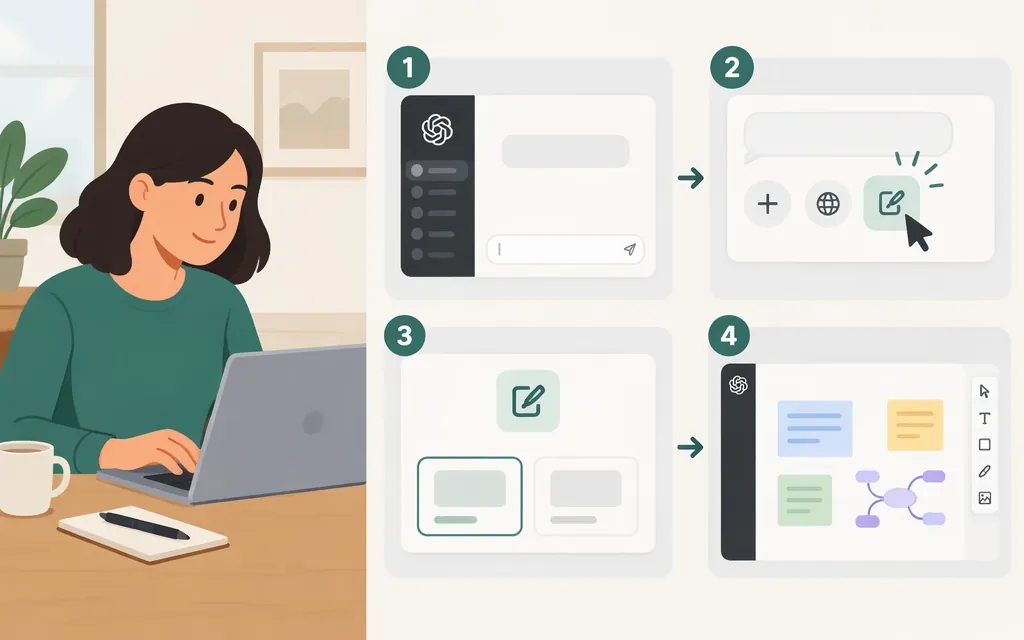
How to open Canvas in ChatGPT
You can ask ChatGPT to open a Canvas or request that it use Canvas for a task. OpenAI lists Canvas as available on the web, Windows, and macOS. (OpenAI Help Center)
Start a blank Canvas on the web
- Open ChatGPT in a web browser.
- In a chat, type “Open a canvas” or, for code, “Open a coding canvas.”
- When Canvas opens, type or paste your work into it.
OpenAI’s instructions specify these blank-Canvas prompts for the web. They also describe a shortcut in the composer for opening pasted content in Canvas. (OpenAI Help Center)
Ask ChatGPT to use Canvas for a task
- Start a chat on a supported platform.
- Include “use canvas” in your request—for example: “Use canvas to help me revise this report: [paste your draft].”
- If Canvas opens, work with the document or code in the pane that appears.
ChatGPT may also open Canvas automatically when it decides a writing or coding task would benefit from a workspace. This is not guaranteed for every prompt. (OpenAI Help Center)
If Canvas doesn’t appear
- Check the platform: OpenAI lists Canvas for web, Windows, and macOS; its Help Center says mobile support is coming. (OpenAI Help Center)
- Check the selected model: OpenAI says Canvas is not available with pro-series models. If you selected one, try another available model. (OpenAI Help Center)
- Try a direct request: Ask ChatGPT to “open a canvas,” or include “use canvas” in a writing or coding request. These are documented ways to request it, but Canvas may not open for every task. (OpenAI Help Center)
The Help Center instructions cited here do not specify a paid-plan requirement. If the documented prompts still do not work, the available sources do not establish why Canvas is missing for your account or workspace.
Is ChatGPT Canvas available through a production API?
The documentation reviewed here describes Canvas as a ChatGPT interface, but does not establish a production API for opening that interface. OpenAI’s API documentation describes separate capabilities, such as the Responses API’s Code Interpreter tool for running Python in a sandbox; that documentation does not show that the tool opens or reproduces ChatGPT Canvas. (OpenAI Help Center; OpenAI API documentation)
Sources
What is the canvas feature in ChatGPT and how do I use it? — OpenAI Help Center