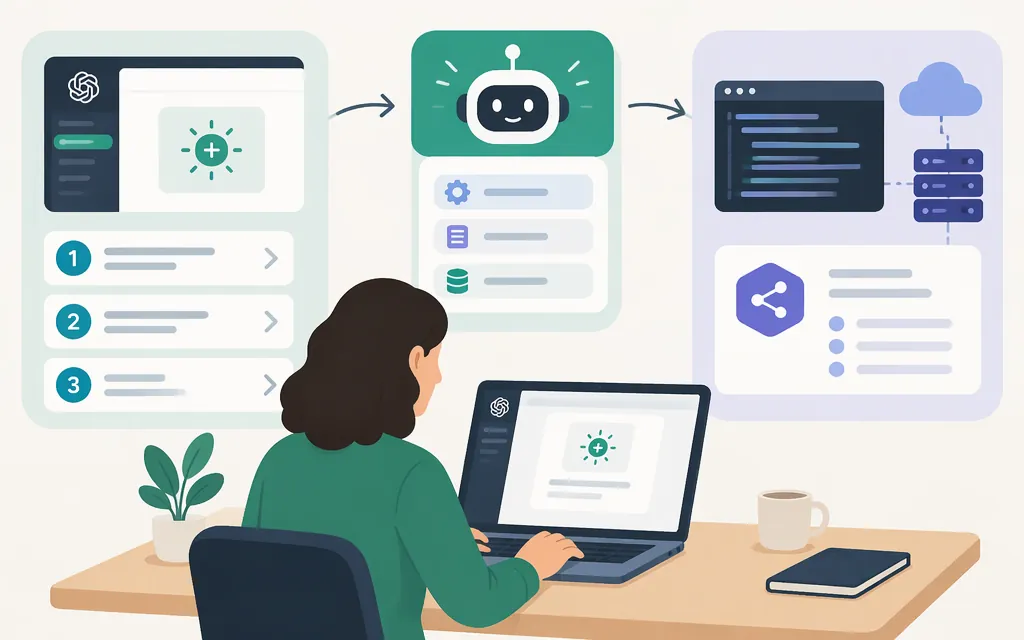
Short answer: A custom GPT is configured for use inside ChatGPT. An API-powered assistant is built into an application you control. They are different build paths—and, as of November 10, 2026, new GPT creation is not available on personal ChatGPT accounts, including Free, Go, Plus, and Pro. In managed workspaces, creation depends on availability, workspace settings, and permissions. (help.openai.com)
There is also a transition underway. OpenAI schedules custom GPT retirement for December 11, 2026. The later date, February 11, 2027, applies to FedRAMP workspaces and affected Enterprise workspaces with a qualifying, approved deferral; it is not a general extension. For affected Enterprise workspaces, new GPT creation ended on October 26, 2026, except in FedRAMP workspaces. Check the notice for the account or workspace where the GPT was created. (help.openai.com)
Choose the right build path
| Your goal | Route | What it means |
|---|---|---|
| Configure an assistant for use inside ChatGPT | Custom GPT, if creation is available in your workspace | Set instructions, knowledge, and available capabilities in ChatGPT. This does not, by itself, deploy an application on your website. |
| Connect a GPT in ChatGPT to an external API | GPT Action, where available | Configure an API integration for a GPT. Availability and setup depend on workspace permissions and supported features. |
| Put an assistant in your own product or website | OpenAI API | Your application sends model requests and controls how to present responses and handle external operations. This requires development work. |
A GPT Action and an API-powered app are different: an Action connects a GPT to an external API inside ChatGPT, while an API app makes model requests from software you build. (help.openai.com)
Check access before you start
GPT creation and editing are available on the web, not in ChatGPT mobile apps. Personal accounts cannot create or publish new GPTs. In Business, Enterprise, and Edu workspaces, check your workspace notice, settings, and permissions. If you do not see a creation option, ask your workspace administrator whether it is enabled for you. (help.openai.com)
Create, configure, test, and share a GPT
These steps apply only if your workspace still allows creation and you have permission. OpenAI’s guide says to open Explore GPTs in the ChatGPT sidebar—or visit chatgpt.com/gpts—and select Create to open the builder. Then choose the conversational builder or configure the GPT directly in its fields. (help.openai.com)
- Pick one clear job. For example: “Help new employees find answers in our onboarding guide. If the guide does not answer a question, say so and direct the user to HR.” A specific task is easier to configure and test than “help with everything.”
- Set up the GPT’s instructions and user-facing details. Define its task, intended users, response style, boundaries, and what to do when information is missing or a request is outside scope. Add a name, description, and conversation starters as appropriate. These are among the configuration fields OpenAI lists in its guide. (
help.openai.com) - Add knowledge or capabilities only if needed. If those options are available, provide task-relevant reference material and select the capabilities your GPT needs. Test whether it uses the material as intended; feature availability can depend on workspace settings. (
help.openai.com) - Preview and test. Try a normal request, one that lacks important context, and one outside the GPT’s scope. Check whether the response follows your instructions and uses the intended reference material, then revise and retest. OpenAI’s troubleshooting guidance recommends checking that needed facts are in uploaded files and simplifying complex documents where appropriate. (
help.openai.com) - Complete the new GPT separately from sharing it. After reviewing the configuration and preview, follow the builder’s on-screen control to complete creation. The final control’s label may depend on the workspace or current builder flow, so do not mistake the later sharing Save for the initial creation action.
- Set sharing if you want others to access it. Open the created GPT in the editor and select Share. Choose an available sharing level and permission level, then select Save to apply those sharing changes. Copy the GPT link if you want to send it directly. In managed workspaces, a GPT must be created before it can be shared. (
help.openai.com)
Sharing and publishing options depend on your account and workspace settings. Choose from the options actually shown to you—such as access for selected users, your workspace, link sharing, or GPT Store publication where available. Public sharing is not required. (help.openai.com)
Expected result: If creation is enabled for you, you have a GPT configured for use in ChatGPT, with sharing set separately if needed. This does not deploy an assistant in your own application.
Build an API-powered assistant instead
Choose the API route when you need an assistant inside your own application or want your backend to control model requests. The following minimal Node.js example follows OpenAI’s developer quickstart. It tests a request and prints the model’s text response; it is not a complete production application. (developers.openai.com)
Prerequisites: Node.js, an OpenAI API key, and the official openai package. API usage is billed separately from a ChatGPT subscription; check the current API pricing before deploying. (developers.openai.com)
-
Install the SDK:
npm install openai -
Set your API key in the terminal you will use to run the example. On macOS or Linux:
export OPENAI_API_KEY="your_api_key_here"In PowerShell, set it for the current session:
$env:OPENAI_API_KEY = "your_api_key_here" -
Save this as
example.mjs:import OpenAI from "openai"; const client = new OpenAI(); const response = await client.responses.create({ model: "gpt-6-astra", input: "Write a one-sentence bedtime story about a unicorn.", }); console.log(response.output_text); -
Run it:
node example.mjs
The example uses the model identifier shown in OpenAI’s quickstart. Check the current model documentation and your project’s access before building around a particular model. (developers.openai.com)
What makes this a production app—not just a test call?
Keep API requests on your server rather than exposing your API key in browser or mobile application code. Add the authentication, input validation, error handling, usage monitoring, and spending controls your application needs. If the assistant can take actions in another service, validate and authorize those actions on your server; do not treat generated text alone as permission to execute them. OpenAI’s API-key guidance covers keeping keys secure, and its quickstart demonstrates loading the key from an environment variable. (developers.openai.com)
Which route should you choose?
- You want a helper inside ChatGPT: Check whether your workspace can still create GPTs and review its transition notice before investing in a workflow.
- You want an assistant in your own app or website: Use the API route and build a backend around the request. API billing is separate from ChatGPT subscription billing. (
help.openai.com) - You want a ChatGPT GPT to connect to an external API: Check whether Actions are available in your workspace. OpenAI says custom Actions do not transfer automatically during GPT-to-plugin migration, so plan and test any replacement integration separately. (
help.openai.com)
Bottom line: Building a GPT in ChatGPT and building with a model API are different tasks. Personal accounts cannot create new custom GPTs as of November 10, 2026. Eligible managed workspaces should check their own access and transition notices; use an API application when you need to deliver an assistant through software you control.
Sources
Creating and editing GPTs — OpenAI Help Center
GPTs in ChatGPT — OpenAI Help Center
Sharing and publishing GPTs — OpenAI Help Center
Custom GPT retirement and migration FAQ — OpenAI Help Center
Troubleshooting GPTs — OpenAI Help Center
Developer quickstart — OpenAI API
Best practices for API key safety — OpenAI Help Center
Managing billing for ChatGPT and the API platform — OpenAI Help Center