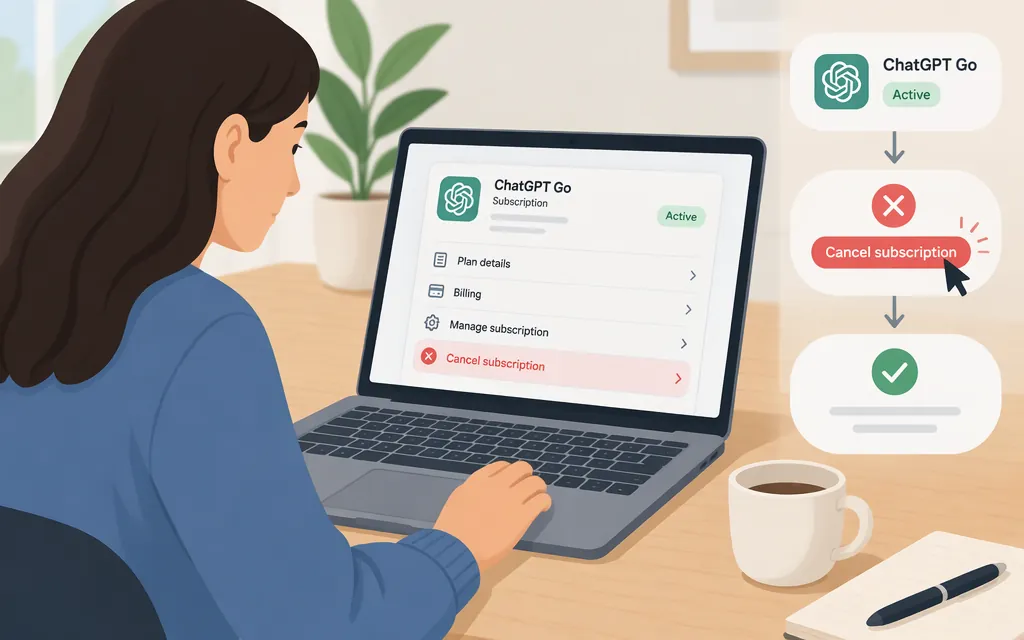
How to cancel ChatGPT Go
Cancel through the provider that bills your subscription: ChatGPT on the web, Apple, or Google Play. Use the same platform where you bought Go; cancel at least 24 hours before your next billing date to avoid being charged for the next subscription period. (OpenAI cancellation guidance)
Find your billing provider
Check Settings → Billing in ChatGPT for a web subscription. For a mobile purchase, check the Apple or Google account used to subscribe. OpenAI’s cancellation guidance lists a separate route for each provider. (OpenAI cancellation guidance)
Cancel using the matching route
- ChatGPT on the web: Sign in to ChatGPT, open your account menu, and select Settings → Billing. Under Cancel plan, select Cancel and follow the prompts to confirm.
- Apple App Store: On your iPhone or iPad, open Settings → your name → Subscriptions → ChatGPT → Cancel Subscription, then confirm. If there is no cancel button and an expiration date appears, the subscription may already be canceled.
- Google Play: Sign in to the Google account used for the purchase. Open Google Play’s Subscriptions, select ChatGPT, tap Cancel subscription, and follow the prompts.
Afterward, check the same account or store for a cancellation confirmation or subscription end date. Uninstalling the ChatGPT app does not cancel the subscription. (OpenAI cancellation guidance)
What happens to renewal, access, and refunds?
ChatGPT Go renews monthly. Cancel at least 24 hours before the next billing date to avoid the next charge. After an ordinary cancellation, paid features remain available until the end of the current billing period. Check your billing provider’s account for your renewal date and amount. (OpenAI cancellation guidance)
Canceling is not the same as getting a refund. Payments are generally non-refundable. OpenAI says a discretionary refund may be available for an unused individual subscription purchase, subject to its eligibility requirements; the available guidance here does not establish which purchase channels that seven-day window covers, so it should not be treated as a universal deadline. For an Apple-billed purchase, request the refund directly from Apple. For a web purchase, use the OpenAI Help Center refund instructions. For a Google Play-billed purchase, consult the official refund guidance for the applicable process; the available information here does not confirm the exact Google Play request route. (OpenAI refund guidance)
Does canceling Go stop production API charges?
No. ChatGPT Go and OpenAI API billing are separate. Canceling Go stops that subscription’s future renewals; it does not cancel API billing or stop API usage. If you use the API in production and want to stop those charges, manage API billing separately. (OpenAI billing guidance)
If you can’t find the subscription or cancel option
Make sure you’re signed in to the ChatGPT, Apple, or Google account used for the purchase, and cancel through that provider. If web billing controls are missing, OpenAI recommends trying the same ChatGPT account in another browser. If you still can’t locate the subscription, contact the billing provider or OpenAI Support through the Help Center. (OpenAI cancellation guidance)
Sources
Canceling your ChatGPT subscription - OpenAI Help Center
How do I request a refund for my ChatGPT subscription? - OpenAI Help Center
Managing billing for ChatGPT and the API platform - OpenAI Help Center