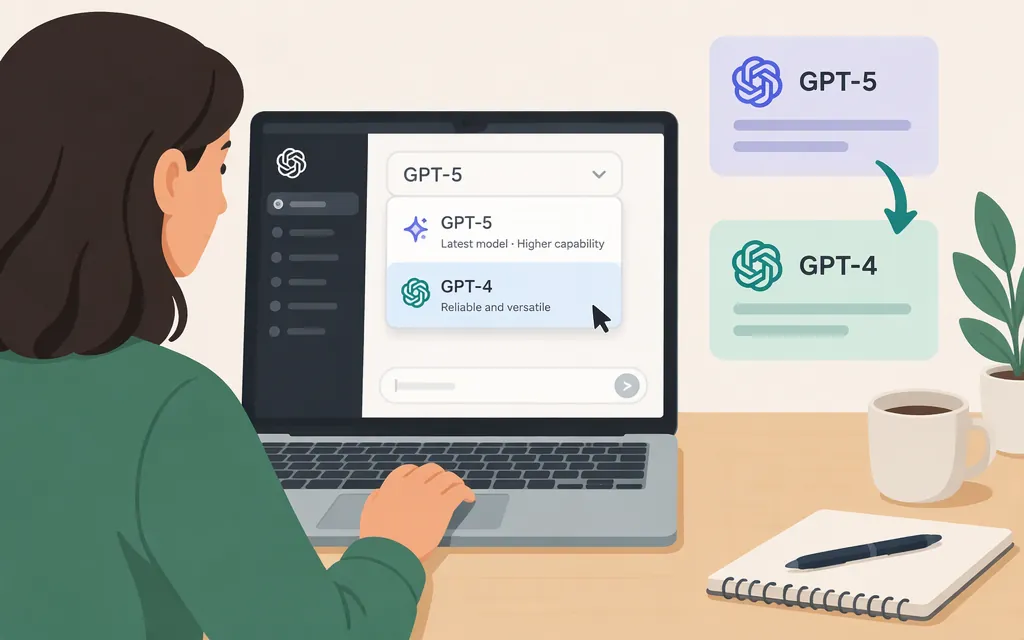
Short answer
You can’t switch ChatGPT to the original GPT-4 model. OpenAI announced that GPT-4 would be retired from ChatGPT effective April 30, 2025, and replaced there by GPT-4o. GPT-4o is a different model name, not another label for GPT-4. (OpenAI release notes)
GPT-4o and GPT-4.1 are also no longer selectable in ChatGPT: OpenAI says it retired GPT-4o, GPT-4.1, and GPT-4.1 mini from ChatGPT on February 13, 2026. The listed legacy-model exception for GPT-4o in some workspace Custom GPTs ended on April 3, 2026. API availability is managed separately. (OpenAI Help Center)
Check the model menu in ChatGPT
OpenAI’s current guidance refers to a model menu for checking available models, but it doesn’t specify a consistent on-screen location or a separate visual confirmation step for the ChatGPT web interface. To check what you can use, open that menu in ChatGPT and choose from the models listed there. The exact options depend on your account and workspace settings. (OpenAI Help Center)
If GPT-4, GPT-4o, or GPT-4.1 is absent, you can’t make a retired model available by switching a setting. OpenAI says retired models no longer appear in the ChatGPT model picker. For Enterprise or Edu workspaces, an administrator can review currently available legacy models and enable legacy-model access where supported; that setting does not restore retired models. (OpenAI Help Center)
Using a GPT-4-family model through an API is different
API access is separate from choosing a model in a ChatGPT conversation. OpenAI’s retirement guidance says the named retired models remain available through the API, but check the current API model documentation for the exact model identifier and access before building or updating an integration. An API request does not change the model selected in ChatGPT. (OpenAI Help Center)
For production, send requests through your own backend and keep the API key out of browser or mobile-app code. API billing is separate from a ChatGPT subscription. (OpenAI API key safety guidance; billing guidance)
Bottom line: You can’t switch ChatGPT to the original GPT-4, GPT-4o, or GPT-4.1. Check the model menu for currently available options, or consult API documentation if you need a model for a separate developer integration.
Sources
GPT-6 and other models in ChatGPT
Legacy Model Access for Enterprise and Edu Users
Retiring GPT-4o and other ChatGPT models