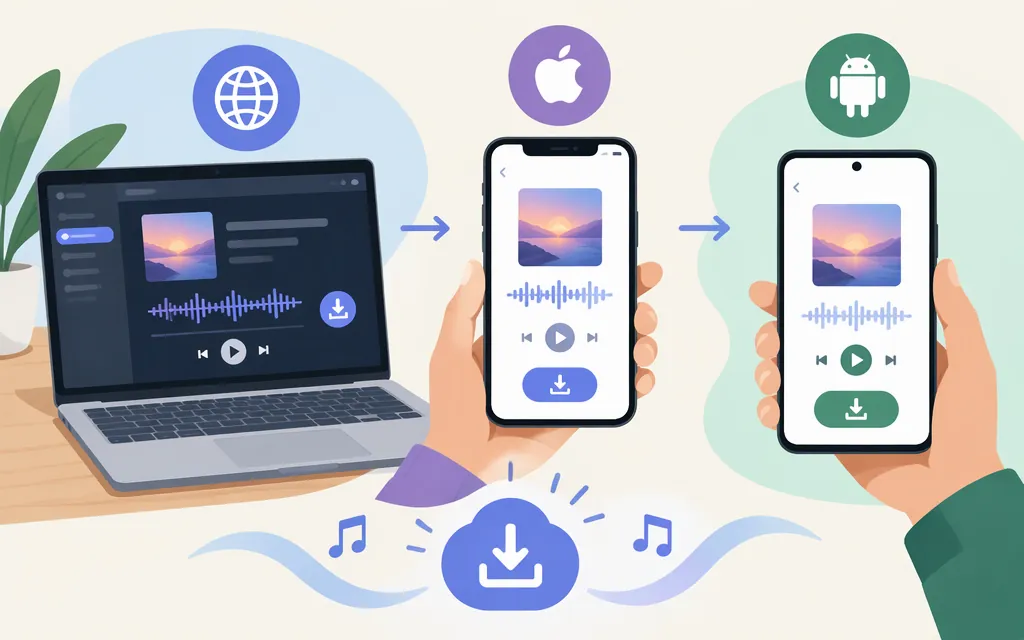
How to download a Suno song
Open your Library or Workspace, find the song, select its More Actions (…) menu, choose Download, then pick an available option. Suno’s help center describes this download sequence. MP3 is available on web and mobile; WAV is available to Pro and Premier subscribers on suno.com. Suno says mobile downloads default to MP3. (Suno: How do I download songs?; Suno: What types of files can I download?)
Download in a web browser
- Sign in to Suno and open Library or Workspace.
- Find the song you want to save.
- Select the song’s More Actions (…) menu.
- Hover over or select Download, then choose an available option.
- When the download finishes, open your browser’s downloads list or check its configured download folder. For example, Chrome lists recent files under More → Downloads; your browser may use a different folder or setting.
- Open the downloaded file to confirm it plays.
Choose a format: MP3 is available for song downloads on all plans. WAV is available to Pro and Premier subscribers on suno.com. Suno says mobile downloads default to MP3. (Suno: What types of files can I download?)
Download on iPhone or Android
In the Suno app: Open Library, find the song, select More Actions (…), then choose Download and an available option. Suno’s help describes the Library download sequence, and says mobile downloads default to MP3. The sources cited here do not establish where a file downloaded inside the native app is saved, so use the phone-browser steps below if you need a documented way to find a local file. (Suno: How do I download songs?; Suno: What types of files can I download?)
On iPhone with Safari: Go to suno.com in Safari, sign in, and follow the web download steps above. After downloading, tap Safari’s Downloads button to open the file, or check Files → Browse → iCloud Drive → Downloads. Open the file to confirm it plays. If your browser or device uses a different download location, check Safari’s download list first. (Apple Support: Where to find downloads on your iPhone or iPad)
On Android with Chrome: Go to suno.com in Chrome, sign in, and follow the web download steps above. To find the file, open Chrome’s More → Downloads list or look in the device’s Files app. Open the downloaded file to confirm it plays. (Google Chrome Help: Download a file on Android)
If Download is missing—or you can’t find the file
- Check the song and account: Suno’s instructions cover songs in your Library or Workspace. If the song isn’t there, confirm you’re signed into the account where it appears. The help pages cited here do not establish that every song by another creator is downloadable. (Suno: How do I download songs?)
- Check format and plan: WAV is available to Pro and Premier subscribers from
suno.com; Suno says mobile downloads default to MP3. If you need WAV, try the website rather than the app. (Suno: Why can’t I download WAV files?) - Check your download allowance: As of November 10, 2026, Suno’s help center describes 20 monthly download credits for Pro and 60 for Premier. It says free users who joined before September 3, 2026 may have up to seven trial downloads; free users who joined on or after that date may occasionally receive trial downloads. The cited guidance does not establish whether interrupted or repeat downloads use another credit, so don’t assume those downloads are free. (Suno: How do downloads work?)
- Look in the browser or device downloads list: The browser may save files somewhere other than the folder you expect. Check its downloads list first, then search the device’s Files app or download folder. (Apple Support; Google Chrome Help)
- Still stuck? Search Suno’s Help Center for the error or contact Suno support at
support@suno.com. (Suno Help Center)
Do you need an API to download a Suno song?
No—not for the ordinary download task described here. Suno’s documented consumer route is to download from Library or Workspace on the web or in the app. The official material cited above does not document a production API workflow for downloading a song, so an API tutorial would not be a reliable substitute for these steps. (Suno: How do I download songs?)
Sources
How do I download songs? — Suno Help Center
What types of files can I download? — Suno Help Center
Why can’t I download WAV files? — Suno Help Center
How do downloads work? — Suno Help Center
Something isn't working. How do I get help? — Suno Help Center
Where to find downloads on your iPhone or iPad — Apple Support
Download a file — Android phone & tablet — Google Chrome Help