First, check whether you can create one
As of November 10, 2026, new GPT creation and publishing are unavailable on personal ChatGPT accounts, including Free, Go, Plus, and Pro. In managed workspaces, creation depends on workspace settings, permissions, and current availability. OpenAI says the new-GPT cutoff for affected Enterprise workspaces was October 26, 2026; FedRAMP workspaces are excluded from that cutoff. Check the notice and settings for the workspace where you want to create the GPT. Creation and editing take place on the web, not in ChatGPT’s mobile apps. (Creating and editing GPTs)
OpenAI has also announced that custom GPTs are scheduled to retire on December 11, 2026. FedRAMP workspaces and affected Enterprise workspaces with a qualifying, approved deferral have a later date of February 11, 2027. That later date does not apply to every workspace, and a deferral does not restore eligibility to create new GPTs. Migration access and timing can vary, so follow the notice for the account or workspace where the GPT was created. (Custom GPT retirement and migration FAQ)
How to make a custom GPT in ChatGPT
If your workspace currently permits new GPT creation and you have permission, use ChatGPT on the web:
-
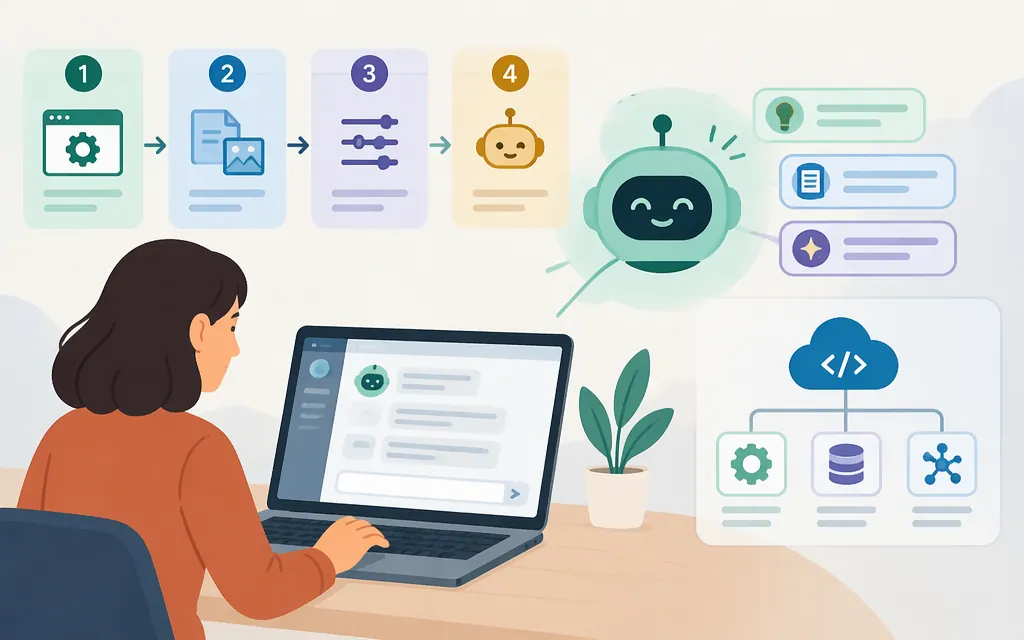
Open the GPT builder. Select Explore GPTs in the sidebar or go to
chatgpt.com/gpts, then select Create. You can describe the GPT to the conversational builder or configure it directly in the editor. (Creating and editing GPTs) -
Define one clear job. Decide who the GPT helps, what task it should do, and what it should do when it lacks information or receives an out-of-scope request. A focused purpose makes the GPT easier to review and test.
-
Configure its basic details and instructions. In the configuration view, fill in the user-facing name, description, and conversation starters. Write instructions that describe the GPT’s role, how it should respond, and its boundaries. (Creating and editing GPTs)
Example instruction: “Help operations staff summarize internal procedures. Use the supplied documents for policy details. If the answer isn’t there, say so and ask what information is missing.” This is an example, not a tested GPT or a guarantee of accuracy.
-
Add knowledge if useful. Add relevant reference material using the knowledge option in the builder. Keep behavioral rules in the instructions and use knowledge files for source material. Test whether the GPT uses the relevant information rather than assuming an upload makes its answers correct. GPTs can combine instructions, knowledge, and selected capabilities. (GPTs in ChatGPT)
-
Choose optional capabilities deliberately. Add only what the task requires. If you connect an external API using an Action, consider what information or operations it can access. OpenAI’s Action setup guide calls for the service’s API details, authentication information, and an OpenAPI schema. (Configuring actions in GPTs)
-
Preview, test, and revise. Try normal requests, then unclear, incomplete, and out-of-scope ones. Check accuracy against the source material, requested format, handling of missing details, and whether the GPT respects its boundaries. If it misses, adjust an instruction or source file and test again. The builder includes a Preview experience for testing. (Creating and editing GPTs)
-
Create the GPT, then choose whether and how to share it. Use the builder’s Create control to create the GPT. If a sharing option is available, open it in the editor, select Share, choose an available sharing level and permission, and select Save to apply sharing changes. Options depend on your account and workspace settings. (Sharing and publishing GPTs)
Sharing choices
Depending on the options available to you, sharing may be limited to you or selected people, available to people in your workspace, accessible to anyone with a link, or published in the GPT Store. For a personal account, Invite-only means only you; in managed workspaces it can include specified users or groups. Link sharing and GPT Store publishing may not be available, and workspace admins can restrict sharing. Personal accounts cannot create or publish new GPTs under the current rules. (Sharing and publishing GPTs)
A quick test set
For a procedure-summary GPT, try prompts such as:
- Normal: “Summarize the procedure for submitting an expense report.”
- Missing information: “What’s the reimbursement deadline?”—when the supplied material doesn’t state one.
- Ambiguous: “Can I submit this?” without explaining what “this” is.
- Out of scope: “Approve my reimbursement.”
Check whether answers reflect the source, acknowledge missing information, ask for clarification when needed, and avoid claiming to have taken an action the GPT cannot take. These are suggested tests, not reported test results.
Custom GPT or production model API?
Choose based on where people need to use the assistant and how much application-side control you need:
- A custom GPT is configured for people to use within ChatGPT, if your account or workspace can create one. Consider the announced retirement and your workspace’s migration notice before starting a workflow that needs to last.
- A production model API is a route for developers building an assistant into their own software. The application can manage its workflow and connect model requests to application data or actions. With function calling, the model can request a tool call; the application implements that operation and returns its result. (OpenAI API function-calling guide)
Creating a GPT in ChatGPT does not by itself create an API-backed application. If you need an assistant inside your product, or need your server to control authentication, data access, or tool execution, start with the OpenAI API function-calling guide. For a ChatGPT workflow, first check your workspace’s creation and migration notices.
Sources
Creating and editing GPTs — OpenAI Help Center
Custom GPT retirement and migration FAQ — OpenAI Help Center
GPTs in ChatGPT — OpenAI Help Center
Configuring actions in GPTs — OpenAI Help Center