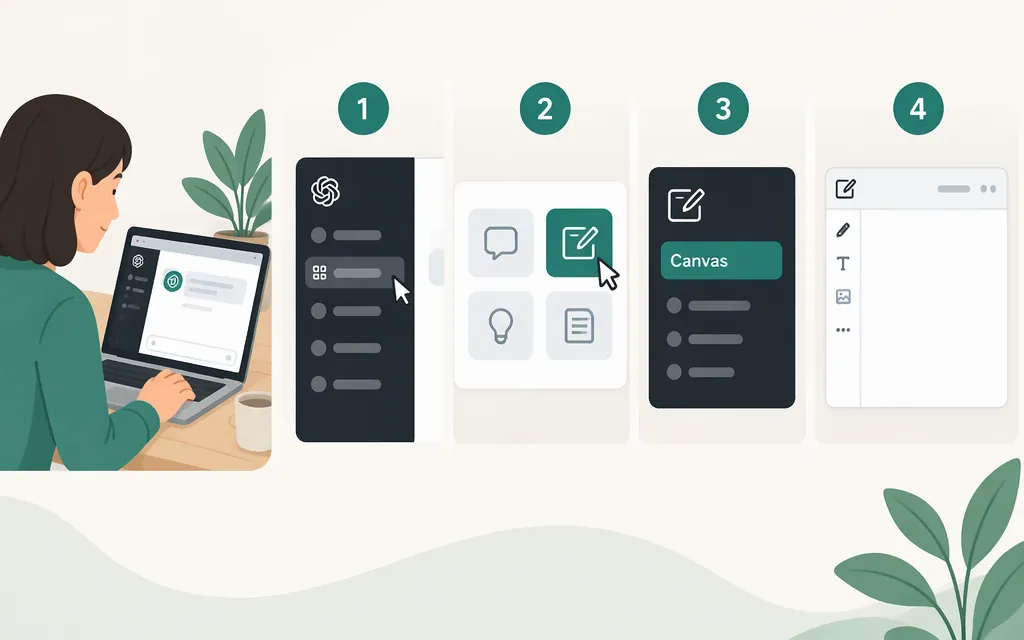
Open Canvas in ChatGPT
On ChatGPT in a desktop web browser, start a chat and send “open a canvas” or “open a coding canvas.” OpenAI’s Help Center documents these prompts for opening a blank Canvas on the web. When it opens, you can start typing or paste in existing work.
- Open ChatGPT in a desktop browser and start a chat.
- Type “open a canvas” or “open a coding canvas,” then send the message.
- When Canvas opens, type into it or paste in your draft or code.
ChatGPT may also open Canvas automatically when it thinks a task would benefit from it, but that is not guaranteed for every prompt. (OpenAI Help Center)
If Canvas doesn’t appear
OpenAI’s Help Center lists Canvas as available on web, Windows, and macOS; it lists iOS, Android, and mobile web as coming soon. If you’re on a phone, switch to a supported desktop platform and, for the documented blank-Canvas prompt, use a desktop browser. The guidance does not specify a plan requirement or a further fix if Canvas still does not appear on a supported platform. (OpenAI Help Center)
Is Canvas the same as using a production API?
No—not in the sense of opening the same ChatGPT Canvas screen. Canvas is an interface for working with ChatGPT, while OpenAI describes its API as a way to build applications using its models. The official materials cited here do not document an API call that opens ChatGPT’s Canvas interface. For a production application, treat the API as a way to build your own model-powered experience, not as a documented way to launch the ChatGPT Canvas UI. (OpenAI Help Center: Canvas; OpenAI Help Center: API)
Sources
What is the canvas feature in ChatGPT and how do I use it? — OpenAI Help Center
How do I start exploring the OpenAI API? — OpenAI Help Center