Short answer
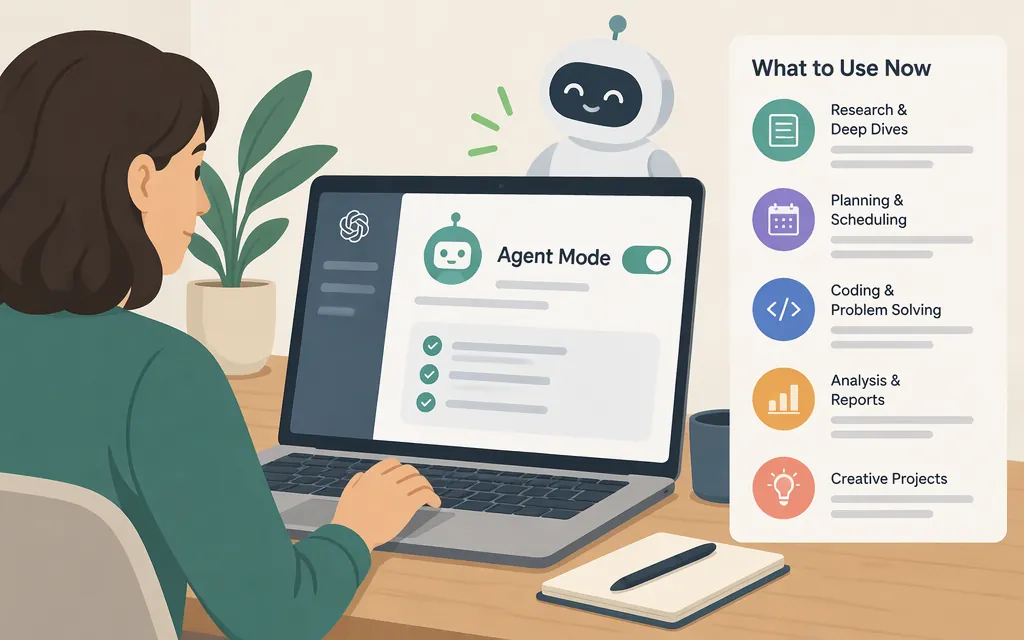
As of November 9, 2026, you can’t turn on the former ChatGPT Agent mode. OpenAI’s Help Center says ChatGPT agent is no longer available and points users to ChatGPT Work for longer, multi-step tasks. The same page still shows older Agent mode startup instructions, but they conflict with its current availability notice. (help.openai.com)
Use ChatGPT Work for a multi-step task
- Open ChatGPT on the web or mobile. If Work is shown as an available experience, select it. OpenAI documents starting a task in Work on web or mobile, but its general Work page does not specify a more detailed selection path. If you don’t see Work, the documentation cited here does not establish why it’s missing or give a Work-specific fix.
- In Work, describe the outcome you want and include relevant details and constraints. For example: “Compare the return policies on these three product pages and summarize the differences. Don’t buy anything.”
- For supported web tasks, ChatGPT may use its cloud browser; you don’t need to select that browser separately. Check the result and its sources before relying on it. (
help.openai.com)
Keep Work and cloud-browser access separate: OpenAI documents the cloud browser as available in Work on paid ChatGPT plans in supported regions, excluding Free and Go. Availability may vary during rollout or depend on workspace permissions. Those conditions describe cloud-browser access; they do not, on their own, explain whether Work is available to you. If Work itself isn’t visible, the current documentation cited here doesn’t specify a cause or next step. (help.openai.com)
For cloud-browser tasks, ChatGPT may pause when it needs your input, sign-in, or confirmation. Review requests in the conversation and check the completed work before relying on it. (help.openai.com)
Is ChatGPT Work the same as an agent API?
No. Work is an experience in ChatGPT; the Agents API is for developers building agents into an application. The API requires separate setup, including an API key and permissions. Switching to Work does not set up API access. (developers.openai.com)
Sources
ChatGPT agent — OpenAI Help Center
ChatGPT Work and Codex — OpenAI Help Center