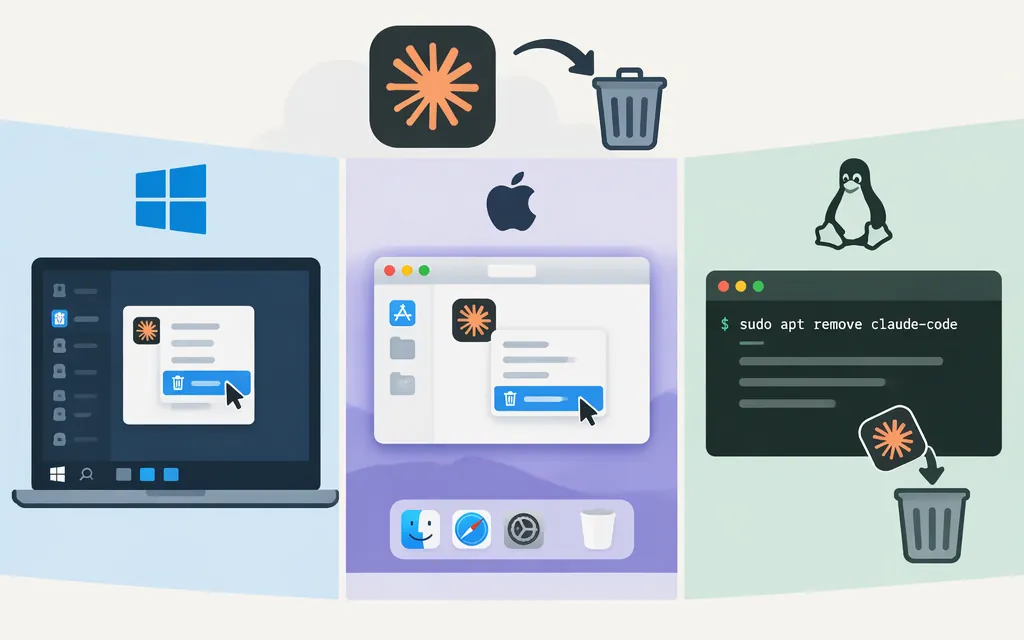
To uninstall Claude Code, use the removal method that matches how it was installed. Don’t run every command in this guide or delete a path based only on a guess. Removing the program and removing your personal configuration are separate choices.
Anthropic’s setup documentation lists separate uninstall instructions for native installs, Homebrew, WinGet, Linux package managers, and npm. The command list below is also covered by a cross-platform uninstall guide; its Windows native-install advice is secondary-source guidance, not an Anthropic procedure. (code.claude.com)
1. Identify the installation method
First check which claude command your terminal resolves. If more than one result appears, you may have multiple installations; identify and remove each one you recognize.
On macOS, Linux, or WSL, run:
which -a claude
type -a claude
On Windows PowerShell, run:
Get-Command claude -All | Format-List Name,CommandType,Source,Definition,Path
In Windows Command Prompt, run:
where.exe claude
PowerShell can report aliases and functions as well as executable applications. If the result is an alias or function, inspect its definition instead of treating it as a program file. (learn.microsoft.com)
Use package-manager inventories to help identify a recognized installation:
- npm, any OS:
npm ls -g --depth=0 @anthropic-ai/claude-code. If the package appears, use the global npm removal command below. npm’slscommand lists installed packages and accepts a package name as a filter. (docs.npmjs.com) - Homebrew, macOS/Linux/WSL: run
brew list --caskand look forclaude-codeorclaude-code@latest. Match the name exactly to the corresponding Homebrew row. (apple.stackexchange.com) - WinGet, Windows: run
winget list --id Anthropic.ClaudeCode. If it lists Claude Code, use the WinGet row below. Microsoft documentswinget listas an installed-app inventory with an ID filter. (learn.microsoft.com) - Native install, macOS/Linux/WSL: a resolved executable at
~/.local/bin/claudeis a clue for the native install; the matching native removal step also removes~/.local/share/claude. A path by itself is not proof of the installer, so check the relevant package-manager inventory too if uncertain. (allthings.how) - Native install, Windows: the cross-platform guide points to Add/Remove Programs or
claude.exeunder%LOCALAPPDATA%\\Claude. Treat that as secondary-source guidance; don’t apply it if your executable or install method differs. (allthings.how)
If these checks don’t identify the installation, don’t choose a removal command based only on a broad path prefix. The available sources do not establish a single reliable path-based test for every setup.
2. Uninstall with the matching method
Run only the row that matches your installation. These command values are listed in the cross-platform guide; Anthropic’s setup documentation also organizes its uninstall instructions by installation method. For Linux package-manager commands, use the row for the package manager through which you installed Claude Code. (allthings.how)
| Installation method | Removal step |
|---|---|
| Native installer on macOS, Linux, or WSL | rm -f ~/.local/bin/claude && rm -rf ~/.local/share/claude |
| Homebrew stable cask | brew uninstall --cask claude-code |
| Homebrew latest cask | brew uninstall --cask claude-code@latest |
| WinGet | winget uninstall Anthropic.ClaudeCode |
| Debian or Ubuntu via apt | sudo apt remove claude-code |
| Fedora or RHEL via dnf | sudo dnf remove claude-code |
| Alpine via apk | sudo apk del claude-code |
| Global npm installation | npm uninstall -g @anthropic-ai/claude-code |
Native install on Windows: the cross-platform guide recommends Add/Remove Programs, or deleting claude.exe from %LOCALAPPDATA%\\Claude when that is the native executable path. It is not a universal procedure for every Windows installation. Separately, in a Windows-specific GitHub issue about an install launched from bootstrap.ps1, an Anthropic-repository collaborator said deleting %UserProfile%\\.local\\bin\\claude.exe “should work.” That is a limited historical troubleshooting report, not current general Windows uninstall documentation. (allthings.how)
Check whether the command is still found
Open a new terminal and run:
claude --version
If the command is no longer found, that installation is no longer resolving in that terminal. If it still runs, repeat the command-resolution checks above. Look for another package-manager installation, another executable path, or a PowerShell alias or function before deleting anything else. Anthropic’s troubleshooting documentation includes checks for PATH and conflicting installations. (code.claude.com)
3. Decide whether to remove personal settings
Uninstalling the executable does not necessarily remove personal configuration. The personal Claude Code directory is ~/.claude; on Windows, that resolves to %USERPROFILE%\\.claude. It can contain personal instructions, settings, skills, subagents, and memory. The global configuration file .claude.json is normally at ~/.claude.json; on Windows, the documented ~ location is the user profile. Removing these files is optional and may remove configuration you want to keep, so back them up first if you might reinstall. (code.claude.com)
If CLAUDE_CONFIG_DIR is set, the documented ~/.claude paths—and .claude.json—use that directory instead. Check that setting before looking for or removing the defaults. (code.claude.com)
For a fresh start, remove only the personal directory and file you intend to clear. Don’t routinely delete a project’s .claude/ directory or .mcp.json: project files may contain configuration intended for that repository or its collaborators. Preserve them unless you specifically want to change the project. (code.claude.com)
Does uninstalling Claude Code remove production API access?
Claude’s API keys are managed separately in the Claude Console. If you want to revoke a key, Anthropic’s Help Center says to open the Console’s API keys page, select the key’s menu, and choose Delete API key. The documentation cited here does not establish that uninstalling the local Claude Code program revokes or changes API keys, so treat local uninstall and API-key revocation as separate actions. (support.claude.com)
Sources
Get your Claude API key — Claude Platform Docs
What should I do if I suspect my API key has been compromised? — Claude Help Center
Advanced setup — Claude Code Docs
Explore the .claude directory — Claude Code Docs
Troubleshoot installation and login — Claude Code Docs
How to Uninstall Claude Code Cleanly on Mac, Windows, and Linux