The short answer
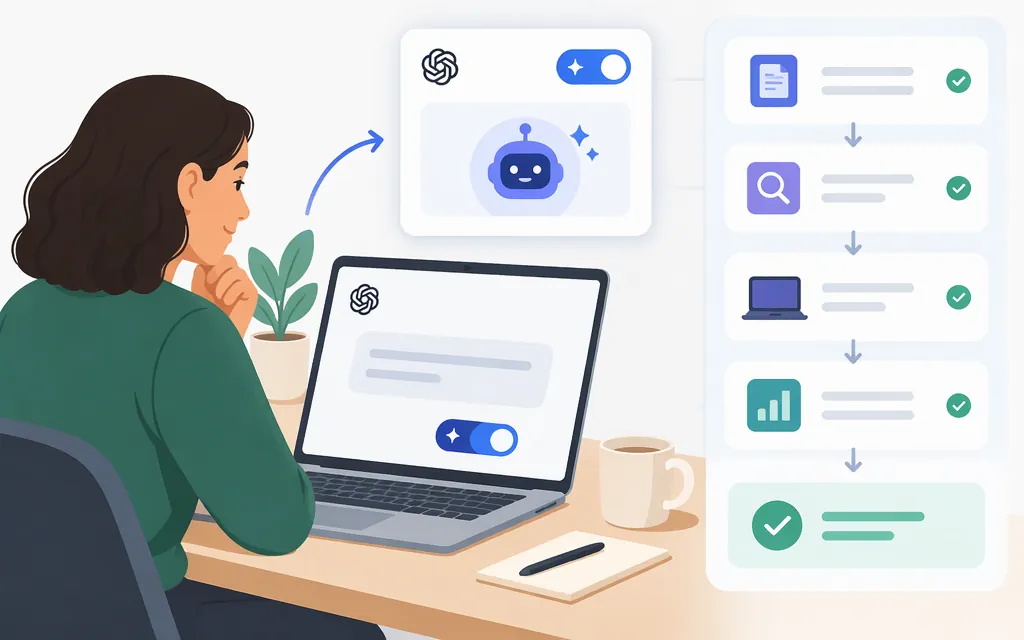
OpenAI’s ChatGPT agent help article says the earlier Agent Mode is no longer available and points to ChatGPT Work for longer, multi-step tasks and finished deliverables. OpenAI’s cloud-browser instructions say to open ChatGPT on web or mobile, start a task in Work, and describe the outcome, relevant website or materials, and constraints. If a browser is needed, ChatGPT chooses whether to use its cloud browser.
The available instructions do not establish a specific menu label or navigation path for finding Work. If you cannot locate it, use the official ChatGPT Work and Codex instructions rather than relying on older Agent Mode guides. Cloud-browser availability has separate conditions: OpenAI says it is available in Work on paid ChatGPT plans in supported regions, excluding Free and Go; rollout and workspace permissions may also affect availability. That statement concerns the cloud browser, not necessarily access to every Work feature.
How to use ChatGPT Work for a task
- Open Work. In ChatGPT on web or mobile, start a task in Work. The official instructions available here do not specify the exact control or menu path. See OpenAI’s Work instructions if you need help finding it.
- State the outcome and boundaries. Name the deliverable, identify the website or inputs, and say what the agent should not do. For example: “Compare these three public reports in a one-page table. Include a source link for each key claim. Don’t sign in, submit forms, contact anyone, or make changes. Flag conflicting evidence rather than guessing.” This is an example of clear task wording, not a guarantee of product behavior.
- Review access requests. If ChatGPT asks for website access, review the request before approving it. ChatGPT—not you—chooses whether to use the cloud browser for the task. (OpenAI cloud-browser instructions)
- Handle sign-in deliberately. If a supported website requires sign-in, OpenAI’s instructions say to use the secure sign-in form and complete any two-factor authentication there. The Help Center says credentials entered through that form go directly to the remote browser and are not visible to the model. (OpenAI cloud-browser instructions)
- Review the result. Check that it matches your requested scope and format, trace important claims to their sources, and inspect assumptions or unresolved points. Some tasks may require your review or a final step you complete yourself. (OpenAI cloud-browser instructions)
Quick review checklist
- Does the result match the requested outcome and format?
- Can you verify important claims and figures in the linked sources or files?
- Are conflicts and uncertainties clearly identified?
- Before any external action, have you reviewed what will happen and the final details?
Chat or Work?
OpenAI describes Chat as suited to quick, conversational assistance and everyday questions, and Work as an agent for longer, multi-step work and finished deliverables. Use Chat for a quick question, explanation, or rewrite; consider Work when the task involves connected steps and a deliverable you can review. (ChatGPT Work and Codex Help Center)
ChatGPT Work versus a production API
ChatGPT Work is a user-facing ChatGPT experience. The Agents API is a separate developer route: OpenAI’s beta FAQ describes an OpenAI-managed agent session, with your application supplying the task, tools, and configuration. This does not establish that the API and Work have identical features or behavior. (Agents API beta FAQ)
The supplied API quickstart excerpt establishes these setup requirements for its session operations: create an API key with api.agents.read, api.agents.write, and api.responses.write permissions, then make it available through the OPENAI_API_KEY environment variable. It also says requests require the OpenAI-Beta: agents=v1 header and that the OpenAI SDKs add it automatically; keep the key outside the agent’s sandbox. (Agents API quickstart)
This guide does not provide a runnable API request: the exact supported model identifier, SDK installation/version, session-creation syntax, and result-collection methods were not established by the material available for this revision. Use the linked official quickstart for the current implementation example rather than treating ChatGPT Work instructions as API code.
Sources
ChatGPT agent — OpenAI Help Center
ChatGPT Work and Codex — OpenAI Help Center
Using cloud browser in ChatGPT — OpenAI Help Center