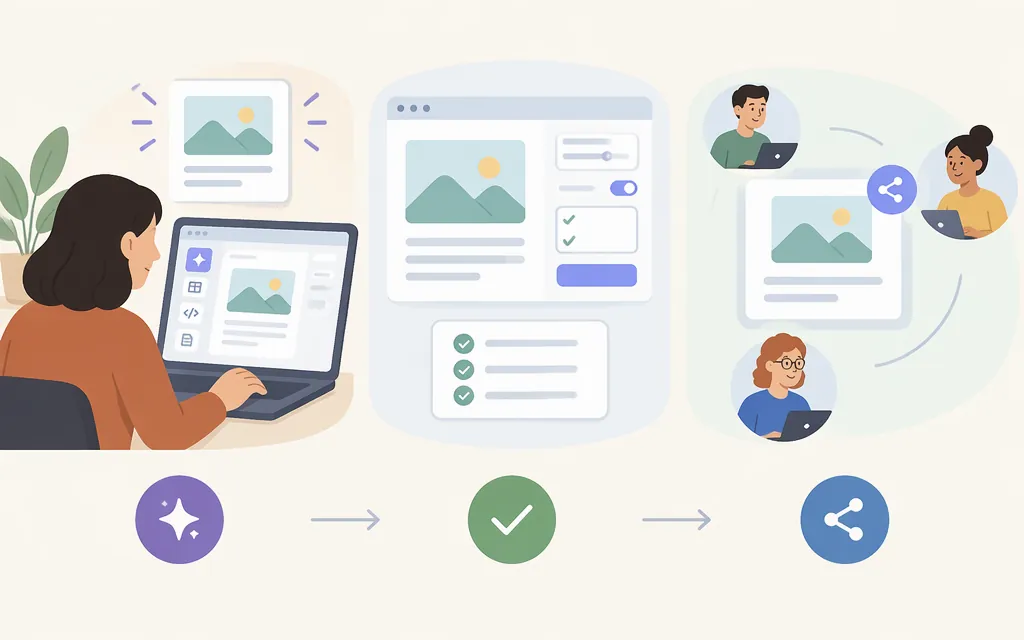
A Claude Artifact is a document, design, dashboard, or small interactive tool that opens beside your conversation. To start one, ask Claude for what you want in a conversation, or choose a template in the Artifacts tab. Anthropic says Artifacts are available on Free, Pro, Max, Ultra, Team, and Enterprise plans. They require Cloud code execution and file creation to be enabled; in the updated Settings layout, this capability is called Create and edit files. On individual plans, check Settings > Capabilities. On Team and Enterprise, check Organization settings > Capabilities or ask an owner. (Claude Help Center: Artifacts)
One practical approach is to describe your goal, ask Claude to outline a plan, correct it, and then request the build. Afterward, test the result before sharing. This plan-first sequence is a prompting technique—not a required Claude feature or a guarantee of a correct result.
1. Start with a clear request
Choose a small task with an observable result. For example, you might ask for a project-budget estimator:
I want a simple project-budget estimator for freelance design clients. They should choose a project type, enter estimated hours and my hourly rate, and see an estimated total with a breakdown. First, outline the inputs, calculation, and screen layout. Don’t build it yet.
Claude creates an Artifact when the content is substantial and self-contained. Anthropic lists examples such as documents, code snippets, single-page websites, images, diagrams, dashboards, and small interactive tools. If you receive ordinary chat text or code instead, clarify that you want the result made as an Artifact in the side panel, or try a relevant template. (Claude Help Center: Artifacts)
2. Review the plan, then ask Claude to build
Check Claude’s outline for missing inputs, unnecessary features, unclear results, and assumptions that do not fit your intended users. For the estimator, you could reply:
Use project type, estimated hours, and hourly rate only. Show the calculation and total in dollars. Explain that the result is an estimate, not a quote. What should happen if hours or the rate is blank or zero?
Once the plan looks right, request the build:
Build the estimator as a small interactive Artifact. Keep the layout clear on a phone screen, label each field, and show the result when the inputs change.
You can refine it in follow-up messages—for example, “Add a reset button” or “Put the cost breakdown below the total.” The goal-and-review sequence is practical advice, not an official requirement or a promise that the first version will work as intended.
3. Test the result and request specific fixes
Treat the first draft as something to check. For the estimator, try a normal example: 10 hours at $75 per hour should show $750. Then check blank fields, zero, unusually large values, and how the layout looks on a narrow screen. These are suggested checks, not tests performed on a particular Artifact.
When you find a problem, tell Claude what you entered and what happened. For example:
When I enter 10 hours and $75 per hour, the total should be $750, but the result shows $75. Check the calculation and keep the breakdown visible.
After a change, repeat the relevant checks—including a case that worked before. A revision can fix one problem and introduce another.
4. Check access before sharing
Artifacts start private. To share one, open it and select Share. Choose who can access it and the permission level offered, then copy and send the link. Sharing options vary by plan and, for Team and Enterprise, organization settings. On those plans, external sharing may be disabled by an owner. (Claude Help Center: Sharing Artifacts)
Account requirements depend on the Artifact and access option: Anthropic says recipients of Artifacts shared directly with them or with their organization must sign in to Claude. Most Artifacts shared with Anyone with the link open without a Claude account, while Docs require sign-in and can only be viewed. The available documentation here does not establish account requirements for every kind of interactive Artifact, so check the access details shown before sending a link. For an Artifact containing confidential or personal information, verify Who has access and choose the narrowest appropriate audience. (Claude Help Center: Sharing Artifacts)
Can the production model API create or host Claude Artifacts?
The Claude interface’s Artifact feature and the production model API are distinct. Anthropic’s Messages API documentation describes sending structured messages to a model and receiving its next message; its example response contains an assistant message with content blocks, including text. The API documentation reviewed for this guide does not establish an endpoint or request format for creating and publishing a native Claude-interface Artifact. A model response should not be treated as a published Artifact. (Messages API reference; Messages API guide)
If you are building a separate application with the model API, providing its user interface and hosting is an application-design approach—not a special Artifact API procedure documented here. This guide does not establish whether a native Artifact creation or publishing API is available; consult Anthropic’s current API documentation for the capabilities your project needs.
Choose a first project
Start with a focused project whose result is easy to check: a calculator, quiz, checklist, visual explainer, or simple dashboard. Build the basic version first, test it, and then add features.
In short: Ask Claude for a self-contained result or start with a template, review the plan, build and test it, and check access settings before sharing. For production development, distinguish model-generated API responses from Artifacts created and shared through Claude.
Sources
What are artifacts and how do I use them? | Claude Help Center
Share artifacts | Claude Help Center