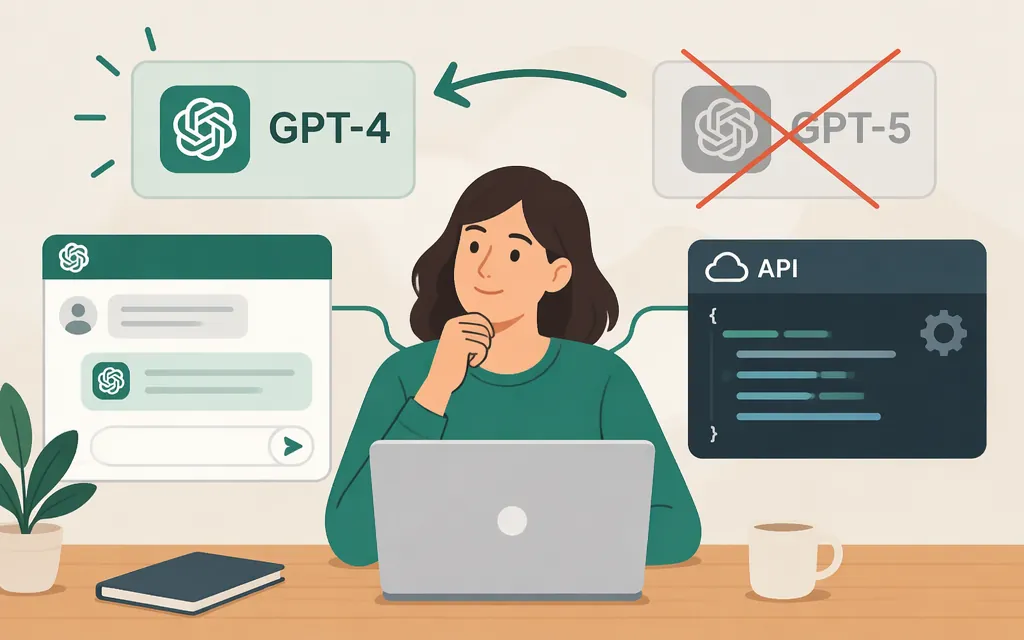
Short answer: You can’t select GPT-4o or GPT-4.1 in ChatGPT: OpenAI retired them there on February 13, 2026. The API is separate. OpenAI’s API documentation still lists GPT-4o, but marks it deprecated; OpenAI has also announced that certain GPT-4-series models will be removed from the API on January 14, 2027. Check the status of the exact model ID in your API project before relying on it, and don’t use GPT-4o as a new, long-term production dependency without a migration plan. (help.openai.com)
“GPT-4” can refer to different models. This tutorial uses GPT-4o as its API example; it does not imply that every GPT-4-family model is available in ChatGPT or through the API. ChatGPT access and API access are separate.
Can you use GPT-4 instead of GPT-5 in ChatGPT?
No—not GPT-4o or GPT-4.1 in ChatGPT. OpenAI says it retired GPT-4o, GPT-4.1, GPT-4.1 mini, and o4-mini from ChatGPT on February 13, 2026. Any earlier instructions to enable “legacy models” or select GPT-4o in ChatGPT describe an older interface, not a current way to restore these models. (help.openai.com)
In August 2025, The Verge reported that OpenAI planned to let Plus users choose GPT-4o again. That was a dated report about ChatGPT availability at the time—not evidence that the model is selectable there now.
If you want a different response style in ChatGPT, try its currently available personalization controls. That may change how responses sound, but it does not switch the underlying model to GPT-4. If you need GPT-4o itself, check API access instead.
How to try GPT-4o through the OpenAI API
OpenAI’s GPT-4o API page lists gpt-4o and the Responses API, while marking GPT-4o as deprecated. OpenAI’s deprecations page announces that certain GPT-4-series models will be removed from the API on January 14, 2027. The retrieved notice does not establish the shutdown date for every alias or project, so don’t assume the unpinned gpt-4o alias will remain callable through that date. Check the model status for your project and make a test request before depending on it. (developers.openai.com)
Prerequisites
- An OpenAI API key and an API project with access to the model.
- Python and the official OpenAI Python SDK.
- Store the API key in an environment variable, not in application code or a public repository. OpenAI’s quickstart describes using
OPENAI_API_KEY.
1. Install the SDK and set your key
pip install openai
Set the environment variable in your terminal before running your program:
# macOS or Linux
export OPENAI_API_KEY="your_api_key_here"
In PowerShell:
$env:OPENAI_API_KEY="your_api_key_here"
2. Make a test request
Save this as test_gpt4o.py:
from openai import OpenAI

client = OpenAI()

response = client.responses.create(
    model="gpt-4o",
    input="Reply with one sentence confirming which model I requested.",
)

print("Model returned:", response.model)
print(response.output_text)
Run it with:
python test_gpt4o.py
This uses the gpt-4o identifier and Responses API shown in OpenAI’s documentation. Printing response.model lets you inspect the model reported for the response; it does not guarantee future availability. If the call fails, check the model ID, project, API key, and current model status before changing application code. (developers.openai.com)
Check the model’s lifecycle status
OpenAI says the API’s model-list and model-retrieval endpoints can expose an optional shutdown_date. Check the exact model ID your application uses, including whether it is an alias or a dated snapshot, and review that field in your project. Then make a test request. A model page being documented is not a guarantee that your project has access or that a deprecated model will remain available. (developers.openai.com)
Before switching a production workflow
GPT-4o is deprecated, and OpenAI has announced an API shutdown for certain GPT-4-series models on January 14, 2027. Treat this example as a test of current access—not a production migration plan. Check the precise model ID and its shutdown status; test any replacement in staging against representative inputs before changing production traffic. Compare results using task-specific criteria, such as required output fields, factual checks, refusal behavior, latency, and cost. Keep a fallback and a migration plan. (developers.openai.com)
Anecdotes about GPT-4o’s tone or an individual’s preferred model for a task can be a reason to test it, but they do not establish that it will perform better on your workload. Decide from your own evaluation.
If GPT-4o isn’t available to your API project
Don’t assume a ChatGPT subscription includes API access, or that changing a ChatGPT selector can restore a retired model. Check the model status for your API project. If GPT-4o is unavailable—or its shutdown timeline doesn’t fit your needs—choose a currently available model and evaluate it against your test set before migrating. This guide does not identify a verified, currently supported GPT-4-family replacement for GPT-4o. (developers.openai.com)
Sources
Retiring GPT-4o and other ChatGPT models
Developer quickstart | OpenAI API
ChatGPT is bringing back 4o as an option because people missed it