Short answer
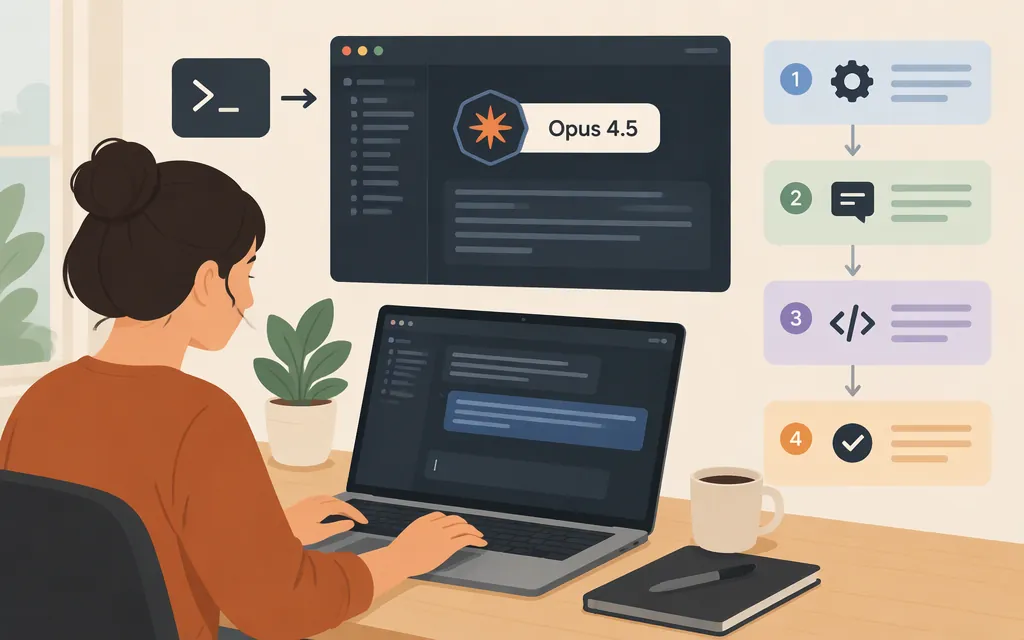
Claude Code’s model picker lists Claude Opus 4.5, but availability depends on your sign-in route, account, provider, and organization settings. To request it for a terminal session, run claude --model claude-opus-4-5-20251101. Or start Claude Code and choose Opus 4.5 with /model. Run /status to check the model currently in use. Anthropic labels Opus 4.5 a legacy model and recommends considering Opus 5.5; its listed retirement date is “not sooner than November 24, 2026.” (Claude Code model configuration)
Check access and select Opus 4.5
For individual Claude sign-in, Claude Code supports Pro, Max, and Ultra subscriptions. For Team or Enterprise access, use the Claude account invited by your organization’s administrator. Claude Code is included with every Team seat and with every seat on new or self-serve Enterprise plans; older Enterprise plans may require a seat type that includes Claude Code. Claude Console is a separate sign-in route, and its documentation also says an administrator must invite you. Cloud-provider authentication is another route. These routes do not guarantee that Opus 4.5 is enabled for your account: use /model to see which models are available to you. (Authentication; Team or Enterprise plan access)
From your project directory, choose either method:
For a terminal session:
claude --model claude-opus-4-5-20251101
To choose or change models inside Claude Code:
/model
Select Opus 4.5 from the menu. The documented Anthropic API model identifier is claude-opus-4-5-20251101. Prefer that full identifier when you specifically want version 4.5: on the Anthropic API, the generic opus alias resolves to the newest Opus model, currently Opus 5.5. Other providers can use different model names or configuration. (Claude Code model configuration)
Use the Anthropic API route
Claude subscription access and Console API access are separate routes. For the Anthropic API route, create an API key in the Claude Console’s API keys page, then provide it to Claude Code as an environment variable. The Console displays a new key only once, so store it securely. Use a service-account key for shared workloads such as CI or production services, rather than sharing a personal key. (Get your Claude API key)
export ANTHROPIC_API_KEY="your-console-api-key"
claude --model claude-opus-4-5-20251101
When Claude Code asks whether to use the key, approve it. Console API use is billed separately from subscription usage: most organizations pay with prepaid usage credits, while organizations with an invoicing arrangement are billed monthly. Monthly API credits included with some Claude plans do not apply to Claude Code. Anthropic lists Opus 4.5 at $5 per million input tokens and $25 per million output tokens for its API; provider pricing can differ. For an API-key session, /cost shows running spend for that session. (Authentication)
Confirm the model and troubleshoot
- Run
/statusto check the model currently in use. Run/modelto see available models and change the selection. (Claude Code model configuration) - If Opus 4.5 is missing from
/model, check the account or provider you signed in with and ask your organization administrator whether model access is restricted. The picker reflects account availability. (Models, usage, and limits in Claude Code) - If you specifically want Opus 4.5, use
claude-opus-4-5-20251101rather than the genericopusalias. If using Bedrock, Google Cloud, Microsoft Foundry, or a gateway, follow that provider’s Claude Code configuration and use its documented model name. (Claude Code model configuration) - If you intended to use Console API billing, confirm Claude Code accepted the
ANTHROPIC_API_KEYand that the Console account has usable credits or an invoicing arrangement. For provider-specific sign-in or key errors, follow that provider’s authentication instructions. (Authentication)
Keep the legacy status in mind
As of November 9, 2026, Anthropic’s model reference labels Opus 4.5 Active (legacy), lists Opus 5.5 as the current Opus model, and says Opus 4.5’s retirement is not sooner than November 24, 2026 on Anthropic-operated platforms. Cloud providers may set separate retirement schedules. If you need Opus 4.5 for existing work, check availability through your own account and provider before relying on it. (Claude Opus 4.5 model reference)
Sources
Authentication — Claude Code Docs
Use Claude Code with your Team or Enterprise plan
Claude Code model configuration
Models, usage, and limits in Claude Code