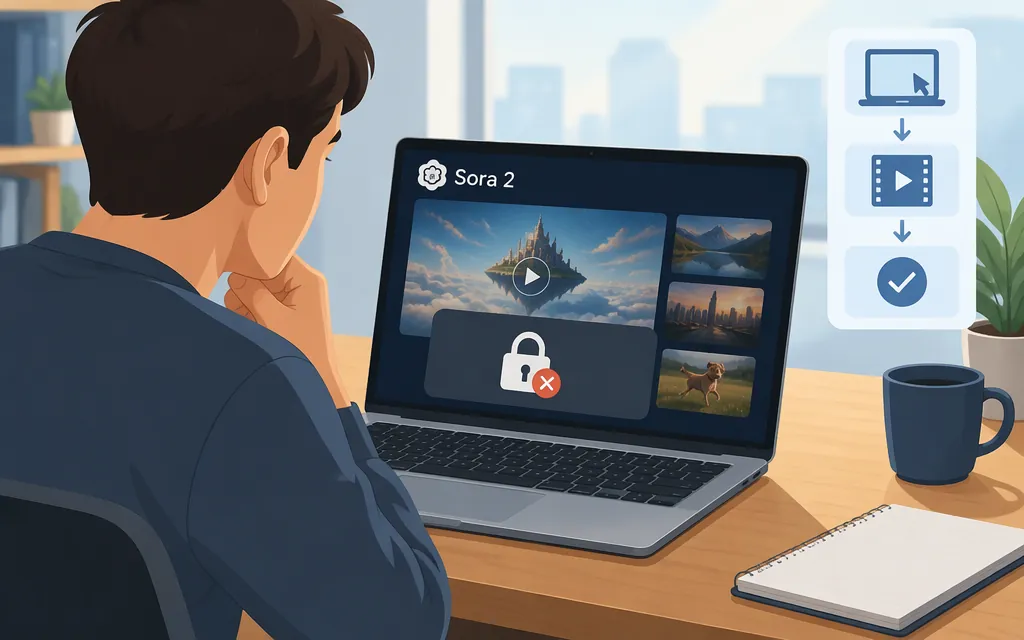
Can you use Sora 2 on a PC?
No. As of November 9, 2026, you can’t use Sora 2 on a PC—or through the Sora web or app experience. OpenAI discontinued the web and app experiences on April 26, 2026, and discontinued the Sora API on September 24, 2026. There is no current official PC workflow or Sora API route for generating Sora 2 videos. (help.openai.com)
What happened to PC access?
OpenAI’s 2025 Sora 2 system card described sora.com and a standalone iOS app as access routes. Those historical instructions don’t describe a service you can use today: OpenAI’s discontinuation notice says the web and app experiences have ended. (help.openai.com)
Is the production API an alternative?
No. OpenAI’s discontinuation notice says the Sora API was discontinued on September 24, 2026, so it is not a current production option for generating Sora 2 videos from a PC. (help.openai.com)
Can you still retrieve videos you made?
OpenAI’s Help Center currently says you can export content created in Sora. To check or request an export:
- Go to
sora.chatgpt.com/sunset. - Select Export.
- OpenAI says it will email you when the export is ready.
OpenAI recommends exporting your Sora content as soon as possible. Its notice does not give a fixed final export-window date: it says that if a final window is offered, OpenAI will notify users by email before it begins. After any such window passes, OpenAI says Sora-related data will be permanently deleted. (help.openai.com)
Bottom line: You can’t create new Sora 2 videos on a PC through OpenAI’s web product or API. If you have existing Sora content, visit the official export page to check and request an export promptly.
Sources
What to know about the Sora discontinuation — OpenAI Help Center