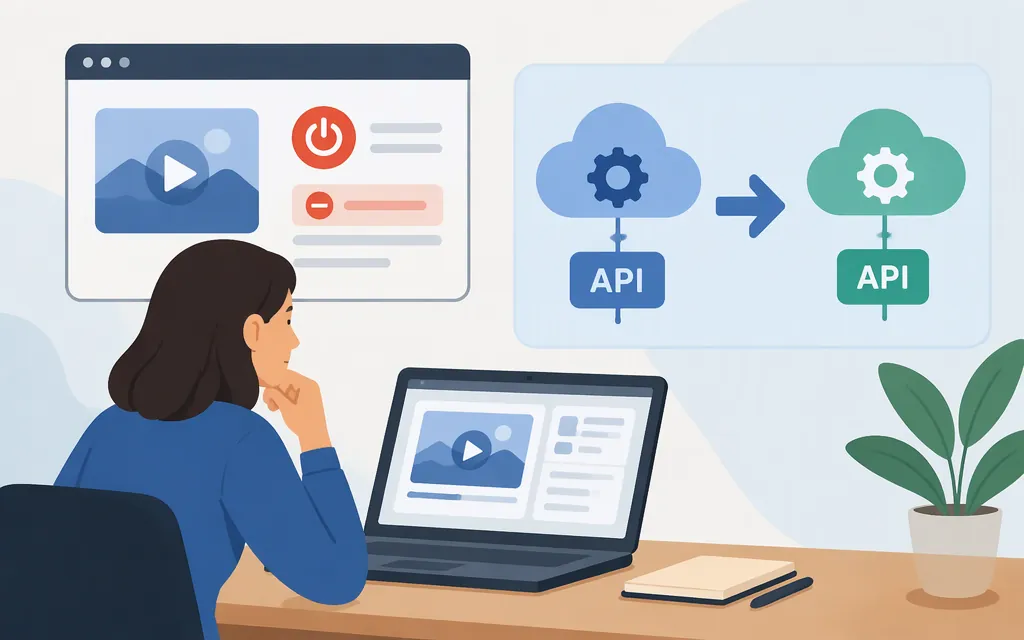
You can no longer generate videos with Veo 2 through Google’s Gemini API or its Google Cloud Agent Platform endpoint. The supplied Google AI Studio documentation excerpt reports that veo-2.0-generate-001 was shut down on June 30, 2026. For a current Google Cloud production route, Google lists Veo 3.1 model veo-3.1-generate-001 as generally available in us-central1 in the United States. (Google AI Studio; Google Cloud Veo 3.1 documentation)
Before you start: Veo 2 is no longer available
The shutdown date has passed, so changing a Veo 2 prompt or API key will not restore that endpoint. Google’s Cloud documentation identifies Veo 3.1 as a current video-generation option on Gemini Enterprise Agent Platform. The Gemini Developer API and the Cloud Agent Platform are separate routes; this guide’s setup below is for the Cloud Agent Platform, not a Gemini API key workflow. (Google AI Studio; Google Cloud text-to-video guide)
Set up the Google Cloud route
-
Choose or create a Google Cloud project and enable billing. Google’s setup guidance lists a project, billing, and the Agent Platform API as prerequisites. Enabling the API requires the
serviceusage.services.enablepermission; if you lack it, ask a project administrator to enable the API or grant the required access. (Google Cloud authentication setup; text-to-video guide) -
Install the Google Cloud CLI and configure local credentials. In a local shell, sign in and create Application Default Credentials (ADC) for client libraries:
gcloud init
gcloud auth application-default login
Google distinguishes ADC, which client libraries use, from credentials used by the
gcloudCLI itself. (Google Cloud local ADC instructions) -
Install the Google Gen AI Python SDK and initialize an Agent Platform client. The SDK documents this client form for Agent Platform; use your project ID and a supported location such as
us-central1:pip install --upgrade google-genaifrom google import genai client = genai.Client( enterprise=True, project="YOUR_PROJECT_ID", location="us-central1", )This creates the client; it does not generate a video. The SDK supports both the Gemini Developer API and Agent Platform, so keep the
enterprise=TrueCloud configuration for this route and do not substitute a Gemini API-key client. (Google Gen AI SDK documentation)
Generate and retrieve a video
Google documents Veo 3.1 on Agent Platform for text-to-video generation, and its official Veo 3.1 notebook includes a text-to-video section and helper code for displaying video output. (Google Cloud text-to-video guide; Google’s Veo 3.1 notebook)
Important limitation: the retrieved documentation excerpts for this guide do not establish the exact current Python request fields, operation-polling code, and output-save steps for this Cloud route. The client setup above is therefore not a complete standalone generation script. For those steps, follow the notebook’s Veo 3.1 text-to-video workflow and confirm that its current model ID and code match your installed SDK version. Do not use Veo 2’s retired model ID or assume settings from older Veo 2 instructions carry over.
For prompt writing, start with a clear subject and describe its action and setting; Google’s prompt guide notes that specificity helps avoid generic outputs. For Veo 3.1 on Agent Platform, Google currently lists 4-, 6-, or 8-second durations and 16:9 or 9:16 aspect ratios; check the model documentation for the exact parameters supported by your chosen interface. (Google Cloud prompt guide; Veo 3.1 model specifications)
Bottom line
There is no working Veo 2 API workflow to follow after its reported June 30, 2026 shutdown. For a Google Cloud video-generation integration, begin with the supported Agent Platform route and its Veo 3.1 documentation. The project, billing, API, and local ADC setup are shown above; the linked official notebook supplies the current generation walkthrough, since the retrieved material here was not sufficient to reproduce and verify every request and video-retrieval step inline.
Sources
Veo 2.0 — Google AI Studio Documentation
Veo 3.1 — Gemini Enterprise Agent Platform
Generate videos from text prompts — Gemini Enterprise Agent Platform
Configure application default credentials — Gemini Enterprise Agent Platform
Set up ADC for a local development environment — Google Cloud
Google Gen AI SDK documentation
Veo 3.1 Video Generation — Google Cloud notebook
Video generation prompt guide — Gemini Enterprise Agent Platform