Quick answer
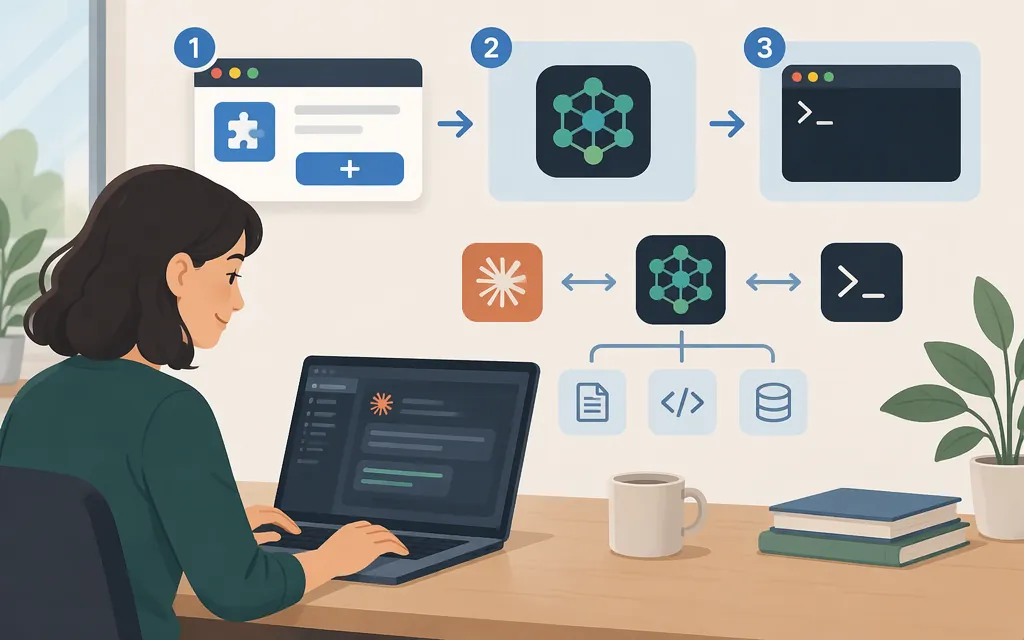
For the simplest setup, install the Context7 plugin in Claude Code, restart, and sign in. Or use Context7’s setup CLI and choose MCP mode when prompted. The CLI’s other option, CLI + Skills, does not register an MCP server. Context7 adds documentation lookup; it does not configure your model provider or production inference API. (Context7’s Claude Code guide, Context7 CLI setup reference)
Option 1: Install the Context7 plugin
Before you start: Claude Code must be installed and authenticated. This plugin route does not require local Node.js, npm, or npx. (Anthropic MCP quickstart, Context7’s Claude Code guide)
-
Open Claude Code.
-
Run these commands, one at a time:
/plugin marketplace add upstash/context7 /plugin install context7@context7-marketplace -
In the plugin panel, review the plugin and choose an installation scope.
-
Restart Claude Code, run
/mcp, select Context7, and follow the browser sign-in flow.
The plugin provides the resolve-library-id and query-docs tools. This route uses browser sign-in and does not require a Context7 API key. (Anthropic plugin installation guide, Context7’s Claude Code guide)
Option 2: Set up Context7 MCP with the CLI
Use this route if you want Context7’s CLI to configure Claude Code. It requires Node.js 22.13 or later. (Context7 CLI guide)
-
In a terminal, run:
npx ctx7 setup --claude -
Complete the OAuth device flow by opening the verification link shown by the command and entering its code. Context7 says this flow generates an API key for setup to use.
-
In the setup prompts, choose MCP mode. Do not choose CLI + Skills if your goal is an MCP server: that option configures a skill to use CLI commands instead.
-
After setup completes, check for the server with
claude mcp list. You can also open Claude Code and run/mcpto inspect the connection.
Context7 documents the device flow as usable from local or remote, headless, and SSH hosts. Its setup reference says MCP mode registers the server in the agent’s configuration so the agent can call its tools. (Context7’s Claude Code guide, Context7 CLI setup reference, Context7 troubleshooting)
Verify that Context7 works
After connecting, try a specific documentation lookup in Claude Code:
Use Context7 to find the current Next.js documentation for middleware configuration, then summarize the relevant steps.
Check that Context7 appears in /mcp and that Claude Code retrieves documentation relevant to the question. Context7’s documented tools include resolve-library-id, which finds a library ID, and query-docs, which retrieves library documentation. (Context7’s Claude Code guide, Context7 API guide)
Context7 is separate from your production model API
Context7 provides documentation lookup to the coding agent. Its authentication is for Context7; it does not, by itself, select or authenticate a model provider. Installing Context7 does not set a model endpoint or establish that a separate production inference API is compatible with Claude Code. (Context7 API guide)
The intended production model API provider is not specified here, so this tutorial does not give provider-specific endpoint, model, or authentication settings. Configure that separately using the provider’s instructions for your Claude Code setup.
Troubleshooting
- Context7 is missing after plugin installation: restart Claude Code, run
/mcp, and complete the browser sign-in flow if prompted. (Context7’s Claude Code guide) - You used the CLI but don’t see an MCP server: confirm you chose MCP mode, not CLI + Skills, then check
claude mcp list. (Context7 setup reference, Context7 troubleshooting) - The
npxsetup command cannot run: check thatNode.jsis version 22.13 or later. The plugin route does not require localNode.js, npm, or npx. (Context7 CLI guide, Context7’s Claude Code guide) - You’re unsure whether to provide an API key: the plugin route uses browser sign-in and does not require one. The CLI setup flow uses OAuth and generates a key for setup. Context7’s API guide documents Bearer-key authentication for API requests; that is distinct from the plugin’s sign-in procedure. (Context7’s Claude Code guide, Context7 API guide)
Sources
Install and manage plugins - Claude Code Docs
Connect to MCP servers - Claude Code Docs