Quick answer
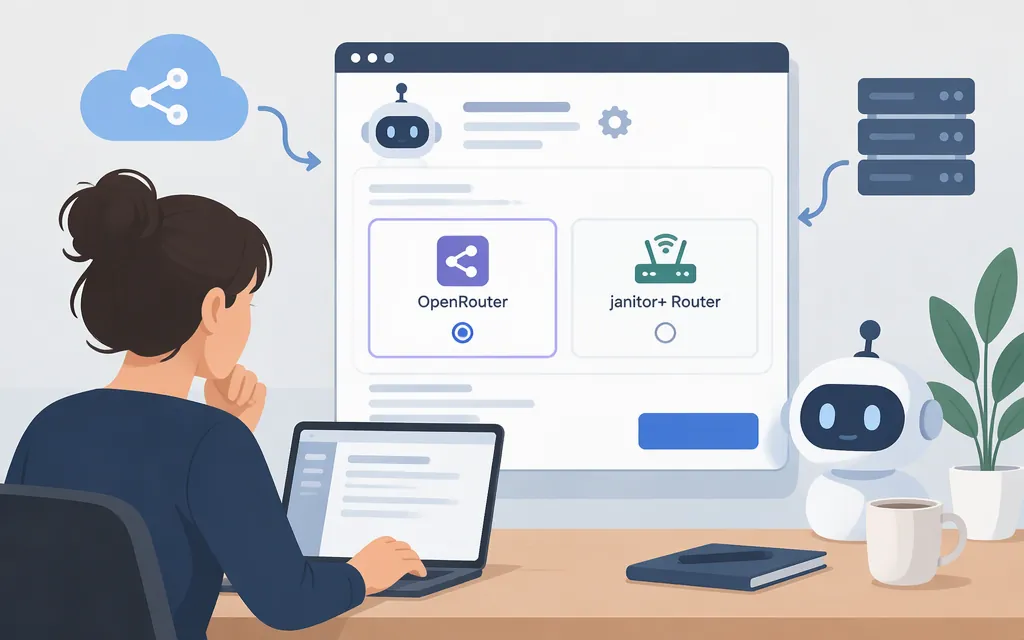
“Janitor AI API settings” can refer to two different ways to use models in Janitor AI chats: configure an external provider, such as OpenRouter, with your own API key, or select janitor+ Router, which provides access to third-party models without a separate provider key. Router is limited to janitor+ subscribers and is web-only, according to Janitor AI’s help article. (Janitor AI Router guide)
Find the API settings
Janitor AI’s TL;DR Quickstart Proxy Instructions documents this path for an external proxy: open a chat, click the gear icon in the top-right, choose API Settings, then Add Configuration. The guide documents that path and those labels; it does not establish that every current interface uses the same controls. (Janitor AI quickstart)
To use Router instead, Janitor AI’s Router guide says to open API settings and select janitor+ Router as the API source. (Janitor AI Router guide)
Configure OpenRouter as an external model API
Janitor AI’s quickstart gives an OpenRouter example. Use a model ID listed in OpenRouter’s model catalog; availability can change. (Janitor AI quickstart)
- Create an OpenRouter account and API key. Treat the key like a password; OpenRouter recommends setting a credit limit on API keys. (Janitor AI quickstart; OpenRouter authentication)
- In Janitor AI, follow the quickstart path to API Settings and Add Configuration. Enter a configuration name.
- Fill in the provider fields documented by the quickstart:
- Model Name: Enter a currently available model ID from OpenRouter’s catalog.
- Proxy URL:
https://openrouter.ai/api/v1/chat/completions - API Key: Paste your OpenRouter key.
- Click Add, then Save Settings. Refresh the page and send a test message, as the quickstart instructs. A reply is a practical check that the chat is responding; by itself, it does not independently confirm which provider route handled the message. (Janitor AI quickstart)
The model ID and key come from OpenRouter; the proxy URL above is the value Janitor AI’s quickstart specifies. This example documents OpenRouter—not every provider with an OpenAI-compatible API.
Or use janitor+ Router
Router is a separate route: Janitor AI’s help article says it lets subscribers use supported third-party models without setting up an external proxy or pasting in another service’s API key. Its documented setup is: open API settings, select janitor+ Router as the API source, open the Router wallet, choose a model, and start chatting. Router is web-only and requires a janitor+ subscription. The listed model prices are per token, so review the rate shown for your chosen model before using it. (Janitor AI Router guide)
If the OpenRouter connection fails
Use the error message to guide your next check; a code alone may not identify the precise misconfiguration.
- 401: OpenRouter documents this as invalid credentials. Check that the key is copied correctly and is valid for the OpenRouter account. Don’t share it in a chat, screenshot, or public support post. (OpenRouter error handling)
- 404 / “No endpoints found for model name”: Janitor AI’s OpenRouter guide says the model either no longer exists or is not available at that time. Recheck the model ID against the current catalog. (Janitor AI OpenRouter error guide)
- 429 / “Rate limit exceeded: free-models-per-day”: The guide says this message means you hit the daily cap. (Janitor AI OpenRouter error guide)
- 502 / “Provider returned error”: Janitor AI’s guide describes this as a problem on the provider’s end. (Janitor AI OpenRouter error guide)
If the test message gets no reply, check the exact error and consult the relevant guide rather than assuming a particular field is wrong.
Sources
TL;DR Quickstart Proxy Instructions — Janitor AI Help Center
janitor+ Router — Janitor AI Help Center
OpenRouter Error Guide — Janitor AI Help Center
API Error Handling and Debugging — OpenRouter