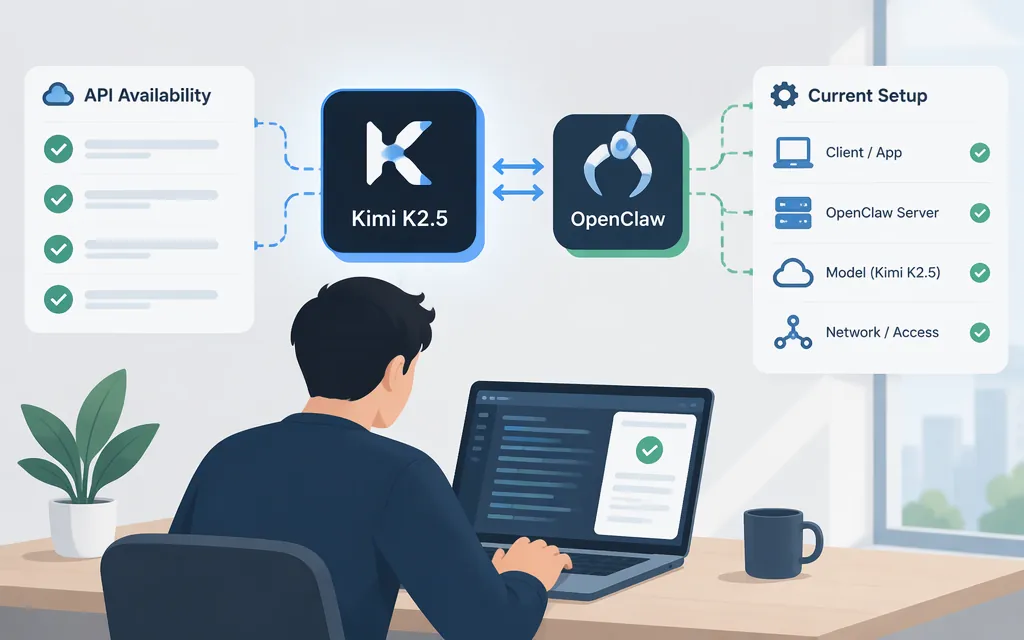
For a new OpenClaw deployment using the official Moonshot/Kimi API, don’t select Kimi K2.5. Moonshot’s OpenClaw guide says kimi-k2.5 was retired across its API platform on August 31, 2026. The guide recommends the official Moonshot provider and moonshot/kimi-k3.1-pro for new users. This retirement notice does not establish whether K2.5 is available through another API provider or a self-hosted endpoint; those routes are not verified here.
Older OpenClaw instructions may still show moonshot/kimi-k2.5. That model reference appeared in an earlier Moonshot catalog, but it should not be treated as confirmation of current availability through Moonshot’s API. The current OpenClaw catalog lists K3.1 Pro and does not list K2.5.
Configure the current Moonshot route in OpenClaw
Moonshot API and Kimi Coding are separate OpenClaw providers, with different plugins, credentials, endpoints, and model-reference prefixes. The steps below use the Moonshot API provider.
Install the plugin and restart the gateway, then onboard with the option for your region and set K3.1 Pro as the default model:
openclaw plugins install @openclaw/moonshot-provider
openclaw gateway restart
openclaw onboard --auth-choice moonshot-api-key
openclaw models set moonshot/kimi-k3.1-pro
openclaw models list --provider moonshot
For the China endpoint, use openclaw onboard --auth-choice moonshot-api-key-cn instead. The documented international endpoint is https://api.moonshot.ai/v1; the China endpoint is https://api.moonshot.cn/v1. Onboarding configures the credential for the selected route. Keep API keys out of source control, screenshots, and public logs.
Fresh onboarding may select a different default model, so explicitly setting moonshot/kimi-k3.1-pro helps ensure the next check uses the intended model. The model-list command checks the configured Moonshot catalog; it does not, by itself, prove that a live request succeeds.
Run a live K3.1 Pro check
Once onboarding and model selection are complete, run a one-shot request using the configured OpenClaw profile:
openclaw agent --local \
  --session-id kimi-k31pro-smoke \
  --message 'Reply exactly: KIMI_K31PRO_OK' \
  --thinking max \
  --json
This is a documentation-based adaptation of OpenClaw’s published Moonshot smoke-test example, not a test performed for this article or an official K3.1 Pro-specific sample. It uses the configured default model and credentials, so run it in the same OpenClaw configuration where you set moonshot/kimi-k3.1-pro. The command selects max for this check; the K3.1 Pro catalog also lists low and high. OpenClaw’s current Moonshot provider documentation separately describes maximum-effort handling on that route, so reasoning-level behavior may depend on the provider integration and its version. Do not read this example as a claim that K3.1 Pro itself supports only max in every route.
For a successful call, check the JSON response for provider moonshot, model kimi-k3.1-pro, and the requested text KIMI_K31PRO_OK. If the provider or model differs, the request did not verify the intended route. A successful small smoke test confirms connectivity and model routing, not production performance or workload suitability.
What older K2.5 specifications and prices mean
Earlier OpenClaw catalog documentation listed K2.5 with text and image input and context and maximum-output values of 262,144. Those are historical catalog entries, not evidence that the retired model can still be called through Moonshot’s API. An older configuration example also listed K2.5 cost metadata, but it did not state a billing unit; do not use those figures as a current quote or budget estimate.
Use the live pricing information for the model and API route you actually intend to use. Confirm its currency, billing unit, treatment of cached input, and applicable region before estimating costs.
Keep the provider routes distinct
The older K2.5 Moonshot catalog reference was moonshot/kimi-k2.5. Kimi Coding is a separate integration; a GitHub issue about a Kimi Coding tool-schema problem used the distinct route kimi-coding/k2p5. That issue concerns a particular integration configuration and should not be read as evidence that K2.5 generally lacks tool use—or applied to the Moonshot API route.
Bottom line: For new deployments through the official Moonshot/Kimi API, treat K2.5 as retired and configure a currently listed model such as moonshot/kimi-k3.1-pro. The retirement notice does not determine availability through other providers or self-hosted endpoints; this guide does not verify those alternatives.