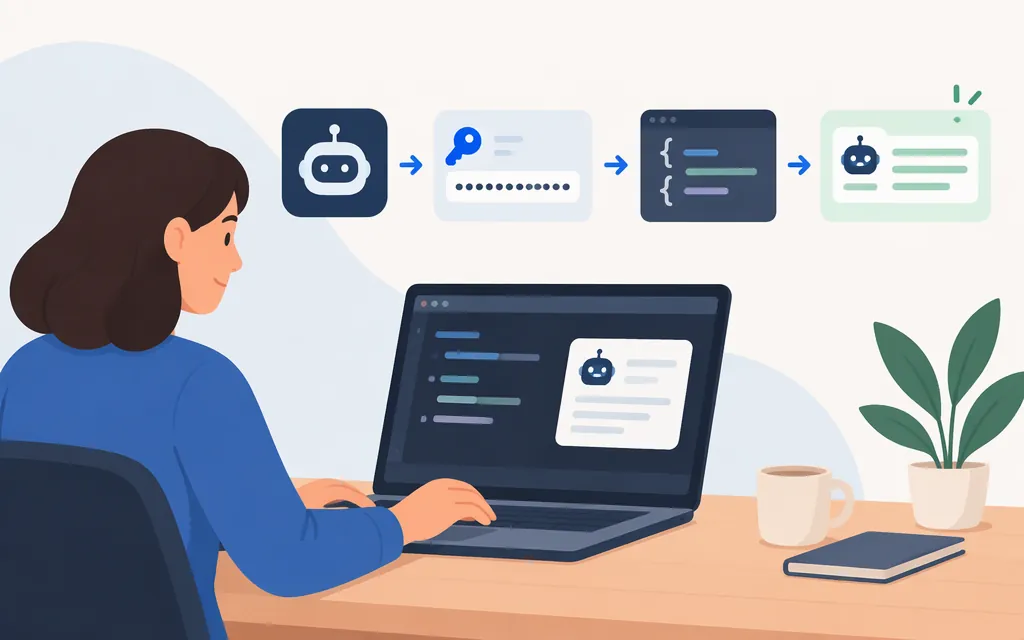
Get a Kimi API key
For direct API access, sign in to the Kimi API Platform, open the API Keys page, then create and copy an API key. The platform’s documentation says to keep the key secret and use an environment variable rather than exposing it in client-side code, public repositories, or logs. (Create and manage API keys)
Set the key in your shell before making a request:
export MOONSHOT_API_KEY='paste-your-key-here'
Inference requests require an available balance above zero. The documentation does not establish a minimum top-up amount here. (Check Balance)
Make a first Chat Completions request
This cURL example uses the global platform’s documented production host, Chat Completions endpoint, Bearer authentication, and kimi-k3.1-pro model identifier. The documented request format uses a model and message list. The example is documentation-based, not live-tested; check the model list for models currently available to your account. (Chat Completions API, API Quickstart, Model List)
curl --request POST \
  --url https://api.moonshot.ai/v1/chat/completions \
  --header "Authorization: Bearer $MOONSHOT_API_KEY" \
  --header 'Content-Type: application/json' \
  --data '{
    "model": "kimi-k3.1-pro",
    "messages": [
      {"role": "user", "content": "Reply with exactly: Kimi API is connected."}
    ]
  }'
A successful request returns a Chat Completions JSON response. In the standard response format, the assistant’s reply is in choices[0].message.content. Replace the example prompt with your own. Keep the key server-side; do not put it in browser code or commit it to source control. (Chat Completions API, API Overview)
Kimi API key vs. Kimi Code login
Kimi Code CLI supports connecting with an API key created on the Kimi API Platform. Its /login flow also offers Kimi Code OAuth; OAuth is a separate login option, not the API key itself. (Use Kimi API Platform with Kimi Code CLI, Kimi Code CLI README)
If the request fails
- Authentication error: Confirm the key is copied correctly and that it belongs to the platform matching the API endpoint. Keys issued on separate regional platforms are independent. (Common Error Codes)
- Model error: Check the platform’s model list for an ID available to your account. (Model List)
- Inference cannot run: Check that your available API balance is above zero. (Check Balance)
Sources
Kimi API Platform API Overview
Kimi API Platform Chat Completions API
Kimi API Platform API Quickstart
Kimi API Platform Check Balance
Kimi API Platform Common Error Codes