Short answer
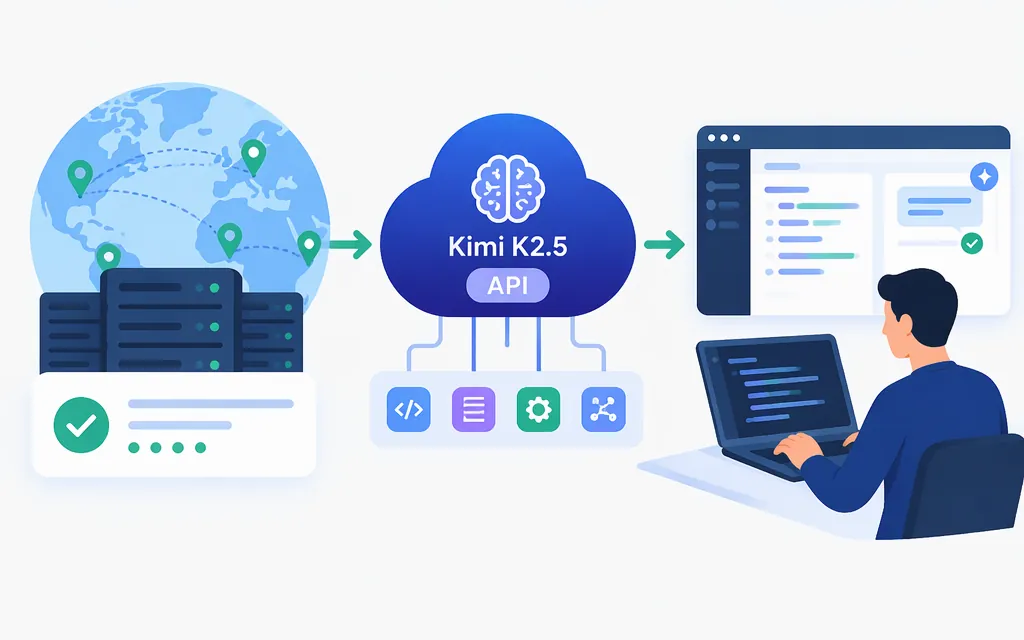
Kimi K2.5 is listed as Active on Amazon Bedrock, which documents the model ID moonshotai.kimi-k2.5 and supports the Bedrock Converse API for it. This is a Bedrock integration—not proof that K2.5 is currently available through Moonshot’s own direct API. (docs.aws.amazon.com)
If you want Moonshot’s direct API, check its live model catalog for the exact ID kimi-k2.5 before sending requests. The Kimi API documentation identifies GET /v1/models as the model-list endpoint and documents the overseas base URL https://api.moonshot.ai/v1 and Bearer-key authentication. The captured documentation does not establish current K2.5 availability on that direct route. (platform.kimi.ai)
Call Kimi K2.5 through Amazon Bedrock
The following example uses Bedrock’s Converse API and its K2.5 model ID. It requires an AWS account with access to Kimi K2.5 in a supported region, AWS credentials configured for the SDK, and permission for bedrock:InvokeModel. AWS documents the model ID and endpoint, and its SDK documents the Converse request pattern. (docs.aws.amazon.com)
Install the AWS SDK for JavaScript v3 package:
npm install @aws-sdk/client-bedrock-runtime
export AWS_PROFILE=your-configured-profile
export AWS_REGION=your-supported-region
Save this as kimi.mjs, then run node kimi.mjs:
import {
  BedrockRuntimeClient,
  ConverseCommand,
} from "@aws-sdk/client-bedrock-runtime";

const client = new BedrockRuntimeClient({
  region: process.env.AWS_REGION,
});

const response = await client.send(
  new ConverseCommand({
    modelId: "moonshotai.kimi-k2.5",
    messages: [
      {
        role: "user",
        content: [{ text: "Explain what an API is in one sentence." }],
      },
    ],
  }),
);

const text = (response.output?.message?.content ?? [])
  .map((block) => block.text ?? "")
  .join("");

console.log(text);
console.log(response.usage);
The text is in the response message’s content blocks; usage metadata is in response.usage. This example follows the generic Bedrock Converse interface and uses the K2.5-specific model ID from AWS’s model card. It has not been independently run here. Check Bedrock’s model availability and your account permissions for the region you choose before relying on it. (docs.aws.amazon.com)
Keep provider routes separate
Moonshot direct API, Amazon Bedrock, and other inference providers are different routes. Do not copy a model ID, endpoint, authentication setup, price, limit, or feature assumption from one route to another. For example, Moonshot’s direct API uses its own API key and model catalog; Bedrock uses AWS credentials, IAM permissions, and the Bedrock model ID shown above. (platform.kimi.ai)
Before production
- Keep credentials server-side; don’t commit them, expose them in browser code, or write them to logs.
- Check that the chosen account and region can invoke the selected model.
- Validate the response structure and handle documented provider errors.
- Set request timeouts and bounded retries; don’t retry unchanged invalid requests.
- Record the provider, model ID, response usage, and relevant failures.
- Confirm the selected route’s current limits and billing terms before launch.
These are integration safeguards, not guarantees about provider behavior. The Kimi API overview documents its own authentication and error-response conventions; use the applicable provider’s documentation for the route you deploy. (platform.kimi.ai)
Sources
ConverseCommand — AWS SDK for JavaScript v3
converse — Boto3 documentation