Quick answer
Create a key in the Kimi Open Platform dashboard’s API keys section. For the international API, the official documentation gives the OpenAI-compatible base URL as https://api.moonshot.ai/v1 and requires the key as a Bearer token. The key is for your platform account—not a special “K2 key.” Your request’s model value determines which available model you call. (platform.kimi.ai)
One important distinction: “Kimi K2” can refer to older model versions. Moonshot’s documentation says the original K2 series has been retired, and kimi-k2.5 was retired on August 31, 2026. Current API documentation also refers to newer K2-family models, including kimi-k2.6 and kimi-k2.7-code. Check the live model list for your account before choosing an ID; don’t assume an old K2 identifier still works. (platform.kimi.ai)
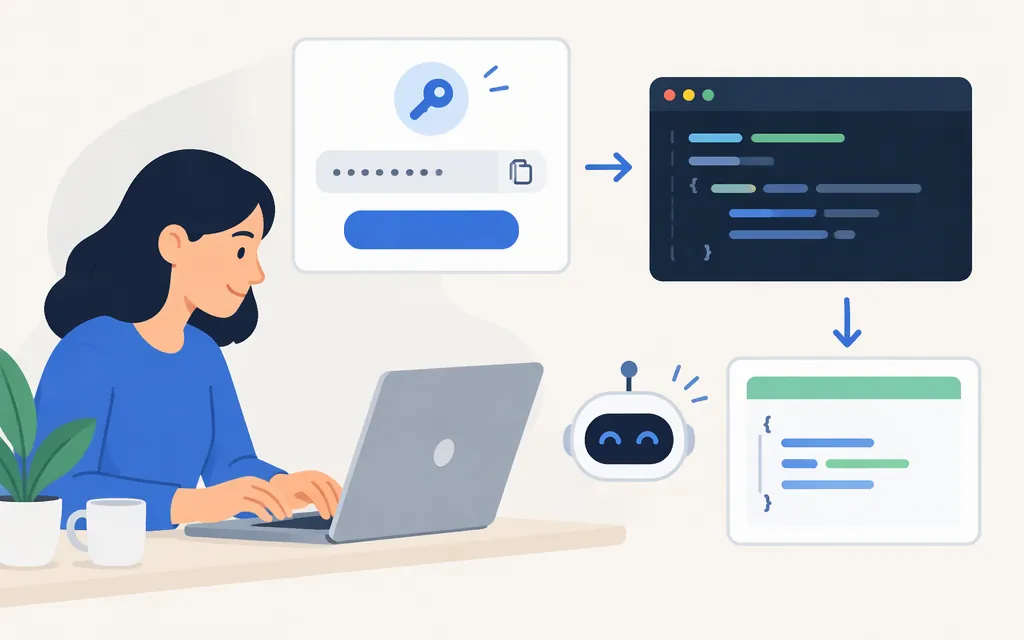
Get a Kimi API key
- Open the Kimi Open Platform API keys page and sign in or create a platform account. This is the developer API platform, not the Kimi chat app. (
platform.kimi.ai) - In the dashboard, create an API key. The official API documentation identifies the dashboard’s API keys page as the place to generate and manage keys. (
platform.kimi.ai) - Keep the key on your server. Do not put it in browser-side code, a public repository, or logs; Moonshot recommends using an environment variable. (
platform.kimi.ai)
On macOS or Linux, set the key in your current shell:
export MOONSHOT_API_KEY='your-key-here'
For PowerShell:
$env:MOONSHOT_API_KEY = 'your-key-here'
The key and endpoint must belong to the same provider environment. A key issued by another API provider is not a substitute for a Moonshot platform key.
Check which K2-family model you can call
Before sending a completion, ask the API which model IDs are available to your account:
curl https://api.moonshot.ai/v1/models \
  -H "Authorization: Bearer $MOONSHOT_API_KEY"
Use an ID returned by that response. Moonshot’s documentation identifies kimi-k2.6 and kimi-k2.7-code in its K2-family API guidance, but the live model list is the safer check for your account and the current catalog. Do not use kimi-k2.5 or an older K2 preview name unless the API currently lists it. (platform.kimi.ai)
Make a first chat-completion request
Install the OpenAI Python SDK, then set KIMI_MODEL_ID to a model ID that appeared in the model-list response. For example, use kimi-k2.6 only if it is listed for your account.
python -m pip install openai
export KIMI_MODEL_ID='kimi-k2.6'
import os
from openai import OpenAI

client = OpenAI(
    api_key=os.environ["MOONSHOT_API_KEY"],
    base_url="https://api.moonshot.ai/v1",
)

result = client.chat.completions.create(
    model=os.environ["KIMI_MODEL_ID"],
    messages=[{"role": "user", "content": "Reply with: API connection works."}],
)

print(result.choices[0].message.content)
A successful call prints the model’s reply. This follows Moonshot’s documented OpenAI-compatible client setup and chat-completion pattern, with the model ID supplied from the live catalog rather than assumed. It is a documentation-based example, not a claim that this request was executed here. (platform.kimi.ai)
If the request fails
- Authentication error: Confirm the environment variable is set in the same terminal or server process running the script, and that the key was issued in the Kimi Open Platform dashboard. Requests use
Authorization: Bearer …. (platform.kimi.ai) - Unknown or unavailable model: Re-run the model-list request and copy an exact returned ID. Old K2-family names may have been retired. (
platform.kimi.ai) - Using a different provider: A third-party API account may use its own key, endpoint, and model alias. Don’t combine those settings with Moonshot’s key and base URL; follow that provider’s documentation instead.
The official docs also list Anthropic-compatible access, but its base URL differs. For the example above, keep the OpenAI-compatible endpoint and SDK together: https://api.moonshot.ai/v1. (platform.kimi.ai)
Sources
Kimi API Platform — API keys console
API Overview — Kimi API Platform
Quickstart — Kimi API Platform
List Models — Kimi API Platform
Chat Completions API — Kimi API Platform