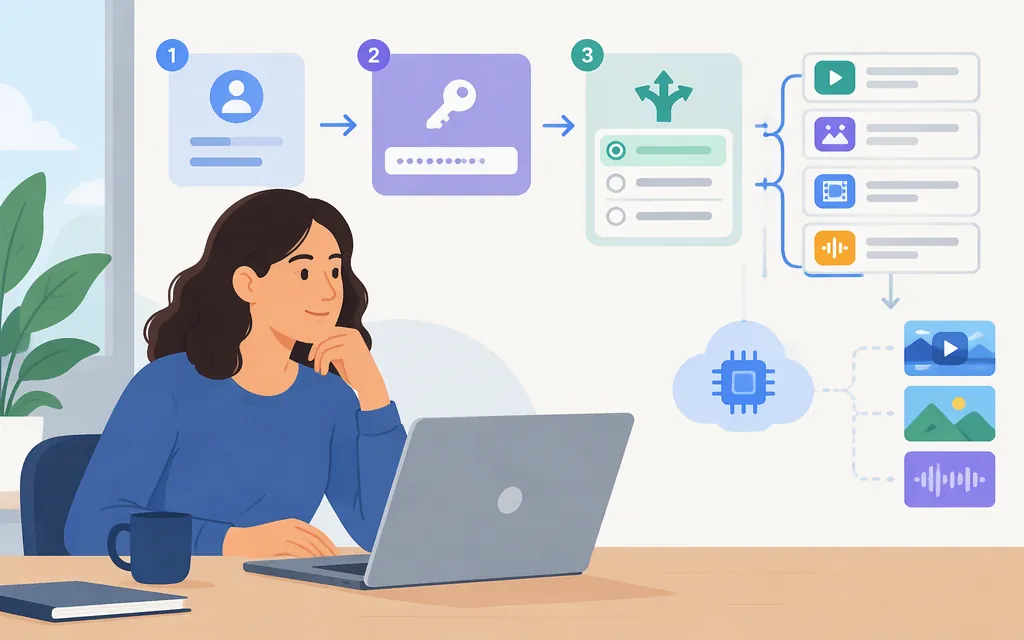
For Kling’s official developer API, create an API key in the Kling AI console. Kling’s authentication instructions say to name the key, copy it when it appears, and store it securely because it is shown only once. Send it in the request header as Authorization: Bearer YOUR_API_KEY. Follow Kling’s authentication guide for the applicable API host and account setup. (Kling authentication guide)
A third-party API provider may issue its own token, sometimes alongside a requirement to connect a Kling account. That token belongs to the provider; it is not a Kling-issued key, and its endpoint and request format are not interchangeable with Kling’s. For example, a useapi.net repository describes its route as using a useapi.net token plus a connected Kling account, rather than a Kling developer key. Those are details of that third-party route, not general Kling requirements.
Get an official Kling API key
- Sign in to the Kling AI console.
- Open the API-key area and select Create a new API Key.
- Name the key and confirm.
- Copy it when it appears, then store it securely; Kling says it is shown only once.
Use the Bearer header format documented by Kling: Authorization: Bearer YOUR_API_KEY. Keep the key on a server or other trusted backend; do not put a secret API key in browser-side code.
Official Kling key or a gateway key?
| Route | Credential issuer | Account relationship | What to keep in mind |
|---|---|---|---|
| Official Kling API | Kling AI | Key created in the Kling AI console | Use Kling’s own authentication instructions and the current reference for your chosen model. |
| Third-party API provider | That provider | Depends on the provider; some routes also require linking a Kling account | The provider’s token and API schema apply to that provider’s endpoint only. |
Make a Kling 2.6 text-to-video request
Kling’s current v2.6 text-to-video reference documents a POST to /text-to-video/kling-2.6. For servers outside China, Kling’s authentication documentation identifies https://api-singapore.klingai.com as the API domain. The v2.6 reference marks prompt as required; settings is optional, with documented values including a 5-second duration, 720p resolution, and a 16:9 aspect ratio. (kling.ai)
curl --request POST \
  --url https://api-singapore.klingai.com/text-to-video/kling-2.6 \
  --header "Authorization: Bearer $KLING_API_KEY" \
  --header 'Content-Type: application/json' \
  --data '{
    "prompt": "A paper boat drifting along a quiet stream at sunrise",
    "settings": {
      "duration": 5,
      "resolution": "720p",
      "aspect_ratio": "16:9"
    }
  }'
The request and supported fields above come from Kling’s official v2.6 model reference. The reference content available here does not establish the matching task-query GET path, the creation response’s task-ID field, or the response fields for retrieving a completed video. Do not fill those gaps with a gateway’s endpoint or an older API pattern. Kling documents a callback option for task-status notifications; its callback reference describes succeeded and failed statuses and video output URLs, but that is not a substitute for a verified polling endpoint. (kling.ai)
Token Forge Cloud’s public homepage lists Qwen, DeepSeek, GLM, and Seedance APIs; the material reviewed here does not establish a Kling route. Do not assume a Token Forge credential can call Kling.
Bottom line: create an official Kling key in the Kling AI console and send it as a Bearer token. The official v2.6 text-to-video request is documented above, but a complete submit-to-download example still requires the matching official task-query and response specification.
Sources
Kling AI API Documentation: Authentication
Kling AI API Documentation: Text-to-Video