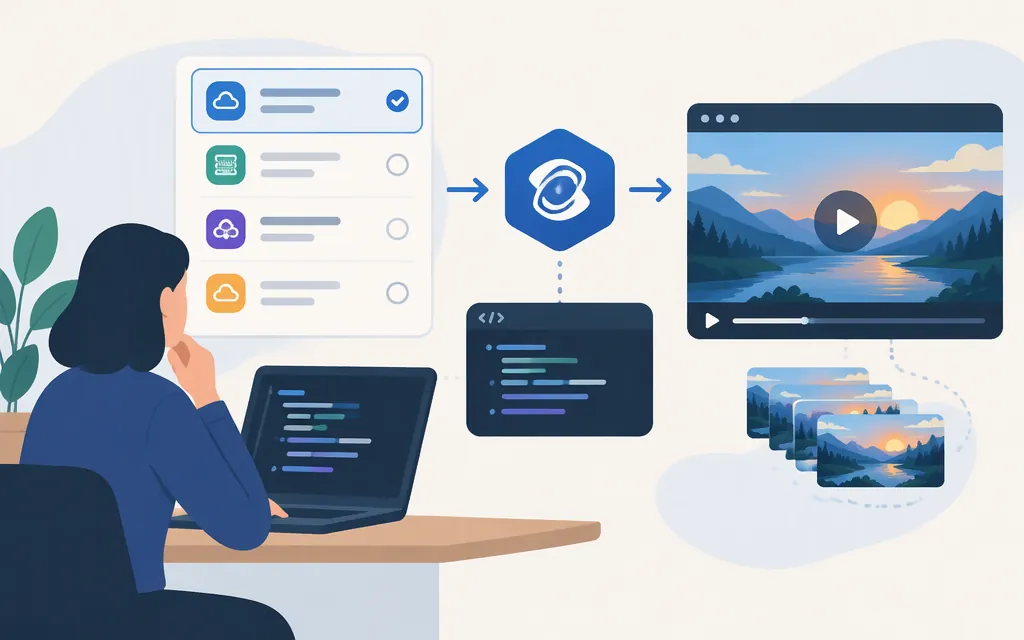
“Kling API” can refer to different providers’ services. Kling has its own developer platform and API pricing, while this walkthrough uses Replicate’s kwaivgi/kling-v1.6-pro model. Replicate’s endpoint, credentials, model schema, and price are not the same as Kling’s first-party API or another intermediary’s service. If you need direct Kling access, start with Kling’s developer documentation; the code below is specifically for Replicate. (Kling API pricing)
Which route does this guide cover?
| Route | What this guide establishes |
|---|---|
| Kling first-party developer platform | Kling publishes developer documentation and API pricing. This article does not establish its account-access requirements or provide a first-party request example. Check its current documentation for those details. (Kling API pricing) |
| Replicate | The example below calls Replicate’s kwaivgi/kling-v1.6-pro model with a Replicate token. It is not a direct Kling endpoint. (Apidog’s Replicate tutorial) |
| Other intermediaries | An intermediary’s endpoint, authentication, model IDs, and pricing apply to that service only. Do not combine them with the Replicate example. Renderful, for example, publishes its own Kling pricing information. (Renderful) |
Replicate model fit: Kling 1.6 Pro
Replicate’s model listing identifies kwaivgi/kling-v1.6-pro as a video model for text-to-video and image-to-video, and describes 5- and 10-second output at 1080p. The model input schema identifies prompt as a required string and duration as an optional integer. The example below uses text-to-video with duration: 5. The listing describes 1080p output; it does not establish a selectable resolution parameter. (Replicate model listing)
Submit a text-to-video generation and save the result
Create a Replicate account and API token, then keep the token in an environment variable rather than in source code. Replicate’s Node.js guide documents this setup and the client-library workflow. (Run a model from Node.js)
mkdir kling-demo && cd kling-demo
npm init -y
npm pkg set type=module
npm install replicate
export REPLICATE_API_TOKEN="your-token"
Save the following as index.js, then run node index.js. Replicate’s JavaScript client README demonstrates calling replicate.run() with await to obtain the model output. This example therefore waits for that call to return; it does not separately create a prediction ID or poll for status. The README documents FileOutput.blob() as providing a Blob representation. The catch block handles a rejected call or an error while converting or saving the file. The cited README does not specify how run() represents a failed generation as a structured prediction result, so use the separate prediction workflow if your application needs prediction status and error details. (Replicate JavaScript client README; Replicate prediction documentation)
import Replicate from "replicate";
import { writeFile } from "node:fs/promises";

const replicate = new Replicate();

try {
  const result = await replicate.run("kwaivgi/kling-v1.6-pro", {
    input: {
      prompt: "A futuristic city at dusk, cinematic lighting, slow pan",
      duration: 5,
    },
  });

  const files = Array.isArray(result) ? result : [result];
  if (files.length === 0) {
    throw new Error("The model returned no output files.");
  }

  for (const [index, file] of files.entries()) {
    if (!file || typeof file.blob !== "function") {
      throw new TypeError("The returned item does not expose the documented FileOutput blob() method.");
    }

    const blob = await file.blob();
    const filename = files.length === 1
      ? "output.mp4"
      : `output-${index + 1}.mp4`;

    await writeFile(filename, Buffer.from(await blob.arrayBuffer()));
    console.log(`Saved ${filename}`);
  }
} catch (error) {
  console.error("Generation failed or the output could not be saved:", error);
  process.exitCode = 1;
}
The client README shows FileOutput.blob() yielding a Blob representation. This example awaits the conversion and uses Node’s promise-based file writing; the catch block also handles errors from generation, conversion, or writing. The cited README does not describe the precise structured failure behavior of replicate.run(), so the example logs a caught error rather than claiming it contains prediction status fields. For status and error details, use Replicate’s separate prediction workflow. (Replicate JavaScript client README; Replicate prediction documentation)
Replicate says prediction inputs and outputs, including files, are automatically deleted after one hour for predictions created through its API. Save any output you need to keep before then. (Replicate webhooks documentation)
Price and production checks
Replicate’s model listing showed $0.095 USD per second of output video. At that listed rate, a 5-second output is about $0.475 and a 10-second output about $0.95. These are estimates based on the listing’s per-output-second rate, not Kling first-party prices; check Replicate’s model page before budgeting because provider prices can change. (Replicate model listing)
Before shipping, verify the selected provider’s current model ID and input schema, confirm the price for the intended duration and resolution, and decide how your application handles failed generations. Keep provider credentials server-side. For asynchronous or high-volume jobs, use the provider’s documented prediction workflow rather than assuming the blocking example provides polling, retries, or service guarantees. (Create a prediction)
Bottom line
This example covers Kling 1.6 Pro through Replicate: provide a prompt and supported duration, await the output, and save the returned file. It does not document Kling’s first-party API or establish that another provider accepts the same credentials, fields, or price.
Sources
Replicate JavaScript client README
Create a prediction - Replicate