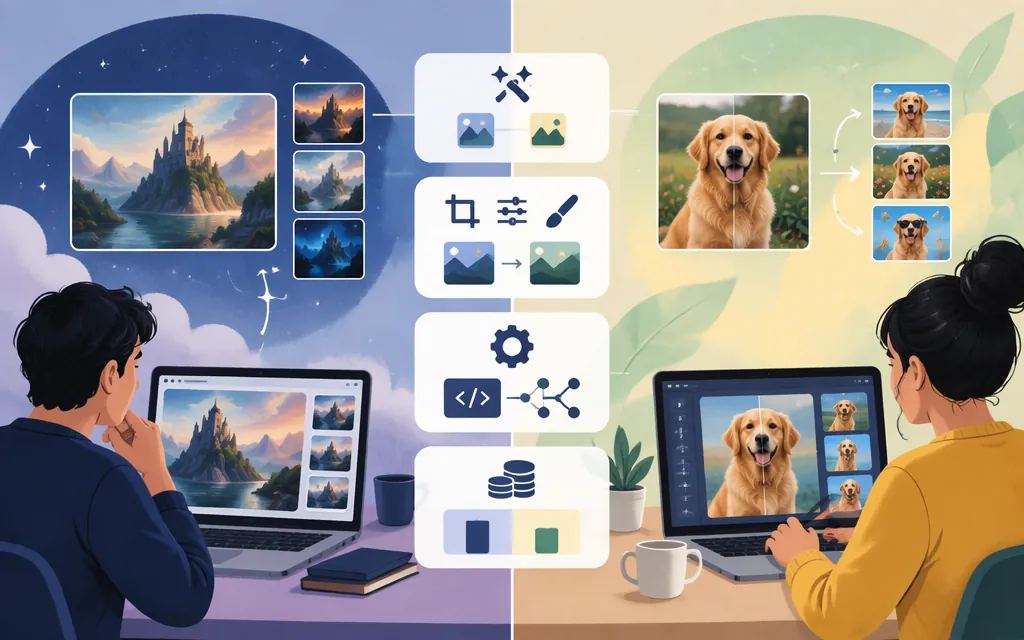
Short answer: Shortlist Midjourney V8.2 if you want to create and edit images within Midjourney’s creative service. Its Edit Model supports written-instruction edits, up to four reference images, inpainting, and outpainting. Shortlist Google Nano Banana 2.1 if you need image generation or conversational editing through a model API. Google documents that model for image generation and multi-turn editing. These are documented workflow differences—not evidence that either model produces better images overall. (Midjourney Edit Model; Google Cloud model page)
Compared here: Midjourney V8.2 and Nano Banana 2.1 (gemini-nano-banana-2.1). Information checked November 8, 2026. This comparison uses product documentation, not a matched image-quality test. (Midjourney V8.2; Google model documentation)
At a glance
| Your requirement | Starting point | Documented reason |
|---|---|---|
| Create and develop images within a creative service | Midjourney V8.2 | The Edit Model supports image references, instruction-based edits, inpainting, and outpainting. |
| Edit an existing image with instructions | Either; compare the workflow you’ll use | Midjourney documents its Edit Model; Google documents Nano Banana 2.1 image editing and multi-turn editing. |
| Build image generation or editing into software | Nano Banana 2.1 on Google Cloud | Google documents an API model ID and a generateContent route. Midjourney’s terms prohibit automated tools from accessing, interacting with, or generating assets through its services. |
| Compare visual quality for your own prompts | Test both | The cited official documentation does not provide a matched benchmark between these versions. |
These are workflow recommendations, not claims that one model follows prompts more accurately or produces better images. (Midjourney Edit Model; Midjourney Terms of Service)
How the creation and editing workflows differ
Midjourney V8.2: edit with references and targeted tools
Midjourney’s Edit Model works with versions 8.1 and 8.2. It supports written-instruction edits, up to four reference images, inpainting, and outpainting. Its documented limitations are specific: Edit Model results are not currently compatible with Remix, and the Edit Model is not compatible with --tile. (Midjourney Edit Model)
That makes Midjourney worth shortlisting if your work involves developing an image with references, changing selected areas, or extending a canvas in Midjourney. The documented tools do not guarantee that every detail you want to preserve will remain unchanged, so test with your own images.
Nano Banana 2.1: generate and edit in a conversational API workflow
Google identifies Nano Banana 2.1 as an image-generation and conversational-editing model. Its documentation lists up to 14 reference images and 1K, 2K, and 4K output resolutions. The 14-image maximum is the documented limit for this model, not a general limit for every Nano Banana access route or product. (Google AI model documentation; Google Cloud model page)
For example, a product workflow might send an existing image with the instruction, “Change the background to a studio, but keep the product unchanged.” This is an illustrative prompt, not a test result or guarantee. Review the output before using it in a customer-facing workflow.
Practical distinction: Midjourney documents a visual editing workflow with references, inpainting, and outpainting. Google documents Nano Banana 2.1 as a model for image generation and conversational editing through developer platforms. Choose based on the controls and access route your work requires—not on unsupported assumptions about comparative quality.
Production API: a documented Google Cloud route; a Midjourney automation restriction
For an API-backed application, Google Cloud documents Nano Banana 2.1 under the model ID gemini-nano-banana-2.1, with image generation and multi-turn image editing supported. Google lists it as generally available. The Cloud route uses the Agent Platform API’s generateContent method; requests use the model ID in the publisher-model path. Google’s documentation shows regional and global endpoint patterns. (Google Cloud model page; Google Cloud API endpoint documentation; Google model availability)
Set up a Google Cloud project, enable billing and the Agent Platform API, and authenticate requests. Google recommends Application Default Credentials (ADC) for production authentication. Endpoint and model availability depend on the location and route you choose; check the location documentation and project-specific quota guidance before deployment. Standard PayGo is pay-as-you-go on shared capacity and does not guarantee throughput during periods of high contention. (Google Cloud model page; Google Cloud authentication; locations and endpoints; Standard PayGo)
Google’s zero-data-retention guidance describes circumstances in which prompts may be logged for abuse monitoring. Do not assume zero retention by default. Whether the Google Cloud route meets your particular contract, commercial-use, data-handling, location, and quota requirements has not been established here; confirm those conditions for your project. (Google Cloud zero-data-retention guidance; Google Cloud service terms)
Midjourney’s published terms prohibit automated tools from accessing, interacting with, or generating assets through its services. Do not plan an automated production integration around Midjourney unless it publishes an authorized route and terms that fit your use case. A third-party service claiming to offer access is not, by itself, evidence that the route is authorized or suitable for production. (Midjourney Terms of Service)
Developer takeaway: Evaluate Nano Banana 2.1 through the specific Google Cloud API route you intend to deploy. Confirm location, quotas, data handling, and applicable commercial terms before committing. Treat Midjourney as a creative service for human-operated use under its published terms, not as a supported automated generation API.
Pricing: subscription versus image-output charges
The figures below are in USD. Midjourney charges a subscription; the Google Cloud figures are approximate Nano Banana 2.1 image-output charges. These use different billing units and are not a like-for-like comparison. Check the linked pricing pages before purchasing. (Midjourney plan comparison; Google Cloud Agent Platform pricing)
| Route or plan | Published price | Relevant allowance or qualification |
|---|---|---|
| Midjourney Basic | $10/month or $96/year paid upfront | 3.3 Fast GPU hours (200 minutes) per month. |
| Midjourney Standard | $30/month or $288/year paid upfront | 15 Fast GPU hours per month; unlimited image generations in Relax Mode. |
| Midjourney Pro | $60/month or $576/year paid upfront | 30 Fast GPU hours per month; Stealth Mode is available on Pro and Mega. |
| Midjourney Mega | $120/month or $1,152/year paid upfront | 60 Fast GPU hours per month; Stealth Mode is available on Pro and Mega. |
| Nano Banana 2.1 on Google Cloud | About $0.034 per 1K image, $0.050 per 2K image, or $0.113 per 4K image | Approximate image-output charges; input and other applicable usage can add to the total. |
Midjourney’s Relax Mode for unlimited image generations is included with Standard, Pro, and Mega; Stealth Mode is available only on Pro and Mega. Separately, Midjourney says a business grossing more than $1 million USD per year needs a Pro or Mega plan to use its images or videos commercially for that company. The revenue rule concerns commercial use for the company; check the current plan and terms before buying. (Midjourney plan comparison; Midjourney commercial-use guidance)
Example estimate: 1,000 Nano Banana 2.1 images at 1K resolution would be approximately $34 in image-output charges (1,000 × $0.034). At the listed output rates, 1,000 images would be about $50 at 2K or $113 at 4K. These are estimates for image output, not an all-in bill; input tokens and other chargeable usage may add cost. These figures are for Nano Banana 2.1 on the Google Cloud pricing route—not a Gemini consumer plan, Nano Banana Pro, or a third-party platform. (Google Cloud Agent Platform pricing)
Which should you choose?
- Choose Midjourney V8.2 if you want to create, reference, selectively edit, or extend images in Midjourney’s creative service, and do not need automated access through its service.
- Choose Nano Banana 2.1 on Google Cloud if your application needs documented image-generation or multi-turn image-editing API access. Confirm your project’s location, quota, data-handling, and commercial requirements before deployment.
- If output quality is decisive, test both on your own tasks. The cited official sources document features and access conditions, not a head-to-head quality winner.
A quick buyer test
This is a suggested test—not a test performed for this article:
- Pick five representative tasks, such as a new concept image, a product scene, an edit to an existing image, an image with exact text, and a variation that must preserve a key subject.
- Record the model version, settings, reference images, and access route for each attempt.
- Score the results against your requirements: prompt elements present, subject preserved, text readable, revisions required, usable output format, and total cost.
- If automation matters, run the test through the actual provider route you expect to deploy and check quotas, errors, throughput, and billing.
- Choose the option that meets your quality and operational requirements. If API automation is mandatory, Midjourney’s published restriction is a material constraint unless a suitable authorized route is documented.
Sources
Using Images & Videos Commercially – Midjourney
Gemini Nano Banana 2.1 – Gemini API
Gemini Nano Banana 2.1 – Google Cloud Documentation
Google models – Gemini Enterprise Agent Platform
Deployments and endpoints – Gemini Enterprise Agent Platform
Authenticate Vertex AI API requests – Google Cloud
Standard PayGo – Gemini Enterprise Agent Platform
Gemini Enterprise Agent Platform and zero data retention