Direct answer
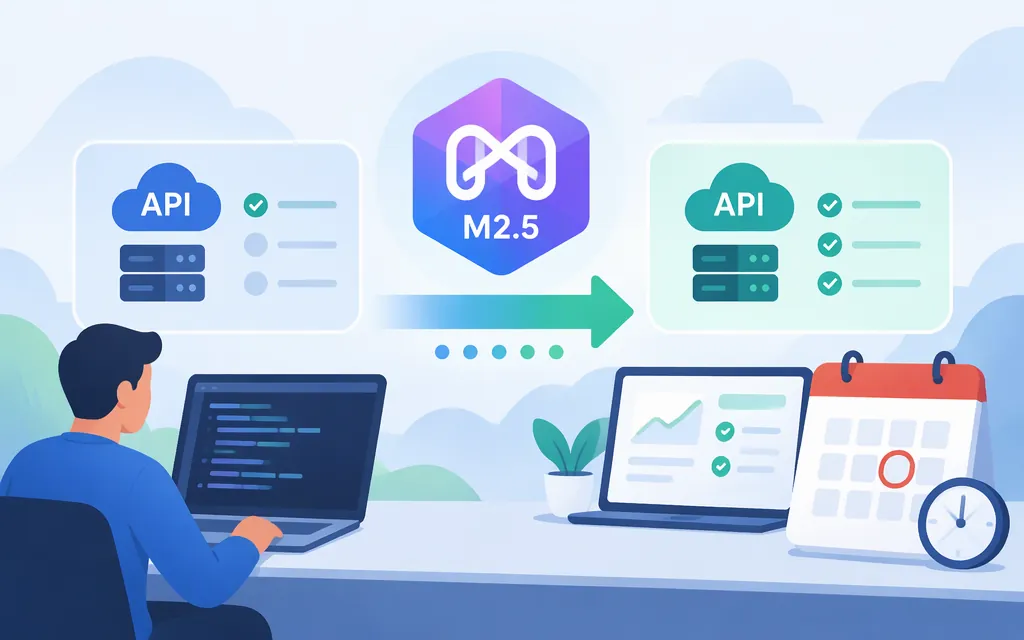
MiniMax M2.5 is not available to new users. If you already use it through MiniMax’s pay-as-you-go API, MiniMax says you can continue until November 18, 2026; after that, requests naming M2.5 will stop working. For M Plan and Token Plan users, MiniMax says requests using M2.5 names have been routed to M3.1-Flash since October 19, 2026, with the old names retained for backward compatibility. These are the terms in MiniMax’s official model list.
This status is as of November 10, 2026. For a new integration, use a currently listed model rather than starting with M2.5. MiniMax’s current text-generation guide lists M3.1-Flash and M3.
Make a replacement API request
This is an M3.1-Flash smoke test, not an M2.5 request. It uses MiniMax’s documented Anthropic-compatible route on the international endpoint. Create the credential that matches your billing: MiniMax distinguishes pay-as-you-go API Keys from M Plan Subscription Keys. Keep the key server-side and store it as an environment variable, as described in MiniMax’s prerequisites guide.
export MINIMAX_API_KEY="your-server-side-key"

curl https://api.minimax.io/anthropic/v1/messages \\
  -H "Authorization: Bearer $MINIMAX_API_KEY" \\
  -H "Content-Type: application/json" \\
  -d '{
    "model": "MiniMax-M3.1-Flash",
    "output_config": {"effort": "low"},
    "max_tokens": 4096,
    "messages": [
      {"role": "user", "content": "Reply with: API connected"}
    ]
  }'
MiniMax documents low as a supported M3.1-Flash effort setting. max_tokens: 4096 is an output cap, not an expected response length: thinking tokens count toward it, as do final-answer tokens. If the cap is exhausted, the response may have stop_reason: "max_tokens" and no text block.
To read the result, inspect the response’s content array. Extract the text value from blocks with type: "text"; do not treat a type: "thinking" block as the final answer. Check stop_reason as well: MiniMax’s example shows end_turn for a normally completed response, while max_tokens indicates that generation hit the output cap. These fields help check this smoke test; they do not prove full migration compatibility. See MiniMax’s Anthropic Messages reference and Anthropic SDK guide.
Migration checklist for an existing M2.5 integration
- Identify your billing path. MiniMax documents different treatment for pay-as-you-go API users and M Plan or Token Plan users.
- For pay-as-you-go, change the model ID before November 18, 2026. MiniMax lists M3.1-Flash as a current model; the request above is a documented example for it.
- For M Plan or Token Plan, don’t assume the old model name means M2.5 is still serving your request. MiniMax says those requests are routed to M3.1-Flash. Update and test your integration deliberately so its configuration reflects the model you intend to use.
- Regression-test the behavior your app depends on. The official documentation provides an M3.1-Flash request example, but does not promise that changing only the model ID preserves every M2.5 behavior. Test parameters, response parsing, tool calls, and streaming if your application uses them.
The retirement notice does not say pay-as-you-go requests will automatically switch models: it says those requests will no longer work after retirement. The automatic routing described in the notice applies to M Plan and Token Plan requests.
M2 is not M2.5
MiniMax’s October 27, 2025 announcement concerns MiniMax M2, not M2.5. It links to an API reference for M2, but does not establish M2.5 access or its request format. Its historical launch pricing and temporary free-trial terms should not be treated as current M2.5 pricing.
Sources
Prerequisites — MiniMax API Docs
Create Message — MiniMax API Docs
Anthropic SDK — MiniMax API Docs