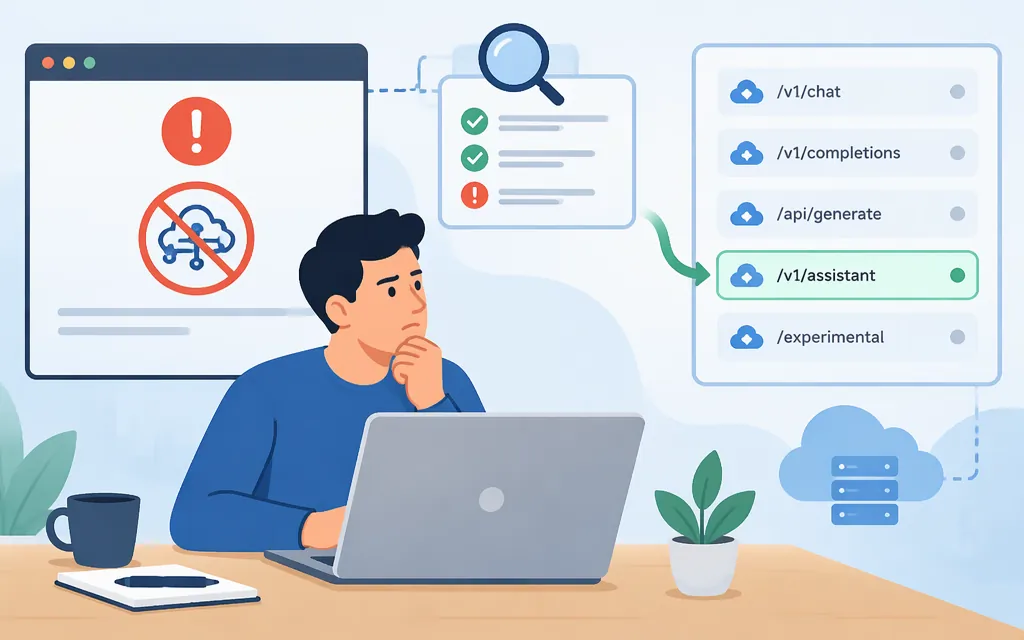
“No endpoints found for DeepSeek” does not, by itself, prove that DeepSeek is down or has no API endpoints. The message may come from a provider or router that cannot find an eligible route for your model and request. Start by checking the complete error text, HTTP status, provider/base URL, model ID, and client or router—then troubleshoot that specific route rather than changing settings at random.
First, identify which error you have
Two similar-looking errors in community reports describe different situations:
- “No endpoints found for the request” appeared in a July 2024 Aider/OpenRouter report using the model ID
openrouter/deepseek/deepseek-coder. The error text directed the user to provider filtering and privacy settings. This is a historical report, not confirmation of a current DeepSeek outage or today’s root cause. (GitHub issue) - “No endpoints found that support cache control” appeared in a separate Claude Code Router/OpenRouter report. That message refers to a request requiring cache-control support; it does not establish that DeepSeek has no endpoints. The thread contains differing outcomes for different configurations. (GitHub issue)
DeepSeek’s documented API errors include statuses such as 400 (invalid format), 401 (authentication), 402 (insufficient balance), 422 (invalid parameters), and 429 (rate limit). Don’t apply those explanations to an endpoint-not-found message unless the actual response matches the documented error. DeepSeek error codes
Check the route before changing settings
- Capture the exact response. Record the HTTP status and full error body, including whether it mentions provider filters, privacy or data collection, unsupported parameters, or cache control.
- Confirm the request path. Note the API host, provider, exact model ID, and whether the request goes directly to DeepSeek or through a gateway, router, or client integration. Historical model IDs in issue reports are examples, not recommendations for current use.
- Check the provider’s current model list and routing constraints. In OpenRouter, account-level or per-request provider restrictions and data-policy requirements can limit which providers are eligible. Its documentation describes provider restrictions and data-policy routing options; check that your chosen constraints leave an eligible route. (OpenRouter provider logging)
- For a cache-control error, check the integration’s current adapter instructions. Confirm that the selected route supports the features your client sends. A community member reported that adding an OpenRouter transformer fixed one configuration, but other reports in that thread differed; treat it as a setup-specific lead, not a universal fix. (GitHub issue)
- Retest with the same model and a minimal request. Change one setting at a time and keep a record of the provider, model ID, request features, and result. If the error changes, use the new status and message to choose the next diagnostic step.
Don’t weaken privacy controls as a default fix
In the 2024 Aider/OpenRouter discussion, one user said enabling providers that may train on inputs restored their request; the original reporter then objected to the privacy trade-off. OpenRouter’s documentation says opting out of providers that train prevents routing to those providers. Check the current policy and your organization’s data requirements before changing this setting; a broader provider pool may conflict with your privacy requirements. (GitHub issue; OpenRouter provider logging)
If you need a production API route
Choose a route only after confirming the model is currently listed and a representative request works with your required features. DeepSeek documents https://api.deepseek.com as its OpenAI-format base URL. Its model-list API is GET https://api.deepseek.com/models; the API reference specifies Bearer authentication and says a successful response is a list whose data array contains model objects with id values that can be referenced in API endpoints. (DeepSeek model-list API; DeepSeek API authentication)
For example, after setting DEEPSEEK_API_KEY to your API key, check the catalog with this single-line shell command:
curl --header "Authorization: Bearer $DEEPSEEK_API_KEY" "https://api.deepseek.com/models"
A successful catalog response tells you which model IDs the catalog lists for the API and may include capability and limit metadata. It does not prove that a chat-completion request using your required parameters will succeed. DeepSeek documents chat completions at POST https://api.deepseek.com/chat/completions; validate the exact model and features with a representative request before deployment. (DeepSeek chat-completions API)
A practical choice depends on your need:
- Direct DeepSeek API: test this when you want DeepSeek’s documented API path and a model listed in its current catalog. It removes a third-party router from the request path, but does not resolve client-side incompatibilities automatically.
- OpenRouter or another gateway: consider this when its routing or provider-selection features match your needs. Verify that your account settings, privacy requirements, model ID, and request parameters leave an eligible provider. Routing behavior and available providers can vary. (OpenRouter provider selection)
- A managed API service: assess it only after confirming the exact model ID, API format, route availability, privacy terms, reliability commitments, and pricing for your workload. Token Forge Cloud’s public site describes production APIs that include DeepSeek, but the information reviewed here does not establish a specific DeepSeek route’s availability or its product terms. (Token Forge Cloud)
Bottom line: diagnose the provider and request before concluding that DeepSeek has no endpoints. Use the current model catalog and a minimal live request to validate the route; treat privacy-setting changes and community-reported configuration fixes as conditional, setup-specific choices.
Sources
Lists Models | DeepSeek API Docs
Chat Completions API | DeepSeek API Docs
DeepSeek API | DeepSeek API Docs
Error Codes | DeepSeek API Docs
Openrouter not working with new upgrade · Issue #853 · Aider-AI/aider
Provider Logging - Provider Data Retention Policies