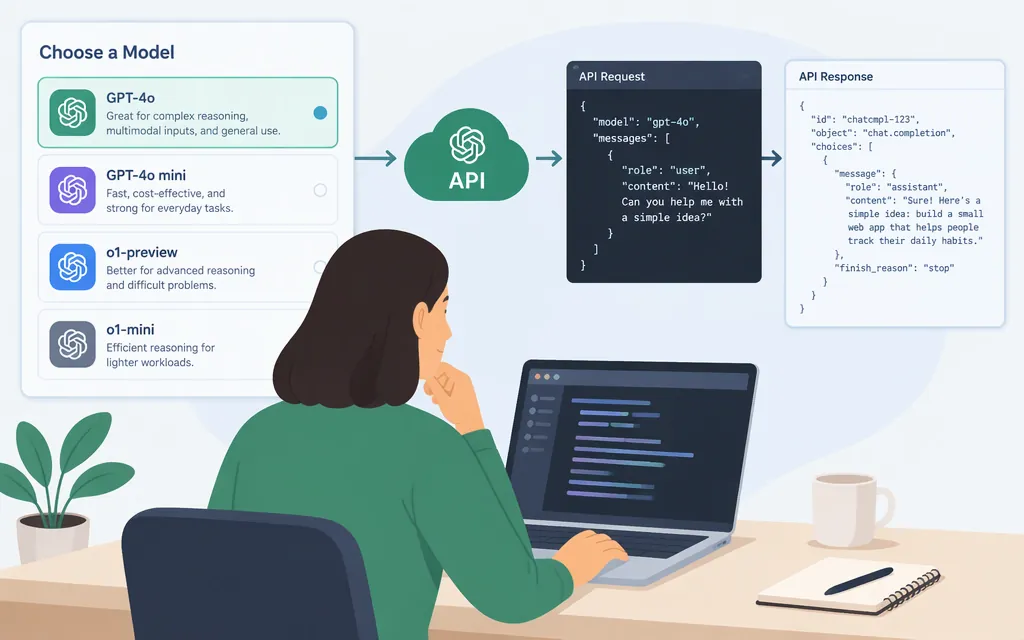
OpenAI API models: choose by workload, then verify the model ID
Choose a model for the work it needs to do, then confirm its exact ID and current specifications in the official model catalog. The catalog’s guidance describes GPT-6 Astra for complex reasoning and coding, GPT-6.1 Sol as a balance of capability and cost, GPT-6.1 Terra for visual reasoning, precise computer use, and writing, and GPT-6 Luna for cost-sensitive, high-volume tasks. These are OpenAI’s descriptions, not independent benchmark results.
Which model should you start with?
| Model | Model ID | Catalog-described fit | Standard input / output price per 1M tokens |
|---|---|---|---|
| GPT-6 Astra | gpt-6-astra |
Complex reasoning and coding; demanding work | $10 / $50 |
| GPT-6.1 Sol | gpt-6.1-sol |
Balance intelligence and cost; complex work | $2 / $10 |
| GPT-6.1 Terra | gpt-6.1-terra |
Visual reasoning, precise computer use, and writing | $1 / $5 |
| GPT-6 Luna | gpt-6-luna |
Focused, cost-sensitive, high-volume work | $0.10 / $0.50 |
The official pricing page currently lists these model IDs and rates in its Standard pricing table. Rates can vary by processing option and other conditions. For example, the GPT-6 Astra model page says requests with more than 272K input tokens are priced at higher input and output rates; check the applicable model’s current pricing details before estimating spend. Prices are not a total-cost estimate. Compare representative workloads and account for the input and output tokens they use.
Check limits and tools before relying on them
The captured model-catalog text lists a 1.05M context window, 128K-token maximum output, and Functions, Web search, File search, and Computer use for each of the four models above. Treat those particular limits and tool listings as catalog-capture details: current pricing records confirm the IDs and rates, but do not by themselves confirm those specifications for every model. Check each selected model’s current page and tool documentation before building around a limit or capability.
The catalog also groups specialized offerings for cyber, life sciences, image generation and editing, realtime speech and translation, and transcription. Consult the relevant current official listing for specialized model IDs, prices, limits, and access requirements.
Make a first API request
The official API Quickstart provides a JavaScript example using the Responses API. For a server-side JavaScript environment such as Node.js:
- Create an API key in the OpenAI dashboard and set it as the
OPENAI_API_KEYenvironment variable. The SDK reads the key from the environment. - Install the official SDK with
npm install openai. - Save this as
example.mjsand run it withnode example.mjs:
import OpenAI from "openai";

const client = new OpenAI();

const response = await client.responses.create({
  model: "gpt-6-astra",
  input: "Write a one-sentence bedtime story about a unicorn.",
});

console.log(response.output_text);
The example follows the Quickstart’s documented request structure; response.output_text is where it prints the generated text. Replace the example model only with an ID currently listed for your API use, and keep the API key in an environment variable rather than embedding it in application code.
Before you ship
Recheck the official model catalog and pricing page for the chosen model’s availability, exact ID, current rates, applicable pricing conditions, limits, and tool support. The Quickstart documents a first request; it does not establish that a model is suitable for every production workload. Evaluate candidate models against representative tasks and your own quality and cost requirements.
Sources
Developer quickstart | OpenAI API