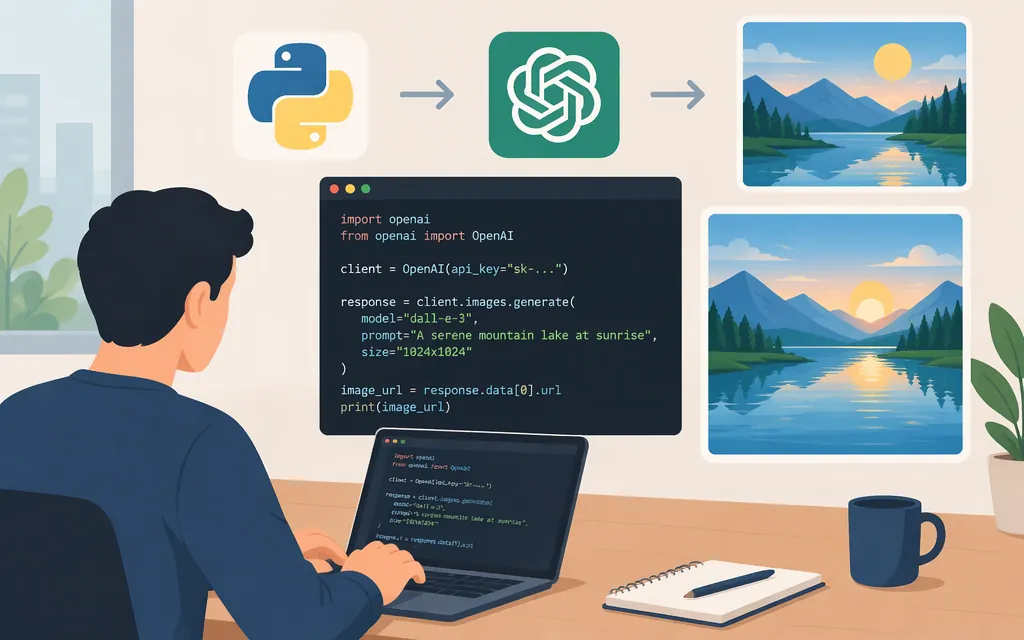
For a single image from a text prompt, use the Images API. In Python, call client.images.generate() with a model and prompt, then decode the returned Base64 image data and save it. OpenAI’s API reference lists gpt-image-2.6-flare as a supported model; the guide describes Flare as suited to fast iteration. [1][2]
Generate and save an image with Python
Install the OpenAI Python SDK and set an API key in the environment where your script runs. The SDK reads the key from OPENAI_API_KEY; keep it out of source code and browser-side code. GPT Image use may also require API Organization Verification. [2][3]
python -m pip install openai
export OPENAI_API_KEY="your_api_key"
Then make the request and save the returned image as a PNG:
import base64
from openai import OpenAI

client = OpenAI()

result = client.images.generate(
    model="gpt-image-2.6-flare",
    prompt=(
        "A cozy independent bookstore on a rainy evening, warm light in the windows, "
        "editorial illustration, no visible lettering"
    ),
    output_format="png",
    n=1,
)

image_base64 = result.data[0].b64_json
if image_base64 is None:
    raise RuntimeError("The API response did not include image data")

with open("bookstore.png", "wb") as image_file:
    image_file.write(base64.b64decode(image_base64))
The generation endpoint is POST /images/generations. GPT Image models return generated image data as Base64; the example explicitly requests PNG, decodes the first result, and writes its bytes to disk. [1][4]
This is a documentation-based example, not a claim that the code was executed. The API key and access to the selected model must be available to the account or project making the request. [2][3]
Choose the API and model for your workflow
- One prompt and a single generation task: Use the Images API. OpenAI recommends it for generating or editing an image from one prompt.
- A conversational or multi-step image experience: Use the Responses API with its image-generation tool. OpenAI describes it for image generation in conversations and multi-step flows.
- Fast iteration: OpenAI positions GPT Image 2.6 Flare for faster iteration. Its API reference lists
gpt-image-2.6-flareas a supported identifier.
The APIs offer output controls such as size, quality, format, and compression. Check the current reference for values supported by your selected model before adding optional settings. [1][2]
Important model-version note
The OpenAI API reference says gpt-image-1 was shut down on October 23, 2026. Check older examples for model availability rather than copying their model identifier unchanged. [1]
Sources
- OpenAI API Reference: Create image
- OpenAI API: Image generation guide
- OpenAI API: Developer quickstart
- OpenAI Python API Reference: Images
Sources
Create image - OpenAI API Reference