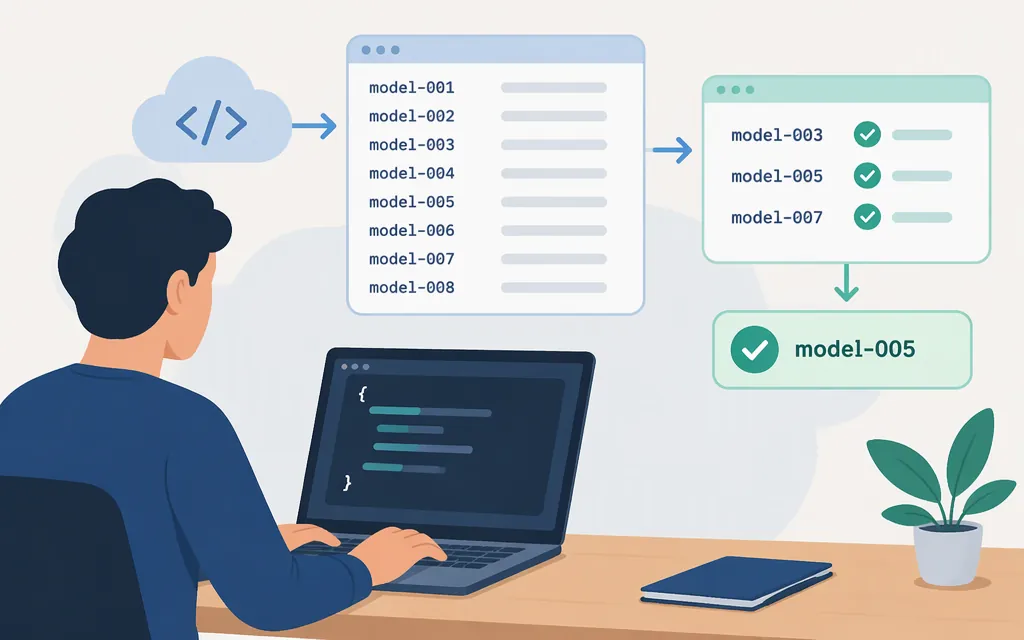
OpenAI API models list: find available model IDs
To retrieve model IDs programmatically, send an authenticated GET request to https://api.openai.com/v1/models. OpenAI documents this endpoint as listing currently available models. Its response contains a data array with model objects, including an id you can extract. (developers.openai.com)
The reference does not specify that results vary by project or credential, so don’t assume the list alone proves a model is available to every account or compatible with every endpoint. It also shows a list response but does not provide pagination instructions. (developers.openai.com)
Retrieve the list with curl
Set an API key in your shell, then make the documented request:
export OPENAI_API_KEY="your-api-key"
curl -sS https://api.openai.com/v1/models \
  -H "Authorization: Bearer $OPENAI_API_KEY"
The response includes a data array. To print the model IDs with jq:
curl -sS https://api.openai.com/v1/models \
  -H "Authorization: Bearer $OPENAI_API_KEY" \
  | jq -r '.data[].id'
Keep the API key secret: don’t put it in browser-side code or commit it to source control. If the request fails, check that the key is set correctly and consult the API reference for request details.
Check an ID before using it in production
A model ID in the list is a discovery result, not proof of compatibility with your application. Before integrating, open the model’s official documentation and check:
- Status: Is the model current, deprecated, or otherwise restricted?
- Endpoint: Does its documentation support the endpoint your application calls, such as Responses or Chat Completions?
- Inputs and outputs: Does it accept the modalities your request requires?
- Capabilities and limits: Confirm relevant features and context or output limits on that model’s page.
For example, the supplied GPT-5 Mini model-page capture lists model-specific IDs, endpoints, modalities, features, and limits, and marks GPT-5 Mini deprecated. Treat it as an illustration of what to inspect—not as a recommendation to adopt that model. Specifications on one model page should not be generalized to other models.
Static catalog or API list?
Use a static model catalog for an overview of model families and documented capabilities. Use GET /v1/models to retrieve the API’s documented list of currently available models. Then check the selected model’s official documentation for its current status and compatibility with your intended endpoint before relying on it in production.
A single model page is not a complete catalog: the GPT-5 Mini page covers GPT-5 Mini and its aliases or snapshot, not every OpenAI API model. Historical model names in older articles should not be assumed to be currently available.