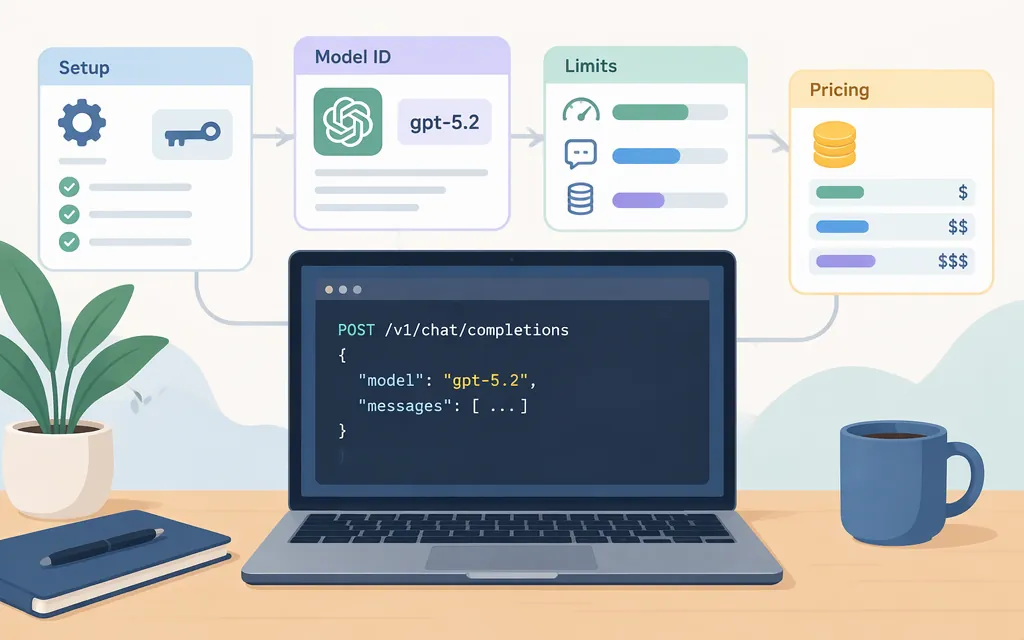
Short answer
OpenAI’s API documentation lists gpt-5.2 as a model alias and gpt-5.2-2025-12-11 as a dated snapshot. The model page lists both the Responses API and Chat Completions; this guide uses the Responses API for a minimal Python request. OpenAI describes GPT-5.2 as a previous flagship model and recommends its newer flagship for the latest capabilities. [1]
Make a minimal GPT-5.2 API request
Create an API key in the OpenAI Platform, install the official Python SDK, and set the key as an environment variable. Keep the key private and out of source code. [2]
Install the SDK:
python -m pip install openai
On macOS or Linux, set the key in your current terminal session:
export OPENAI_API_KEY="your_api_key_here"
In Windows PowerShell, set it in the current session:
$env:OPENAI_API_KEY = "your_api_key_here"
Save this as gpt52_test.py:
from openai import OpenAI

client = OpenAI()
response = client.responses.create(
    model="gpt-5.2",
    input="Reply with one short sentence confirming the API request worked.",
)

print(response.output_text)
Run it in the same terminal session where you set the key:
python gpt52_test.py
If the request succeeds, the script prints the model’s text from response.output_text. OpenAI’s quickstart demonstrates this SDK pattern with a different model; the GPT-5.2 model page separately lists the Responses endpoint and the gpt-5.2 alias. [1][2]
If it fails, first confirm the key is available to the process running Python. Then check the API error response and confirm your account’s GPT-5.2 access and usage limits before retrying.
GPT-5.2 model IDs and API interfaces
| Use | Model ID | Interface note |
|---|---|---|
| GPT-5.2 | gpt-5.2 |
Alias listed on OpenAI’s model page. |
| Pin a dated GPT-5.2 snapshot | gpt-5.2-2025-12-11 |
Snapshot listed on OpenAI’s model page. |
| GPT-5.2 Pro | gpt-5.2-pro |
OpenAI documents Pro as Responses-API-only. |
OpenAI lists both Responses and Chat Completions among GPT-5.2’s available endpoints. GPT-5.2 Pro has a narrower interface: use Responses. A third-party example uses the name gpt-5.2-thinking, but that identifier is not listed among the aliases on OpenAI’s GPT-5.2 model page; don’t assume a ChatGPT variant label is a valid API model ID. [1][3]
GPT-5.2 capabilities and limits
OpenAI lists a 400,000-token context window, a 128,000-token maximum output, and support for streaming, function calling, and structured outputs for GPT-5.2. [1]
The request example above is text-only. Before building an image, audio, video, or file workflow, confirm the supported modality and payload requirements on the GPT-5.2 model page for the interface you plan to use; this guide does not establish that those modalities are supported or unsupported.
For GPT-5.2 reasoning, the documented reasoning.effort values are none (the default), low, medium, high, and xhigh. [1]
For GPT-5.2 Pro, OpenAI lists medium, high, and xhigh reasoning effort. The Pro documentation notes that difficult requests may take several minutes and suggests background mode to avoid timeouts. [3]
GPT-5.2 API pricing
OpenAI’s GPT-5.2 model page displays rates of $1.75 per 1 million input tokens, $0.175 per 1 million cached input tokens, and $14 per 1 million output tokens. However, the retrieved pricing block labels the section “Batch API price” and does not clearly establish whether those displayed figures are standard synchronous rates or Batch rates. Check the current pricing page and applicable billing conditions before estimating request costs. API charges are separate from ChatGPT subscriptions. [1]
Direct OpenAI API versus OpenRouter
For direct access, use your OpenAI API key and a model ID listed in OpenAI’s documentation, such as gpt-5.2. A TypingMind guide describes a separate OpenRouter setup using the gateway model ID openai/gpt-5.2, an OpenRouter API key, and the OpenRouter Chat Completions endpoint. Those are gateway-specific settings—not the direct OpenAI model ID, credentials, or endpoint. Gateway billing and access conditions are separate. [1][4]
Production checklist
- Keep API credentials server-side or in a secret manager; don’t put them in browser code or a public repository. [2]
- Use a documented model alias, or the dated snapshot when you need to pin a specific version. [1]
- For a new text-generation integration, the sample uses Responses; check the model documentation for interface-specific features and limits. [1][2]
- Confirm account access, usage limits, supported parameters, and pricing before deployment. [1]
- If using a gateway, configure its endpoint, credentials, model ID, and billing separately from direct OpenAI API settings. [4]
Sources
Developer quickstart | OpenAI API