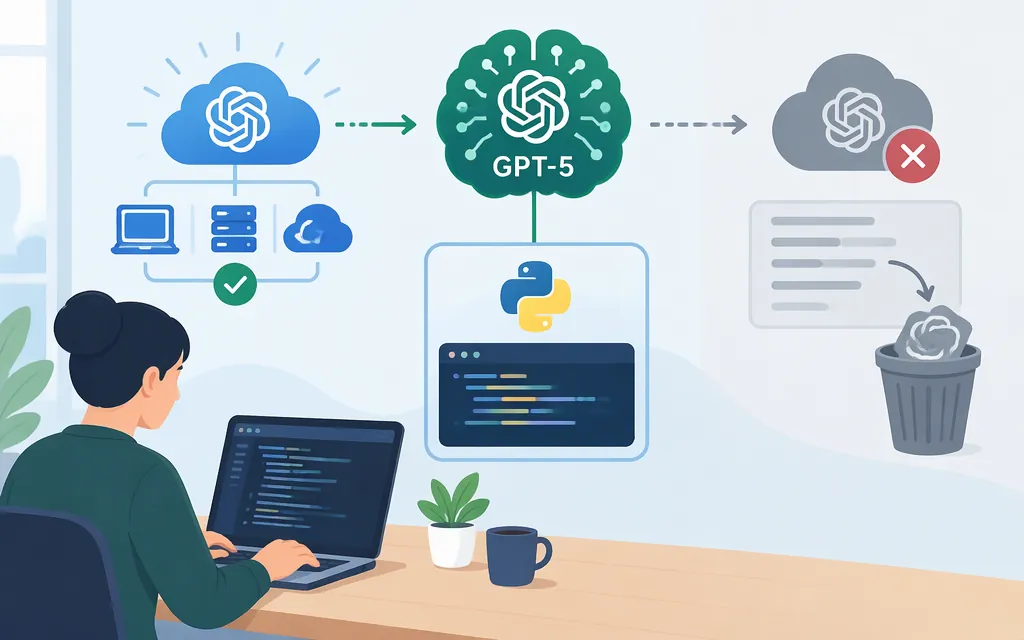
Yes—OpenAI’s official API documentation lists GPT-5 as an API model, but labels it deprecated. The listed model ID is gpt-5; the dated snapshot is gpt-5-2025-08-07, which is also marked deprecated. The model page recommends a newer model, so GPT-5 may be appropriate when you need to maintain or test an existing integration, but it is not the default choice for a new production build. Deprecation is not the same as a confirmed shutdown: check that the model is available to your API project before relying on it. (OpenAI GPT-5 model page)
The official model page lists GPT-5 for both the Responses API (/v1/responses) and Chat Completions (/v1/chat/completions). OpenAI recommends Responses for new projects. The example below uses the official OpenAI Python SDK and Responses API. (GPT-5 model page; Responses API migration guide)
Before your first request
You need an OpenAI API Platform account, an API key associated with a project, and a project with access to GPT-5. The GPT-5 model page lists the Free usage tier as not supported for this model. Confirm your project’s eligibility, usage tier, and billing setup before making the call. (GPT-5 model page)
- Create an API key in OpenAI API key settings and save it securely. The full secret is shown only when you create it.
- Install the official SDK:
pip install openai. - Set the key in your terminal environment rather than pasting it into source code.
For macOS or Linux:
export OPENAI_API_KEY="your_api_key_here"
For Windows PowerShell:
setx OPENAI_API_KEY "your_api_key_here"
After using setx, open a new terminal so it can read the updated environment variable. The SDK reads OPENAI_API_KEY from the environment. (Developer quickstart)
Make and check a GPT-5 API request
Save this as example.py:
from openai import OpenAI

client = OpenAI()

response = client.responses.create(
    model="gpt-5",
    input="In one sentence, explain what an API does.",
)

if response.status == "completed":
    print(response.output_text)
elif response.status == "incomplete":
    reason = response.incomplete_details.reason if response.incomplete_details else "not provided"
    raise RuntimeError(f"Response was incomplete: {reason}")
else:
    raise RuntimeError(f"Response was not completed: {response.status}")
Run it with:
python example.py
A successful HTTP/API call is not by itself a guarantee that generation finished. Use response.output_text as the answer only when response.status is completed. If the status is incomplete, inspect response.incomplete_details.reason; for example, OpenAI documents max_output_tokens as a reason a response can be incomplete. Adjust the output allowance or input as appropriate, make another request, and check the new response before using it. (Responses API reasoning guide)
The gpt-5 model ID is the alias listed on OpenAI’s GPT-5 model page; that page also lists the dated snapshot gpt-5-2025-08-07, which is marked deprecated. The example follows the official quickstart’s Python and Responses API pattern, substituting GPT-5 for the quickstart’s example model. (GPT-5 model page; Developer quickstart)
If you need repeatable behavior tied to a particular model version, a dated snapshot can provide a fixed version—but GPT-5’s listed snapshot is also deprecated. Confirm it is available to your project before depending on it. Do not copy model IDs or endpoint conventions from a third-party gateway guide as if they were OpenAI’s API instructions.
What to verify before production
- Model lifecycle and access: GPT-5 is labeled deprecated in the official model catalog. Verify the model appears in your project and decide what model you will move to if it is retired. The docs recommend a newer model. (GPT-5 model page)
- Credential security: Keep API keys on your backend, not in browser or mobile-app code. Use a separate project key appropriate for the application, and plan for key rotation. (OpenAI API key safety)
- Limits and spend controls: Check your organization and project limits in the Platform. Limits can vary by model and include request and token rates. A spend alert only sends a notification; it does not stop requests. If you need a monthly cap, configure a hard spend limit, which can interrupt API traffic and may allow a small overage because enforcement is not instantaneous. (Rate limits; Spend limits)
- Handle errors by cause: A
401can indicate an invalid key or organization issue. A429can indicate a rate limit, exhausted credit, or a project or organization usage/spend limit. Read the error details; retrying does not fix a billing or spend-limit problem. For rate limits, follow the response’s retry guidance when present and pace requests. (API error codes; Troubleshooting API rate limits and 429 errors) - Check completion, not just text: For non-streaming Responses API calls, verify
response.statusbefore treating extracted text as a finished result. If it is incomplete, inspectincomplete_details.reasonand handle the case rather than accepting partial output. (Responses API reasoning guide) - Test your real workload: Exercise the inputs, output formats, and failure cases your application depends on before rollout. A successful one-line test confirms connectivity, not that the full application is production-ready.
GPT-5 API pricing
OpenAI’s GPT-5 model page lists standard text rates of $1.25 USD per 1 million input tokens and $10 USD per 1 million output tokens; cached input is listed at $0.125 USD per 1 million tokens. For example, 100,000 input tokens and 10,000 output tokens at those standard rates would cost about $0.225 USD, before any other applicable charges. Confirm rates and terms for your actual request type on the official model and pricing pages. (GPT-5 model page; API pricing)
Bottom line
For an existing integration, start with model ID gpt-5 and the Responses API, then confirm project access and plan for the model’s deprecated status. For a new production system, compare the currently recommended model before committing to GPT-5. Official OpenAI documentation—not a third-party API gateway’s model labels, credentials, URLs, or prices—should determine your implementation.
Sources
Developer quickstart | OpenAI API
Migrate to the Responses API | OpenAI API