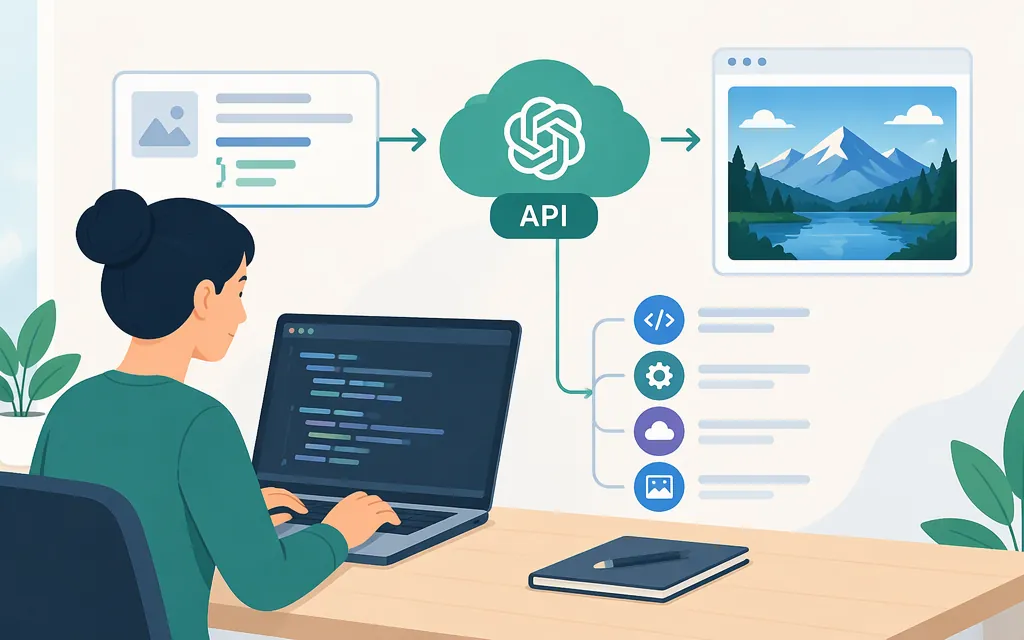
OpenAI’s API reference lists gpt-image-2 as a supported image model. The example below uses OpenAI’s Images API—not a third-party service such as fal.ai or Inworld. (developers.openai.com)
Generate an image with OpenAI’s API
You’ll need an OpenAI API key, Python, and the OpenAI Python package. Set the key in your environment rather than putting it in your source code. The OpenAI SDK reads OPENAI_API_KEY from the environment. (developers.openai.com)
export OPENAI_API_KEY="your-api-key"
pip install openai
Then generate an image and save the returned base64 image data as a PNG:
import base64
from openai import OpenAI

client = OpenAI()

result = client.images.generate(
    model="gpt-image-2",
    prompt="A small red bicycle leaning against a brick wall on a sunny street",
    output_format="png",
)

image_bytes = base64.b64decode(result.data[0].b64_json)
with open("image.png", "wb") as image_file:
    image_file.write(image_bytes)
The Images API reference documents image generation from a prompt, lists gpt-image-2 as a supported model, and describes b64_json as the default image response for GPT image models. The image-generation guide says output format can be customized. (developers.openai.com)
Expected result: the script writes image.png in its working directory if the request succeeds. OpenAI notes that API Organization Verification may be required before using GPT Image models; follow the prompt in the developer console if it appears. (developers.openai.com)
Generation, editing, and choosing a route
For a single image generated from a prompt, use the Image API generation operation shown above. OpenAI also documents image editing and describes the Responses API for conversational or multi-step image workflows. This guide does not include an edit request body; consult the current API reference for the exact image-input fields and editing options. (developers.openai.com)
Pricing and limits
OpenAI’s pricing page lists GPT Image 2 image-token rates of $4 per 1 million input tokens, $15 per 1 million output tokens, and $1 per 1 million cached input tokens. These are token rates, not a flat price per image; the cost of a request depends on its token usage. (developers.openai.com)
Rate limits vary by usage tier. Check the limits that apply to your organization before estimating throughput; the available documentation cited here does not establish a general free-tier restriction for this model. (developers.openai.com)
Avoid confusing OpenAI’s API with third-party integrations
A model name containing openai/ does not by itself mean the request is going to OpenAI. For example, fal.ai documents openai/gpt-image-2 through its own SDK and credentials; Inworld documents the same model ID at api.inworld.ai using an Inworld API key. Those are provider-specific routes with their own endpoints, authentication, request formats, and billing. The code in this guide uses OpenAI’s API instead.
Model version note
The Images API reference lists gpt-image-2 as a supported model. OpenAI’s image-generation guide also describes GPT Image 2.5 and 2.6 variants; it notes that the guide’s existing examples use 2.5. Check the model identifier in the reference for the specific version you intend to integrate. (developers.openai.com)