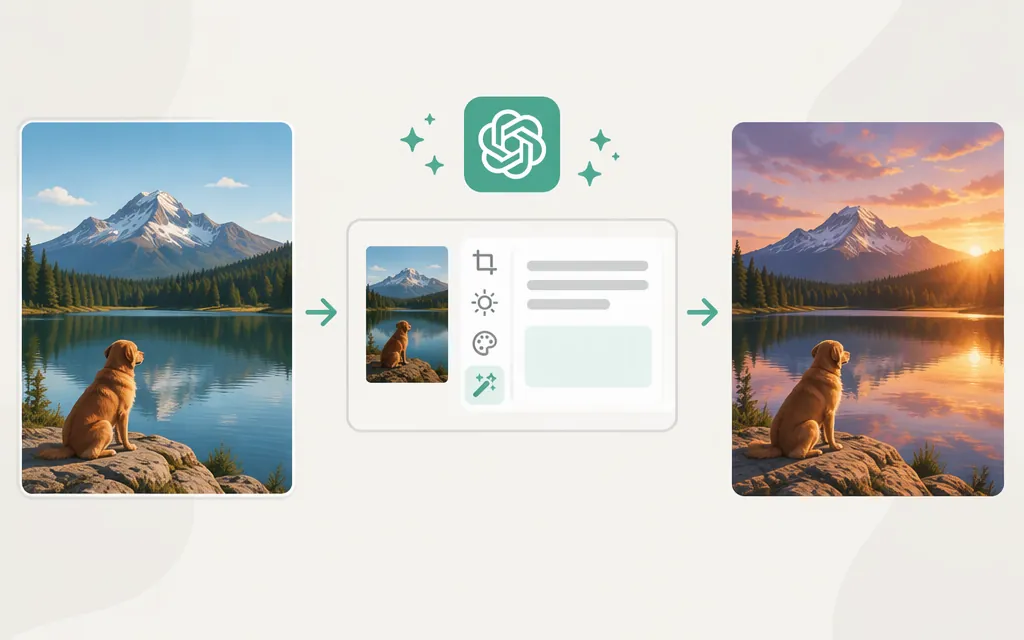
To edit an existing image, use the Images API’s POST /v1/images/edits endpoint with a GPT Image model, a source image, and a prompt. OpenAI’s current model guide identifies gpt-image-2.6-sunburst for more detailed, precise edits and gpt-image-2.6-flare when speed matters more. The Images API is intended for a single image generation or edit from one prompt; use the Responses API for conversational, multi-turn editing. (developers.openai.com)
Make an image edit request
This Python example sends a JSON request with a base64-encoded PNG data URL and explicitly asks for PNG output. Set OPENAI_API_KEY in your environment and install the dependency with pip install requests.
import base64
import os
from pathlib import Path

import requests

api_key = os.environ["OPENAI_API_KEY"]
image_bytes = Path("input.png").read_bytes()
image_data_url = "data:image/png;base64," + base64.b64encode(image_bytes).decode("ascii")

response = requests.post(
    "https://api.openai.com/v1/images/edits",
    headers={"Authorization": f"Bearer {api_key}"},
    json={
        "model": "gpt-image-2.6-sunburst",
        "images": [{"image_url": image_data_url}],
        "prompt": (
            "Replace the background with a sunny beach. Keep the person, "
            "their clothing, and their pose unchanged."
        ),
        "output_format": "png",
    },
    timeout=300,
)
response.raise_for_status()

result = response.json()
image_base64 = result["data"][0]["b64_json"]
Path("edited.png").write_bytes(base64.b64decode(image_base64))
The edit reference documents a JSON body with images and prompt; each image can use an image_url containing a base64 data URL. GPT Image results include base64 image data in data, which the example decodes and saves. The request sets output_format to PNG so the .png filename matches the requested format. (developers.openai.com)
To try Flare instead, use "model": "gpt-image-2.6-flare". OpenAI positions Flare for faster iteration and Sunburst for greater detail and precision. (developers.openai.com)
Input-size note: The edit reference lists PNG, WebP, or JPG inputs below 50 MB for the GPT Image models enumerated there. That list does not include GPT-Image-2.6, so confirm its model-specific input limit before relying on that figure for a 2.6 request. (developers.openai.com)
Do you need a mask, or can the prompt specify the edit?
For the JSON edit request shown above, the documented required inputs are the source image and prompt; the schema does not require a mask field. OpenAI describes image edits as modifying an existing image with a prompt, either partially or entirely. For a background change, describe what should change and what should remain intact in the prompt. GPT-Image-2.6 also supports markup-guided edits, but the basic example above does not use that feature. (developers.openai.com)
Do not transfer older mask instructions to GPT Image models. An April 2024 OpenAI Developer Community discussion described mask-based behavior for an older DALL·E workflow and reported an unsuccessful transparent-mask attempt; it does not establish current GPT Image instructions. (openai.com)
Image editing versus image generation
Use /v1/images/edits when the request starts with an existing image. Use /v1/images/generations when you want to create an image from a prompt without supplying a source image. For multi-turn image editing in a conversation, OpenAI documents the Responses API as the conversational alternative. (developers.openai.com)
Common integration checks
- Keep the API key on the server; do not expose it in browser code.
- Check the HTTP response before decoding
data[0].b64_json;raise_for_status()surfaces HTTP errors. - If the result changes too much, refine the prompt to say what should stay the same. This can guide the edit, but it does not guarantee pixel-identical preservation.
- GPT Image model access may require API organization verification. (
developers.openai.com)
Sources
Create image edit — OpenAI API Reference
Create image edit — OpenAI API Reference (Python)
Introducing Images 2.6 — OpenAI
How do I edit an image through the prompt — OpenAI Developer Community