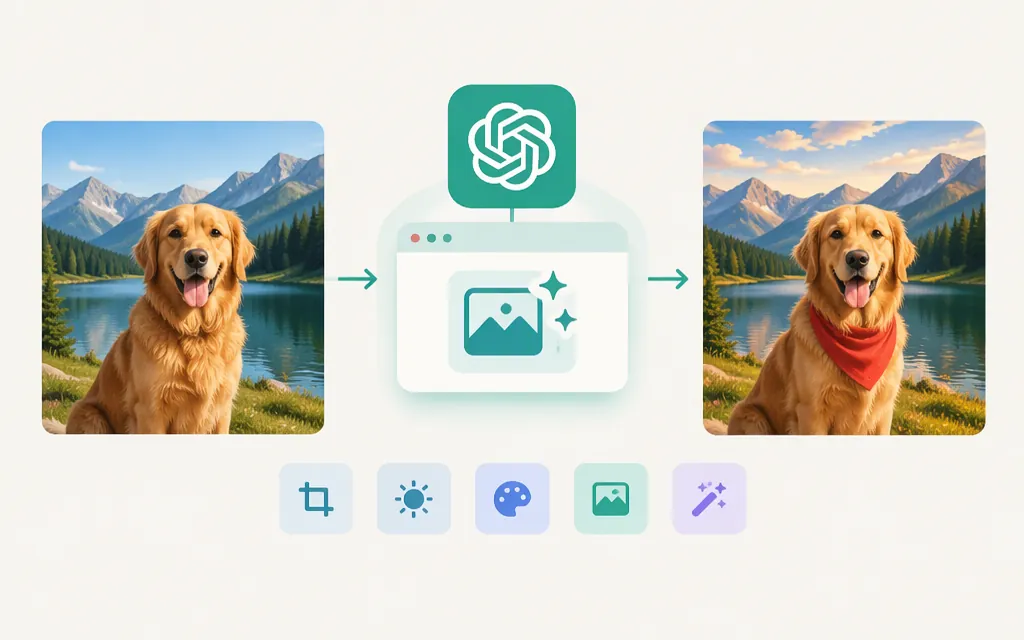
As of November 12, 2026, use OpenAI’s Images API edit operation, POST /v1/images/edits, to edit an existing image with a prompt. OpenAI lists GPT-Image-2.6 Sunburst and GPT-Image-2.6 Flare for image generation and editing. For a single edit request, use the Images API; for conversational, multi-turn editing, see the Responses API image-generation tool. (developers.openai.com)
Minimal Python image-edit example
This example sends an image URL rather than uploading a local file. The edit endpoint documents image_url as a fully qualified URL or base64-encoded data URL, and the Sunburst model supports image editing. Use an image URL that the API can access. The cited reference does not establish a Sunburst-specific local-file format or size limit, so this example avoids assuming one. (developers.openai.com)
Prerequisites: Python, the requests package, an OpenAI API key, and an accessible image URL. Keep the key in an environment variable:
pip install requests
export OPENAI_API_KEY="your_api_key"
Save this as edit_image.py, then replace the example URL and adjust the prompt:
import base64
import os
import requests

api_key = os.environ["OPENAI_API_KEY"]

response = requests.post(
    "https://api.openai.com/v1/images/edits",
    headers={"Authorization": f"Bearer {api_key}"},
    json={
        "model": "gpt-image-2.6-sunburst",
        "images": [
            {"image_url": "https://example.com/source-image.png"}
        ],
        "prompt": (
            "Replace the plain background with a softly lit studio backdrop. "
            "Keep the product, label, colors, and camera angle unchanged."
        ),
        "quality": "medium",
        "size": "1024x1024",
        "output_format": "png",
    },
)
response.raise_for_status()

image_data = response.json()["data"][0]["b64_json"]
with open("edited.png", "wb") as output_image:
    output_image.write(base64.b64decode(image_data))

print("Saved edited.png")
The request uses the documented JSON image-reference format and edit endpoint. The image-edit response can be handled as base64 image data and decoded to a file. (developers.openai.com)
Choose the edit route and model
- Images API → Edits: Use
POST /v1/images/editswhen your application supplies an image and an instruction for an edit. The API reference describes it as editing or extending source images with a prompt. (developers.openai.com) - Responses API → image-generation tool: Choose this for a conversational workflow that refines an image over multiple turns. (
developers.openai.com) - Sunburst or Flare: OpenAI positions Sunburst for workflows needing more detail or precise edits, and Flare for workflows where speed matters more. Compare them on your own prompts and inputs before choosing for a particular workload. (
developers.openai.com)
For an edit prompt, state both what should change and what must remain unchanged. OpenAI’s prompting guidance recommends refining one thing at a time and inspecting the result. (developers.openai.com)
Inputs, controls, and output
The edit API reference accepts image references using a File API ID or an image_url; it documents up to 16 images for GPT Image models. The prompt can be up to 32,000 characters. The image_url field accepts a fully qualified URL or base64-encoded data URL. (developers.openai.com)
Local-file qualification: The supplied Python edit reference describes a supported image file or sequence, but its explicit PNG, WebP, JPG, and under-50-MB requirements list model versions through GPT-Image-2.5, not GPT-Image-2.6 Sunburst. Do not assume those particular format and size rules apply to Sunburst; check current model-specific requirements if you switch from the URL-based example to a local upload. (developers.openai.com)
OpenAI’s image prompting guide documents quality choices including medium, size values including 1024x1024, and output_format values including png. (developers.openai.com)
Production checks: access, limits, and price
Access and limits: Use an API key for API requests. Rate limits depend on usage tier; check the limits shown for your organization and the model you plan to use. (developers.openai.com)
Pricing: OpenAI’s current Standard pricing table labels its columns Input, Output, and Cached input. For GPT-Image-2.6 Sunburst, listed image-token rates are $8 per 1 million input tokens, $30 per 1 million output tokens, and $2 per 1 million cached input tokens. Text input is $5 per 1 million tokens, or $1.25 per 1 million cached text-input tokens. These are token rates, not a fixed price per edit; actual cost depends on usage. (developers.openai.com)
Sources
Create image edit — OpenAI API Reference
GPT-Image-2.6 Sunburst Model — OpenAI API