Reviewed November 9, 2026. For a general-purpose API starting point, OpenAI’s model guide recommends GPT-6 Astra (gpt-6-astra) for complex reasoning and coding, GPT-6.1 Sol (gpt-6.1-sol) to balance capability and cost, and GPT-6 Luna (gpt-6-luna) for cost-sensitive, high-volume workloads. These are starting points, not a guarantee that every model or feature is available to every API project. Check the current model documentation before choosing an ID for production. (OpenAI API models)
Current flagship model names and IDs
| Model name | API model ID | OpenAI’s stated starting point |
|---|---|---|
| GPT-6 Astra | gpt-6-astra |
Complex reasoning and coding |
| GPT-6.1 Sol | gpt-6.1-sol |
Balancing capability and cost |
| GPT-6 Luna | gpt-6-luna |
Cost-sensitive, high-volume workloads |
OpenAI describes Astra as its most intelligent model, with strengths that include computer use, browsing, software engineering, science, and professional work. The model guide’s task descriptions can help you narrow choices, but they are not a substitute for evaluating a model against your own workload. (GPT-6 Astra; Using GPT-6)
Other names in OpenAI’s model catalog
The model catalog also names GPT-6-Cyber and GPT-5.6 Cyber for cybersecurity, and GPT-Rosalind for life-sciences research. These are catalog names, not a complete list of specialized models or confirmation of access for a particular organization. Check the relevant model documentation for its exact API ID, availability, and conditions. (OpenAI API models)
How to confirm an exact model ID
A model name is the readable label; a model ID is the identifier you configure in an API request or SDK. For example, OpenAI pairs GPT-6 Astra with gpt-6-astra. Use an ID documented for the model rather than guessing from its display name.
OpenAI documents GET /v1/models as a way to list available models and see basic information, including owner and availability. Treat that response as one availability check—not as a complete description of a model’s capabilities or compatibility with every API endpoint. OpenAI also documents an optional shutdown_date field for checking announced model shutdowns. (List models; Deprecations)
Aliases and dated snapshots
Some model pages distinguish an alias from dated snapshots. In the historical GPT-4 example, the page lists gpt-4 as an alias and gpt-4-0613 and gpt-4-0314 as snapshots. It says snapshots lock a specific model version so performance and behavior remain consistent. That page marks GPT-4 and the listed snapshots as shut down; these identifiers illustrate the naming distinction, not current production choices. The available evidence here does not establish how every current alias behaves, so check the relevant current model page before relying on an alias or selecting a fixed snapshot. (Historical GPT-4 model page)
Choose a model for your production task
Use the documented task descriptions to make a shortlist, then evaluate the options on representative inputs from your own workload:
- Complex reasoning or coding: Evaluate
gpt-6-astraif demanding task capability is the priority. - Balancing capability and cost: Compare
gpt-6.1-solwith Astra on your own prompts and success criteria. - High-volume, cost-sensitive work: Evaluate
gpt-6-lunaand confirm that its results meet your quality requirements. - Cybersecurity or life-sciences work: Start with the corresponding specialized catalog entry, then confirm its exact ID, availability, and access conditions in its model documentation.
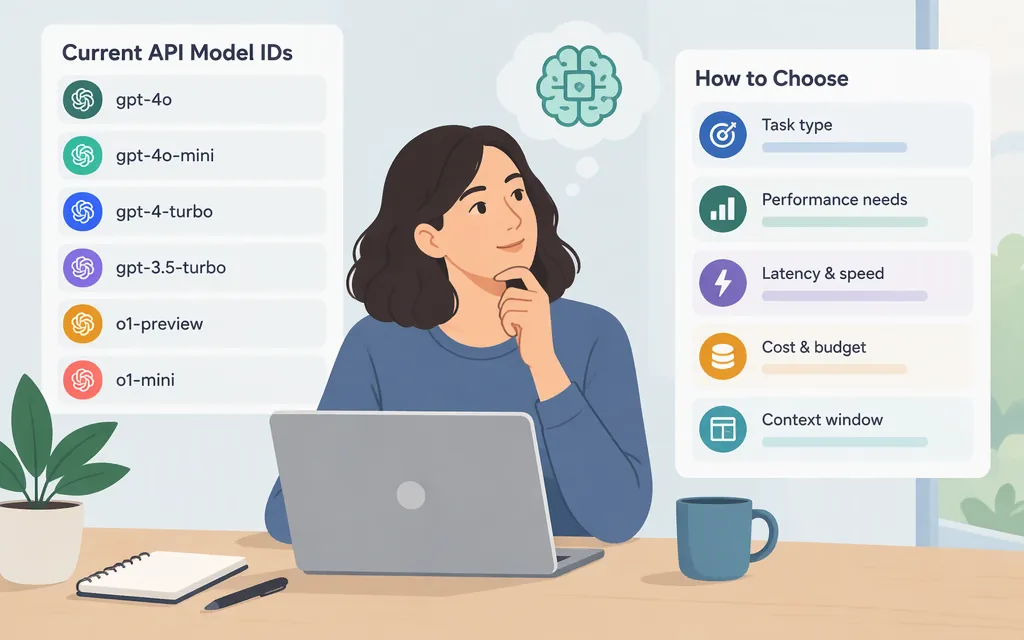
Compare only what matters for your application: output quality, latency under expected load, required features, and current pricing. This guide does not provide a verified price comparison among these models. Check OpenAI’s current pricing information before estimating a production budget.
If you use the Agents SDK
OpenAI’s Agents SDK guide recommends setting a model explicitly rather than relying on a runtime default that can vary with the SDK release. Within that SDK, its guidance is to set a model per agent when a specialist has distinct needs, use a run-level default to override several agents in a workflow, or use OPENAI_DEFAULT_MODEL as a process-wide fallback for agents without a model set. Verify that your chosen ID is currently available before relying on it. (Agents SDK model guide)
Bottom line
Use gpt-6-astra, gpt-6.1-sol, and gpt-6-luna as a task-based shortlist—not as an exhaustive catalog or an automatic production recommendation. Confirm the exact ID and current availability in OpenAI’s model documentation, then compare finalists against your workload’s quality, latency, feature, and budget requirements.
Sources
GPT-6 Astra Model | OpenAI API