Direct answer
OpenAI documents the model ID o3 for both the Responses API (POST /v1/responses) and Chat Completions (POST /v1/chat/completions). The current model documentation marks o3 deprecated and says it has been succeeded by GPT-5. Check the current model status and project access before integrating; the example below shows the documented request pattern, not a guarantee of continued availability. (o3 model documentation)
Make a minimal request with Python
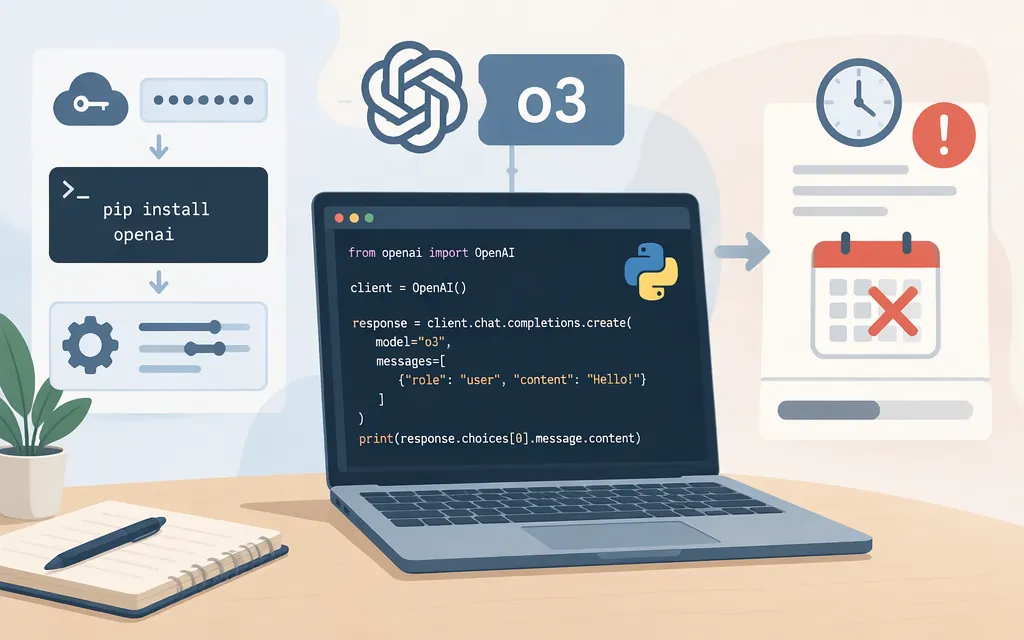
Before running it: create an API key and make sure your project can access o3. OpenAI lists the Free usage tier as unsupported for o3; rate limits depend on usage tier. The model is also marked deprecated, so check its current status in the model documentation. (o3 model documentation; Developer quickstart)
Install the official Python SDK and set the key in your shell environment. The SDK reads OPENAI_API_KEY from the environment. Keep the key out of source code and browser or mobile-app code. (OpenAI Python SDK; Developer quickstart)
pip install openai
export OPENAI_API_KEY="your_api_key_here"
Then run this Python example:
from openai import OpenAI

client = OpenAI()
response = client.responses.create(
    model="o3",
    input="Explain what an API is in one sentence.",
)

print(response.output_text)
This follows the Python Responses API pattern in OpenAI’s quickstart, using o3 as the model ID. A successful call returns a response object, and response.output_text prints its text answer. For a direct HTTP request, use POST https://api.openai.com/v1/responses and send the key in an Authorization: Bearer ... header. (Developer quickstart; o3 model documentation; MCP guide’s Responses API request example)
If the request is rejected, check that the project has access to o3 and that the model is still available. A new API key alone does not establish model eligibility.
What the API documentation says o3 supports
OpenAI lists text and image input, text output, streaming, structured outputs, and function calling for o3. For the Responses API, its model documentation lists file search, code interpreter, MCP, and web search as supported tools. Configure tools in the API request rather than assuming ChatGPT features automatically apply. The model page lists audio and video as unsupported. (o3 model documentation)
Production checks
- Deprecation and access: o3 is marked deprecated, and the Free tier is listed as unsupported. Check current project eligibility and rate limits before deployment. (o3 model documentation)
- Token limits: the model page lists a 200,000-token context window and a 100,000-token maximum output. (o3 model documentation)
- Data handling: OpenAI says API data is not used to train or improve its models unless you opt in. By default, abuse-monitoring logs may contain prompts, responses, and related metadata and are retained for up to 30 days, unless longer retention is required by law or reasonably necessary to protect against harm. This describes abuse-monitoring logs, not all stored data. Separately, Responses API application state has a 30-day default retention period. Review the data-controls documentation for the eligibility of available controls and storage behavior for the specific endpoint and features you use; do not interpret “zero retention” as a default or blanket guarantee. (Data controls in the OpenAI platform)
For a new integration, use o3 only if its deprecated status is acceptable and your project can access it. Otherwise, choose a currently supported model and test the documented request pattern with that model before deployment. (o3 model documentation)
Sources
Developer quickstart | OpenAI API