The short answer
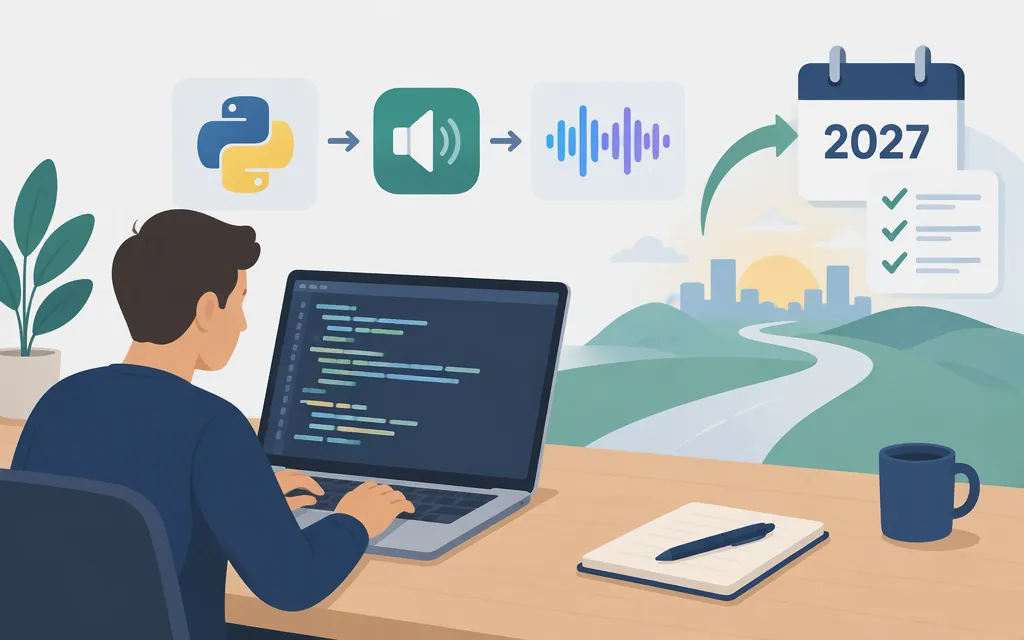
OpenAI’s dedicated text-to-speech workflow uses the Speech API: send text with a model and voice, then save the audio response. However, OpenAI says tts-1, tts-1-hd, and gpt-4o-mini-tts are deprecated and scheduled to shut down on January 6, 2027. Its migration guidance names gpt-realtime-2.1-mini on the Realtime API, which is a different workflow—not a drop-in replacement for /v1/audio/speech. (developers.openai.com)
OpenAI’s audio overview still distinguishes narration or generated speech from conversational voice: it directs speech generation without a conversational agent to the dedicated text-to-speech API, while Realtime is for session-based interactions. So if your application must narrate supplied text exactly, do not assume that Realtime will preserve every word; the cited migration guidance does not establish that guarantee. Use the Speech API example below for the documented text-to-audio flow while planning for its announced shutdown, and evaluate Realtime separately if a model-generated spoken response is acceptable. (developers.openai.com)
Make a speech request with Python
Install the OpenAI Python SDK and provide your API key through an environment variable. In PowerShell, the $env: form makes the value available to Python processes launched from that same terminal session.
pip install openai
export OPENAI_API_KEY="your_api_key_here"
$env:OPENAI_API_KEY = "your_api_key_here"
Create speech.py:
from pathlib import Path
from openai import OpenAI

client = OpenAI()
speech_file = Path(__file__).parent / "speech.mp3"

with client.audio.speech.with_streaming_response.create(
    model="gpt-4o-mini-tts",
    voice="coral",
    input="Today is a wonderful day to build something people love!",
    instructions="Speak in a cheerful and positive tone.",
) as response:
    response.stream_to_file(speech_file)

print(f"Saved audio to {speech_file}")
Run python speech.py, then play the created file to check that your application can use the output. This follows OpenAI’s documented Python example for streaming a speech response to a file; the guide demonstrates gpt-4o-mini-tts, the coral voice, text in input, and delivery guidance through instructions. (developers.openai.com)
Keep the API key out of browser code, public repositories, and logs. OpenAI describes API keys as secret credentials; keep them in a trusted server environment or local environment variable. (developers.openai.com)
Choosing a path as the shutdown approaches
- Need narration of supplied text: The dedicated Speech API is the documented text-to-audio workflow. Its listed models are scheduled to shut down on January 6, 2027, so plan and test a migration rather than treating this example as a long-term endpoint commitment. (
developers.openai.com) - Can use a model-generated spoken response: OpenAI’s migration direction is
gpt-realtime-2.1-minithrough Realtime. A server-side application connects to a Realtime session, sends client events to initiate an action, and listens for server events carrying model output. Realtime is stateful and conversational; it is not merely a Speech API request with a different model name. (developers.openai.com) - Require exact, word-for-word audio: The cited migration guidance does not document a guarantee that Realtime will reproduce arbitrary supplied text verbatim. Treat that as an unresolved migration requirement: validate exact output in your own evaluation before relying on Realtime for fixed-script narration. (
developers.openai.com)
For a server-side Realtime integration, OpenAI documents WebSocket as a connection option and describes Realtime sessions as client-event/server-event workflows. The session guide identifies session.created as the event that indicates the session is ready. Use the Realtime connection and conversation guides for the current authentication and event details; do not reuse the Speech API’s request shape for Realtime. (developers.openai.com)
Production checks
- Set a migration deadline. OpenAI’s announced Speech API shutdown date is January 6, 2027. Allow time to evaluate and test the replacement before then. (
developers.openai.com) - Protect credentials. Keep API keys in a trusted backend or environment variable, not in client-side application code. (
developers.openai.com) - Test the resulting audio in your product. Check playback and any application-specific processing; a successful API call alone does not confirm that your application handles the audio as intended.
- Disclose AI-generated speech. OpenAI’s TTS guide says its usage policies require clear disclosure to end users that the voice they hear is AI-generated, not a human voice. (
developers.openai.com)
Bottom line
The Python example shows OpenAI’s documented way to turn text into a saved audio file with the Speech API. That workflow is scheduled to end on January 6, 2027. OpenAI directs developers to Realtime for migration, but Realtime is a conversational, event-based workflow, and the cited guidance does not establish it as an exact-text narration replacement. If preserving every supplied word is essential, verify that behavior before committing to the migration. (developers.openai.com)
Sources
Realtime conversations — OpenAI API