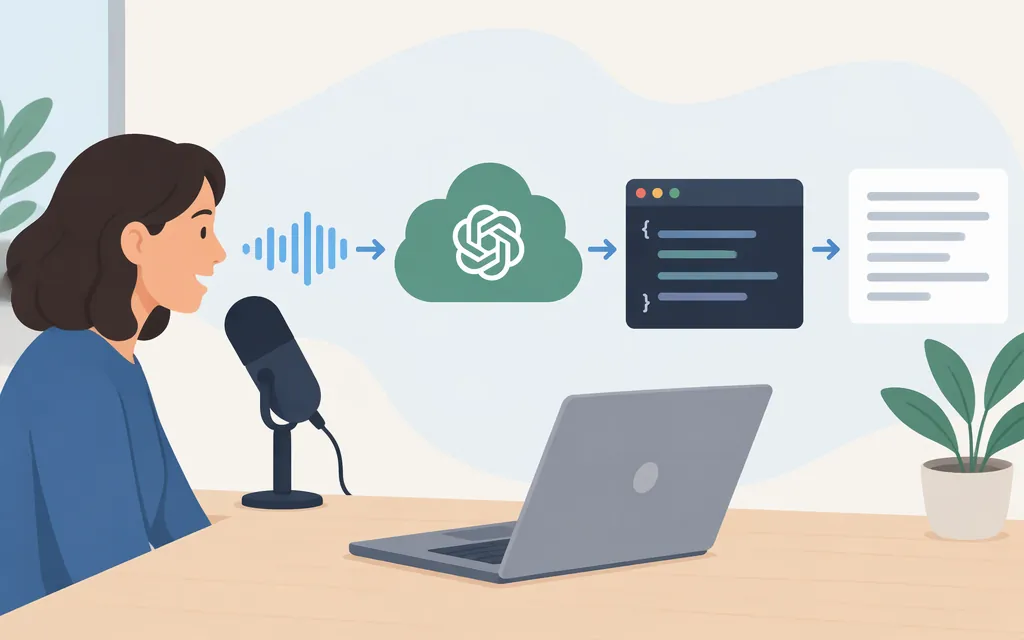
For a new integration, OpenAI currently recommends gpt-transcribe for completed audio files—not the legacy whisper-1 model. Use the /v1/audio/transcriptions endpoint to upload a recording and receive a transcript. If audio is arriving live from a microphone or call, use the Realtime transcription workflow instead. OpenAI lists whisper-1 and several other older transcription options as deprecated, with shutdown announced for February 26, 2027. (developers.openai.com)
Which OpenAI transcription model should you use?
Choose based on the audio workflow and the output your application needs:
| Use case | Recommended starting point | Notes |
|---|---|---|
| A completed recording; return a transcript when processing finishes | gpt-transcribe with /v1/audio/transcriptions |
OpenAI’s recommended starting model for file transcription. You can also stream transcript text while the completed file is being processed. (developers.openai.com) |
| Live microphone, call, or incoming audio stream | gpt-live-transcribe with Realtime transcription |
Choose this when the audio is arriving live. Streaming the output from a completed file does not, by itself, require a Realtime session. (developers.openai.com) |
Existing code that uses whisper-1 |
Plan a migration | OpenAI says whisper-1 is deprecated and scheduled to shut down February 26, 2027. Check output formats and metadata before migrating: changing only the model ID may not preserve every capability. (developers.openai.com) |
“Whisper API” is still a common search term, but it can lead developers to legacy integration examples. For new recorded-audio work, start with the currently recommended gpt-transcribe workflow. If an existing Whisper integration depends on word timestamps or SRT/VTT subtitle output, OpenAI’s guide associates those specialized examples with whisper-1; verify a supported migration path before relying on those outputs. (developers.openai.com)
Make an authenticated transcription request in Python
You need an OpenAI API key, Python, the official Python SDK, and a local audio file. Keep the key on your server or in a secure environment variable—not in browser code, a public repository, or logs. OpenAI’s SDK reads OPENAI_API_KEY from the environment. (developers.openai.com)
-
Install the SDK:
pip install openai -
Set your key in the environment. For macOS or Linux:
export OPENAI_API_KEY="your_api_key_here"In production, use your deployment platform’s secret manager or equivalent rather than committing the key to source control.
-
Save this as
transcribe.py. Replaceaudio.wavwith the path to your audio file:from openai import OpenAI client = OpenAI() with open("audio.wav", "rb") as audio_file: transcript = client.audio.transcriptions.create( model="gpt-transcribe", file=audio_file, ) print(transcript.text) -
Run it:
python transcribe.py
The request uses the SDK’s transcription method, which sends the file to /v1/audio/transcriptions; the expected result in this example is transcript text printed to the terminal. The endpoint accepts an uploaded file object, not just a URL to an audio file. (developers.openai.com)
Audio requirements and practical checks
For the documented file-transcription workflow, OpenAI lists a 25 MB maximum file size and these supported formats: mp3, mp4, mpeg, mpga, m4a, wav, and webm. Validate size and format before sending a user upload. If a file exceeds the documented size limit, your application will need an appropriate preprocessing or splitting approach; do not assume the API will accept a larger file. (developers.openai.com)
A basic production flow is:
- Accept the audio file on your server and validate its format and size.
- Send the file using the transcription endpoint and a server-side credential.
- Handle API errors and avoid logging the API key or unnecessarily exposing raw audio or transcripts.
- Store or return the transcript according to your application’s privacy and retention requirements.
If you need transcript context such as specialized names or terms, the transcription guide documents context options for gpt-transcribe and gpt-live-transcribe, including prompts, keyword hints, and language hints. Treat keyword hints as guidance to the model, not as instructions to insert a word that was not spoken. (developers.openai.com)
Cost of the recommended file-transcription model
OpenAI lists gpt-transcribe at $0.0045 per audio minute. At that listed rate, 1,000 audio minutes would cost $4.50 (1,000 × $0.0045), before any other applicable account or service charges. Pricing can change, so use the official model pricing when estimating a deployment. (developers.openai.com)
Bottom line
For a new integration that transcribes recorded audio, use gpt-transcribe with /v1/audio/transcriptions; for audio arriving live, use Realtime transcription. Treat whisper-1 as a deprecated model, and check migration compatibility if your existing workflow depends on its output formats or metadata. The older model’s upcoming shutdown makes it important to base new work on the currently recommended workflow. (developers.openai.com)
Sources
File transcription | OpenAI API
Create transcription | OpenAI API Reference