Short answer
“Qwen 2.5-VL 72B” usually refers to Qwen2.5-VL-72B-Instruct, a 72-billion-parameter instruction-tuned vision-language model. It is intended for tasks involving images and text, including document and chart understanding, visual localization, and video analysis. The upstream model page documents local serving examples, but that does not confirm that a commercial API provider serves this exact model. (huggingface.co)
A naming distinction matters: Qwen2.5-72B-Instruct and Qwen2-VL-72B-Instruct are differently named models. Don’t assume their specifications, benchmark results, or API prices apply to Qwen2.5-VL-72B-Instruct. A third-party comparison covers those other two models—not the target model.
What it can do—and when it may fit
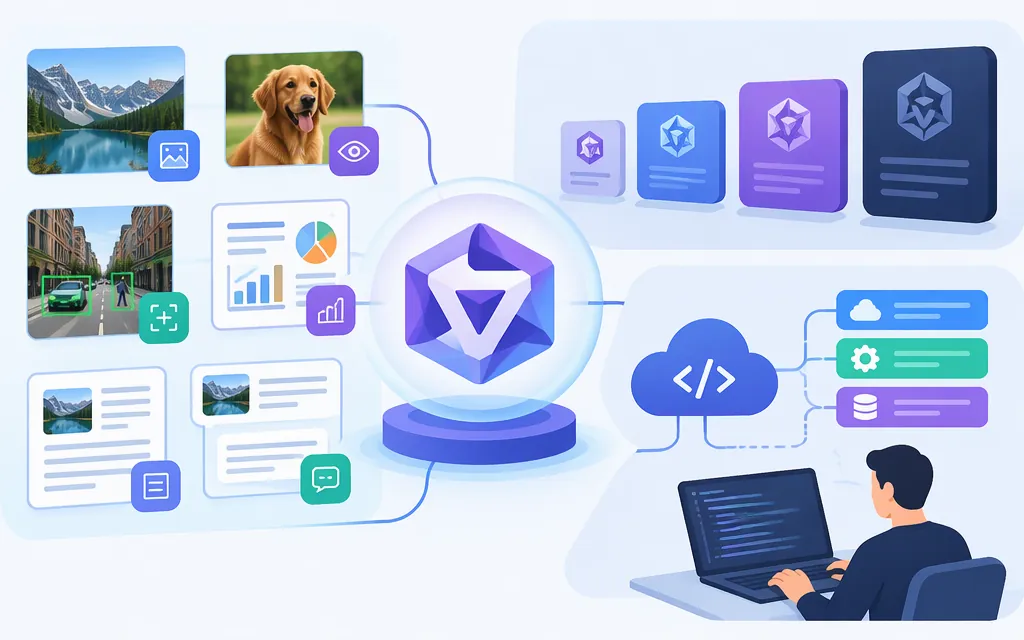
Qwen’s model documentation describes Qwen2.5-VL as capable of analyzing objects, text, charts, graphics, and image layouts; locating objects with bounding boxes or points; and producing structured information from documents such as invoices, forms, and tables. It also describes long-video understanding and event localization. These are the publisher’s capability descriptions, not a guarantee of accuracy on your data. (huggingface.co)
It may be worth evaluating for visual document extraction, chart interpretation, image question-answering, or video-event review. For text-only work, compare it with a text model too; you may not need a vision-language model for every request.
Separate described model capabilities from the route used to send data. A local workflow, hosted inference service, and API gateway can accept different formats and impose different limits. Confirm whether your chosen provider accepts video and whether it expects a file, URL, sampled frames, or another representation.
Choosing a BF16 or AWQ checkpoint
BF16 is the standard, unquantized checkpoint—not FP32. AWQ is a separately published quantized variant. A third-party README for a repository named Qwen2.5-VL-72B-Instruct-AWQ-fix reports the following 72B BF16 and AWQ benchmark figures and says it used VLMEvalkit:
| Displayed benchmark column | BF16 | AWQ |
|---|---|---|
| MMMU_VAL | 70.0 | 69.1 |
| DocVQA_VAL | 96.1 | 96.0 |
| MMBench_EDV_EN | 88.2 | 87.9 |
| MathVista_MINI | 75.3 | 73.8 |
The README’s prose spells the MMBench metric MMBench_DEV_EN, while its table displays MMBench_EDV_EN; that discrepancy is unresolved. Treat all figures above as results reported in that third-party README, not independently confirmed results. They do not establish production latency, hardware requirements, or accuracy on your workload. The README also does not explain what the “AWQ-fix” repository changes, so don’t assume it is interchangeable with the upstream checkpoint. (huggingface.co)
| Route | What it means | What to weigh |
|---|---|---|
| BF16 checkpoint | Standard, unquantized BF16 weights | A baseline for evaluation. Confirm hardware needs with your serving setup; the cited benchmark report does not establish universal hardware requirements. |
| AWQ checkpoint | A separately published, quantized variant | Consider it when quantization is part of your deployment plan. Test the exact checkpoint and workload rather than assuming it behaves like BF16. |
| Managed API | A provider runs the model and exposes an endpoint | Confirm the exact model, accepted visual inputs, limits, and price before building against it. |
The upstream Qwen repository also publishes a distinct 4-bit AWQ checkpoint. That does not establish which variant, if any, a managed service runs. (huggingface.co)
Can you use it through a production API?
This guide does not confirm a production API for this exact model. TokenForge Cloud’s public material describes Qwen APIs generally, but the material reviewed for this guide does not establish that it offers Qwen2.5-VL-72B-Instruct specifically or provide a verified model ID, endpoint, authentication instructions, supported image/video payloads, limits, or price. General Qwen API coverage is not proof of availability for this particular checkpoint.
There is no verified price to quote here. Before building against a managed service, ask the provider to confirm the exact model ID and checkpoint, supported inputs, context and output limits, rate limits, availability conditions, and pricing—including currency and billing unit. Do not reuse prices listed for a differently named Qwen model.
For a self-managed alternative, the upstream Qwen model page documents running Qwen/Qwen2.5-VL-72B-Instruct with vLLM and sending a chat-completions request containing text and an image URL to a local OpenAI-compatible endpoint. This is a local-serving example, not a TokenForge endpoint or proof that your hardware can run the model. (huggingface.co)
A practical evaluation before you commit
Use a small, representative set from your actual workload rather than relying only on general benchmark tables:
- Choose the task and define success. For invoice extraction, specify required fields and acceptable exact-match or normalized-match rates. For charts, specify which values or trends must be returned. For video, define the event and timestamp tolerance.
- Use the same inputs and instructions for each variant or provider you can actually access. Include difficult cases—small text, crowded layouts, unusual documents, or ambiguous events—not just clean examples.
- Check structured outputs. If your application needs JSON, measure whether the output parses and required fields are present and correct; a well-formed response alone does not prove the values are accurate.
- Record operational results such as latency, failures, and actual billed usage where available. Compare like-for-like runs and account for image resolution or video-sampling settings.
- Decide against your threshold. Choose the route that meets your quality and operational requirements at an acceptable measured cost. If a provider cannot confirm the exact model or modality, treat that as an unresolved dependency—not as evidence that the model is supported.
No workload test is claimed here. This is a repeatable way to make the selection using your own inputs and measurable criteria.
Sources
Qwen/Qwen2.5-VL-72B-Instruct — Hugging Face
Qwen/Qwen2.5-VL-72B-Instruct-AWQ — Hugging Face
README.md — Benasd/Qwen2.5-VL-72B-Instruct-AWQ-fix