The short answer
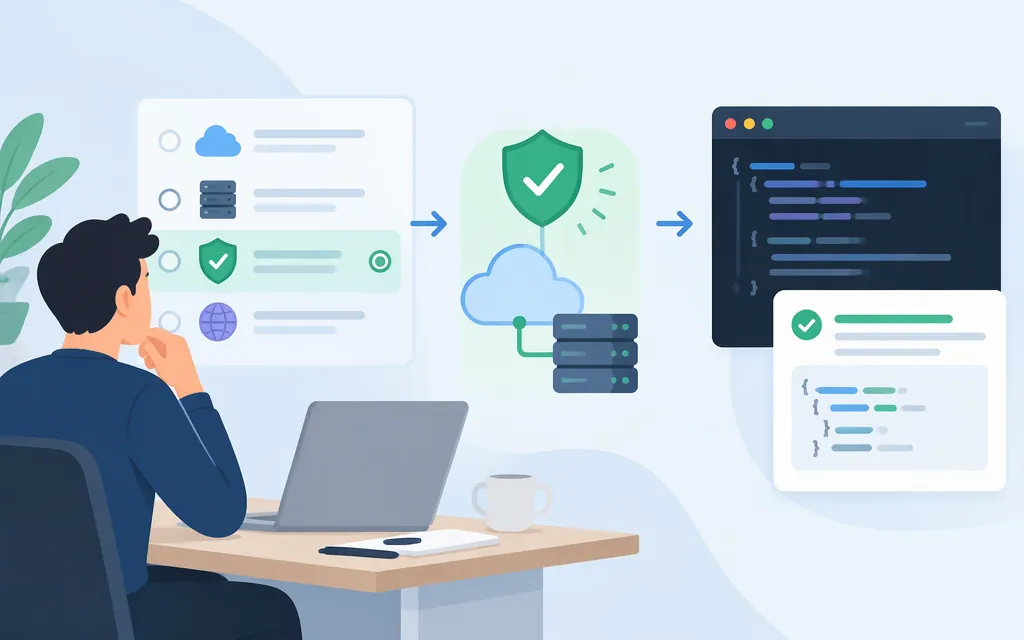
Alibaba Cloud Model Studio documents a hosted Qwen-Coder API. For a first request, use the OpenAI-compatible Chat Completions API, a Model Studio API key, the base URL for your workspace’s region, and a model ID available in that region. Alibaba’s Qwen-Coder guide uses qwen3-coder-next in its example; the model information page lists qwen3-coder-flash for US (Virginia). Keep these identifiers and their documented routes distinct. Do not use a third-party aggregator’s URL or model names as if they were Alibaba endpoints. (Qwen-Coder API guide, qwen3-coder-flash model information)
One qualification: Alibaba’s Qwen-Coder guide recommends considering its latest general-purpose models as well. If you specifically need a coder-named model, test the documented Coder model against your workload rather than assuming it is the provider’s recommended choice for every project. (Qwen-Coder API guide)
What you need
- An Alibaba Cloud account with Model Studio access.
- A Model Studio API key created in the region you plan to call. Keys and model lists are region-specific; a key from another region will not work with the selected region’s endpoint. (API key instructions)
- The workspace ID for the workspace-specific endpoint below. Find it on the Workspace Details page in the Model Studio console. Use an API key associated with that workspace. (OpenAI-compatible Chat API)
- A model ID available in that region. Alibaba’s model information page lists
qwen3-coder-flashfor US (Virginia). Confirm your account and workspace can access it before integrating. (qwen3-coder-flash model information)
Store the key in an environment variable rather than hard-coding it. In macOS or Linux, for example:
export DASHSCOPE_API_KEY="YOUR_MODEL_STUDIO_API_KEY"
Make a first request from the United States
For a US (Virginia) workspace, Alibaba documents this OpenAI-compatible base URL and Chat Completions path:
https://{WorkspaceId}.us-east-1.maas.aliyuncs.com/compatible-mode/v1/chat/completions
Replace {WorkspaceId} with the ID shown on the Workspace Details page. Create and use a key for the US (Virginia) region and the target workspace. The model page lists qwen3-coder-flash in its US (Virginia) region information. (OpenAI-compatible Chat API, API key instructions, qwen3-coder-flash model information)
curl -X POST \\
  "https://{WorkspaceId}.us-east-1.maas.aliyuncs.com/compatible-mode/v1/chat/completions" \\
  -H "Authorization: Bearer $DASHSCOPE_API_KEY" \\
  -H "Content-Type: application/json" \\
  -d '{
    "model": "qwen3-coder-flash",
    "messages": [
      {"role": "system", "content": "You are a coding assistant. Return code and a brief explanation."},
      {"role": "user", "content": "Write a Python function that returns the prime numbers below n."}
    ]
  }'
A successful response should include a generated assistant message. Alibaba’s Qwen-Coder example reads generated text from completion.choices[0].message.content; check the returned JSON for the corresponding message content, then run generated code through your own tests before using it. (Qwen-Coder API guide)
If your workspace is in another region
Use that region’s documented base URL and API key, not the Virginia URL by default. Workspace-specific OpenAI-compatible endpoints are listed by region; the workspace ID is available on the console’s Workspace Details page. Confirm the chosen model is listed for the same region before making the request. (Base URL overview, OpenAI-compatible Chat API)
Is Qwen Coder suitable for production?
Alibaba describes Qwen-Coder as intended for code tasks such as generation and completion. The qwen3-coder-flash model page describes repository-level understanding and multi-turn tool interaction. For this model, that page lists a 1,000,000-token context window, maximum input length of 997,952 tokens, and maximum output length of 65,536 tokens. These are model-specific documented limits; actual requests still need to fit the selected deployment and request configuration. (Qwen-Coder API guide, qwen3-coder-flash model information)
Before production rollout, check the selected model’s regional capabilities, limits, and pricing in Model Studio. Test it on representative code, measure latency and token use, and validate generated changes with your normal tests and review process. Alibaba also recommends considering its latest general-purpose models, so compare those with Qwen-Coder if you are choosing a model for a new system. (Qwen-Coder API guide)
Keep the access routes straight
- Alibaba Cloud Model Studio API: Direct hosted API access using a Model Studio key, regional endpoint, and Model Studio model ID. This is the route shown above.
- Qwen Code CLI: A separate coding tool with its own setup and authentication options. CLI environment variables are not themselves a direct HTTP API tutorial.
- Third-party API aggregators: May offer their own URLs, keys, and model identifiers. Treat those as that aggregator’s route, not Alibaba’s.
- Self-hosted model weights: A deployment you operate yourself; downloading weights is not the same as calling Model Studio’s hosted API.
For the official integration path, start with Alibaba’s Qwen-Coder API guide and OpenAI-compatible API documentation.
Sources
Qwen-Coder model capabilities — Alibaba Cloud Model Studio
OpenAI compatible - Chat — Alibaba Cloud Model Studio
How to obtain an API key — Alibaba Cloud Model Studio