Quick answer
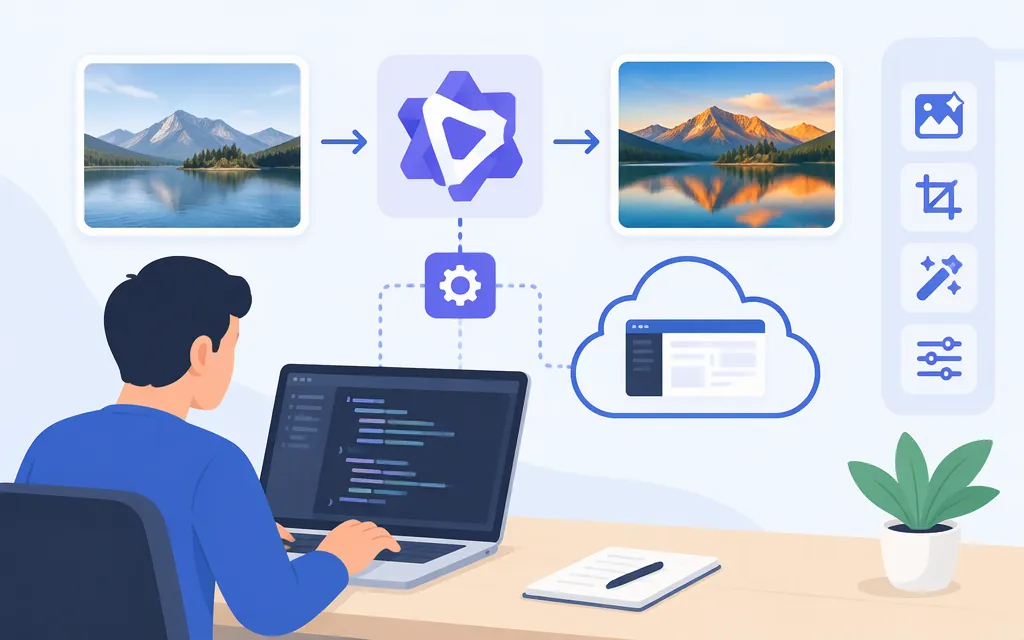
For direct Alibaba Cloud Model Studio access, the current editing guide demonstrates the model ID qwen-image-3.0-pro with DashScope’s Python SDK and a Singapore workspace base URL. The example uses an image plus an editing instruction. The phrase qwen-image-edit alone is not the model ID shown in that Alibaba example. (alibabacloud.com)
This is an Alibaba Model Studio integration, not a TokenForge endpoint. The Alibaba instructions do not establish that TokenForge offers this model or uses the same credentials, request format, or pricing.
Set up your region, key, and SDK
The example below is for Singapore. Alibaba says the model, endpoint, and API key must belong to the same region; check that qwen-image-3.0-pro is available in your chosen region before calling it. The guide’s Singapore example uses a workspace-specific base URL. (alibabacloud.com)
Create a Model Studio API key for that region and note the workspace ID associated with it. Alibaba recommends using the default workspace when creating a key; copy and store the key securely when it is displayed. (alibabacloud.com)
Install Python 3.9 or later and DashScope Python SDK 2.0.1 or later:
pip install -U "dashscope>=2.0.1"
export DASHSCOPE_API_KEY="your-region-specific-key"
export ALIBABA_WORKSPACE_ID="your-workspace-id"
The SDK installation command and minimum version are from Alibaba’s installation instructions. (alibabacloud.com)
Make a first image-editing call
Replace the sample image URL and instruction with your own. The code follows Alibaba’s documented Singapore base URL and qwen-image-3.0-pro example; it is documentation-based and is not represented as independently tested here. (alibabacloud.com)
import os
import dashscope
from dashscope import MultiModalConversation

workspace_id = os.environ["ALIBABA_WORKSPACE_ID"]
dashscope.base_http_api_url = (
    f"https://{workspace_id}.ap-southeast-1.maas.aliyuncs.com/api/v1"
)

messages = [{
    "role": "user",
    "content": [
        {"image": "https://example.com/source-image.png"},
        {"text": "Replace the background with a plain light-gray studio backdrop; keep the product unchanged."}
    ]
}]

response = MultiModalConversation.call(
    api_key=os.environ["DASHSCOPE_API_KEY"],
    model="qwen-image-3.0-pro",
    messages=messages,
    prompt_extend=True,
)

if response.status_code != 200:
    raise RuntimeError(f"{response.code}: {response.message}")

for item in response.output.choices[0].message.content:
    if "image" in item:
        print("Generated image URL:", item["image"])
Alibaba’s image-model guide says Qwen Image 3.0 Pro accepts one to three input images. The editing guide demonstrates both a public image URL and Base64 input. The current material cited here does not specify a complete accepted-format list, a maximum input-file size, or recommended input dimensions for this model; do not assume the older Qwen Image 2.0 limits apply. (alibabacloud.com)
Read and save the result
The guide’s example reads the result URL from response.output.choices[0].message.content. Save the image to your own storage promptly: Alibaba documents generated-image URLs as temporary and valid for 24 hours. For a failed call, inspect the returned error code and message, and retain the request ID when available for troubleshooting. (alibabacloud.com)
Check availability and pricing
Check the current Model Studio model information and pricing for the same region as your endpoint. Alibaba’s model-specific pricing information separates regional entries and lists image input and generation charges by image tier; the applicable rates and promotions depend on the selected region. Confirm the current table before estimating spend. (docs.bailian.console.aliyun.com)
If you meant an API hosted by TokenForge or another intermediary, verify that provider’s model identifier, endpoint, authentication, input limits, result-retention period, and prices in its own documentation. Alibaba’s example does not establish compatibility with another provider.
Sources
Qwen-Image-Edit — Alibaba Cloud Model Studio
Qwen Image Generation and Editing API Reference — Alibaba Cloud
Image generation and editing — Alibaba Cloud Model Studio
Install the SDK — Alibaba Cloud Model Studio
How to obtain an API key — Alibaba Cloud Model Studio
Qwen-Image Edit API reference — Alibaba Cloud Model Studio
qwen-image-3.0-pro model information and pricing — Alibaba Cloud Model Studio