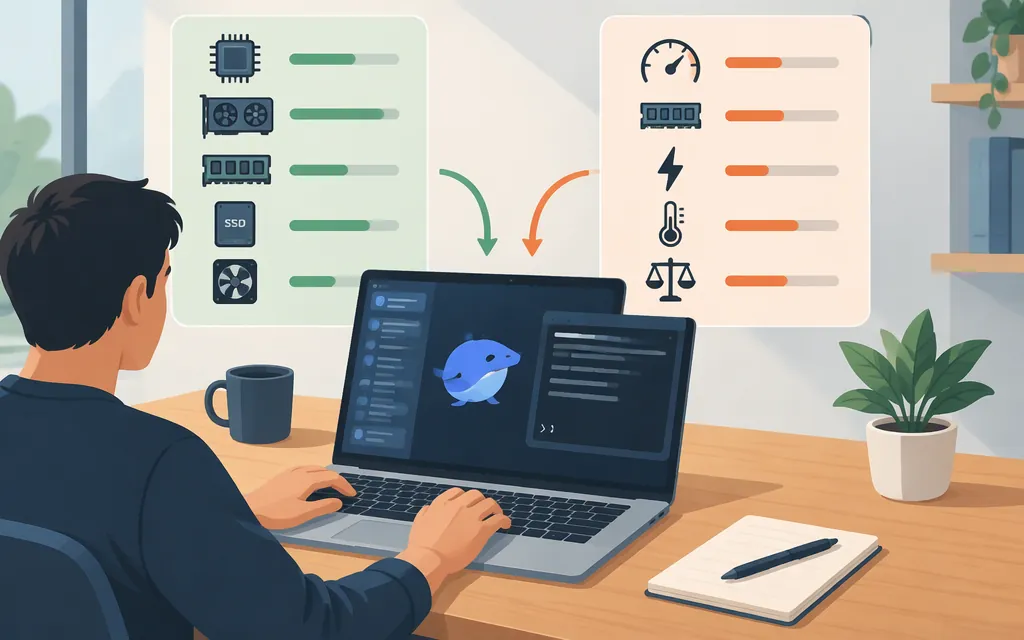
You can run a DeepSeek model on your own computer with Ollama. The right model depends on the memory available to it, the model’s quantization, and the context length you use. A smaller R1 distill is a more practical starting point than the full R1 model for most personal computers. Ollama lists deepseek-r1:8b as a 5.2 GB download—but download size is storage, not the amount of runtime memory it needs. (Ollama model tags)
Choose a model that fits your computer
“DeepSeek R1” can refer to the full model or to smaller distilled models. DeepSeek describes its distills as separate models based on Qwen or Llama; they are not the full R1 model in miniature. (DeepSeek R1 README)
The table separates download size from an approximate memory guide. The download sizes come from Ollama’s model listing. The memory estimates for Q4_K_M distills are reported by InventiveHQ, a third-party guide—not official Ollama minimums. That guide assumes an 8K–16K context and full placement in GPU memory, without CPU offload; its estimates include KV cache and about 1–2 GB of runtime overhead. A longer context can need more memory. (Ollama model tags; InventiveHQ’s sizing assumptions; Ollama on context length)
| Ollama tag | Listed download size | Approximate memory guide—not a fit guarantee |
|---|---|---|
deepseek-r1:1.5b |
1.1 GB | A cautious first try on a memory-limited computer. |
deepseek-r1:7b |
4.7 GB | Third-party Q4_K_M estimate: about 7–8 GB of VRAM at 8K–16K context, without CPU offload. |
deepseek-r1:8b |
5.2 GB | Third-party Q4_K_M estimate for an 8B distill: about 8 GB of VRAM at 8K–16K context, without CPU offload. A 12 GB GPU is the more comfortable tier in that guide. |
deepseek-r1:14b |
9.0 GB | Third-party Q4_K_M estimate: about 12 GB of VRAM at 8K–16K context, without CPU offload. |
deepseek-r1:32b |
20 GB | Third-party Q4_K_M estimate: about 22–24 GB of VRAM at 8K–16K context, without CPU offload. |
deepseek-r1:671b |
404 GB | The full-scale model; not a normal single-computer setup. |
These VRAM estimates describe GPU memory, not a guaranteed minimum of system RAM. As a separate, broad Mac-oriented reference, DEV.to suggests 16 GB of Apple unified memory for basic inference with smaller 7B–13B models. That is not a measured guarantee for this Ollama tag or for every context length. If you have 16 GB of unified memory, 1.5b or 7b is a cautious starting point; 8b may be plausible, but performance and available memory depend on what else your computer is doing. (DEV.to’s Mac guidance)
Ollama may place a model in GPU memory, system memory, or split it across both. Use ollama ps after loading the model to see the processor placement and context; CPU offload can allow a model to run when it does not fit fully in VRAM, but it is not the same as a full-GPU fit. Start with a smaller tag if you are unsure, and check free storage separately before downloading. (Ollama FAQ)
Run DeepSeek locally with Ollama
This documentation-based walkthrough uses Ollama’s deepseek-r1:8b tag. If your available memory is limited, substitute deepseek-r1:1.5b or deepseek-r1:7b. The Ollama library lists the 8B download as 5.2 GB; leave additional disk space for the installation and other files. (Ollama model tags)
-
Install Ollama for your operating system.
- macOS: Ollama documents macOS Sonoma 14 or newer. Download and open the DMG, move Ollama to Applications, then launch the app. (macOS instructions)
- Windows: Use the official Windows download. Ollama’s documentation says it runs in the background after installation and makes the command available in Command Prompt, PowerShell, or another terminal. (Windows instructions)
- Linux: Follow the official Linux installation instructions. For the documented manual-start path, run
ollama serveand leave it running; open a second terminal for the next step.
-
Download and start the model. In Terminal, PowerShell, or the second Linux terminal, run:
ollama run deepseek-r1:8bOllama downloads the model if needed and opens an interactive chat.
-
Check that it responds. At the chat prompt, type:
Explain what a local language model is in one sentence.A generated answer in the terminal confirms that the chat session is responding. -
If the command or service is unavailable: Reopen the Ollama app on macOS or Windows, then try again in a new terminal. On Linux, check that
ollama serveis still running. If the model loads slowly or fails for lack of memory, try a smaller tag and useollama psto inspect its processor placement. (Ollama FAQ; Linux instructions)
The 8B tag’s listed download size does not tell you how much runtime memory your particular machine will need. Ollama’s memory guidance notes that increasing context length also increases memory use. For an initial chat, keep the context at its default rather than increasing it without a reason. (Ollama on context length)
Ollama can also provide a local endpoint for other software. An OpenAI-compatible format describes how an application talks to a model; it does not mean the model is hosted. If the model is running through Ollama on your computer, that is still local inference—not a hosted DeepSeek API.
Local inference or a hosted API?
| Consideration | Run locally | Use a hosted API |
|---|---|---|
| Hardware and setup | You provide the computer, storage, and memory, and install and maintain the runtime. Larger models and longer context need more resources. | You do not need to download or run the model weights on your computer, but you do need a network connection and API credentials. |
| Performance and availability | Speed depends on your hardware. Your own machine also needs to be on and available when you want to use it. | Inference runs on the provider’s service. Check its current model, limits, and service terms for your workload. |
| Data handling | The model can run on your computer, but privacy depends on the whole setup, including connected apps and any cloud features. Local inference alone is not a security audit. | Requests are sent to the API provider. Review its current privacy policy and terms before sending sensitive data. (DeepSeek privacy policy) |
| Cost | There is no per-token API bill for inference performed locally, but hardware, electricity, and maintenance still cost money. | Usage is billed by tokens and model. Rates and billing conditions can change. |
| Multiple users | A personal computer may not suit simultaneous users or workloads that need failover. | Check the provider’s concurrency limits and service terms against your workload. |
Local inference may suit experimentation, offline use, or situations where you want to manage the model on hardware you control. A hosted API may be more practical if you lack suitable hardware, do not want to maintain a local runtime, or need to call the model from systems that are not connected to your computer. Neither choice automatically guarantees privacy, lower cost, or faster responses; those depend on your configuration and workload.
DeepSeek’s pricing page lists deepseek-flash rates per 1 million tokens. The page shows dollar-denominated rates: for input tokens, cache-hit pricing is $0.006 at peak and $0.003 off-peak; cache-miss pricing is $0.30 at peak and $0.15 off-peak. Output pricing is $1.20 at peak and $0.60 off-peak. Peak hours are 01:00–04:00 and 06:00–10:00 UTC, Monday through Friday, excluding Chinese public holidays; all other hours, including weekends and Chinese public holidays, are off-peak. DeepSeek says prices may change, so check the official pricing page before budgeting. (DeepSeek API pricing)
Illustrative arithmetic, not a usage forecast: 1 million cache-miss input tokens plus 1 million output tokens at the listed deepseek-flash rates would be $1.50 at peak or $0.75 off-peak. This compares API charges only; it is not a like-for-like performance or quality comparison with local R1:8B.
For hosted API setup information and examples, see the DeepSeek API guide. A local Ollama endpoint is not a substitute for the hosted API service.
When you need more control
Ollama is a straightforward place to start. If you later need more control over quantization, inference settings, or multi-GPU operation, consider a lower-level runtime such as llama.cpp and follow its current instructions for your hardware. If you want a graphical chat interface, add one after you have confirmed that the model responds in Ollama’s terminal chat.
Sources
deepseek-r1 model metadata — Ollama
Context length — Ollama documentation
Windows — Ollama documentation
Run DeepSeek Locally: Hardware Requirements and Step-by-Step Setup
Getting Started with DeepSeek R1 using Ollama Locally