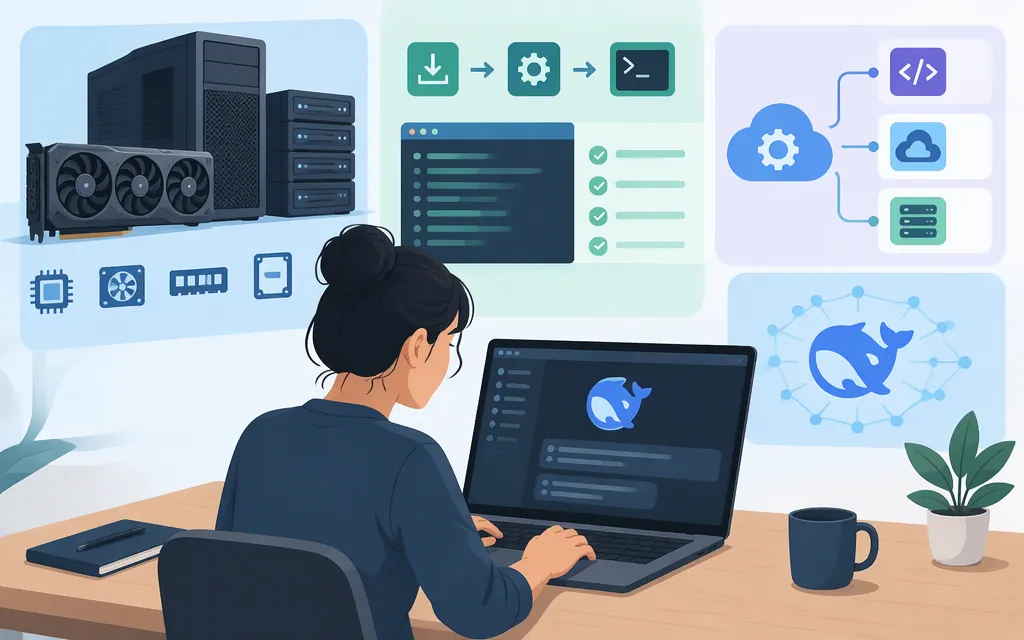
Yes—but this guide covers one specific checkpoint and hardware setup. The local example uses DeepSeek-V4-Flash-0731 in FP8 with vLLM on an NVIDIA CUDA system. DeepSeek identifies 0731 as the official V4-Flash release that superseded the preview. These instructions do not apply automatically to other V4 variants or quantizations. (Model card)
A hosted API is different: DeepSeek’s documented API model deepseek-flash is served by DeepSeek-V4.1-Flash-1017, not the local 0731 checkpoint. Using a local client or proxy does not make hosted inference local. (DeepSeek API documentation)
Check hardware and disk before downloading
The vLLM serving recipe lists the 0731 FP8 checkpoint at about 200 GB, marks NVIDIA H200 as a verified target, and uses tensor parallelism across eight GPUs. For this example, plan for eight H200 GPUs and reserve at least 250 GB of free disk space for the checkpoint and working room. The 250 GB figure is a practical allowance, not a published minimum. Available GPU memory also has to cover the runtime and KV cache; the context limit below is deliberately capped for an initial serving setup. (vLLM serving recipe)
If you have fewer GPUs, another accelerator, or a quantized conversion, do not assume this command or sizing applies. Check the serving instructions for that exact device and artifact.
Install and serve V4-Flash-0731 with vLLM
This path assumes a Linux host with NVIDIA GPUs and a CUDA-compatible driver/environment. The vLLM recipe’s general metadata lists 0.20.0 as its minimum, but its installation instruction for this serving recipe says vLLM 0.25.0 or later. Use the stricter, recipe-specific floor below; this avoids treating the general metadata minimum as sufficient for this configuration. Create a clean Python environment and install through vLLM’s CUDA pip route. (vLLM serving recipe; vLLM CUDA installation guide)
uv venv --python 3.12 --seed
source .venv/bin/activate
uv pip install 'vllm>=0.25.0' --torch-backend=auto
python -c 'import vllm; print(vllm.__version__)'
Then start the server with the recipe’s model-specific tokenizer, expert-parallel, tool-calling, and reasoning settings. The --host, --port, and context limit are guide adjustments: loopback binding keeps this example local to the host, and --max-model-len 32768 sets a specific 32,768-token cap rather than enabling the model’s maximum context.
export VLLM_USE_RUST_FRONTEND=1

vllm serve deepseek-ai/DeepSeek-V4-Flash-0731 \
  --host 127.0.0.1 \
  --port 8000 \
  --trust-remote-code \
  --kv-cache-dtype fp8 \
  --block-size 256 \
  --enable-expert-parallel \
  --tensor-parallel-size 8 \
  --max-model-len 32768 \
  --tokenizer-mode deepseek_v4 \
  --tool-call-parser deepseek_v4 \
  --enable-auto-tool-choice \
  --reasoning-parser deepseek_v4 \
  --reasoning-config '{"reasoning_parser":"deepseek_v4","reasoning_start_str":"","reasoning_end_str":""}'
The vLLM recipe describes the Rust frontend as experimental. If it causes unsupported-feature or compatibility issues, unset VLLM_USE_RUST_FRONTEND and use the Python frontend instead. The 32,768-token setting is an example cap, not a guarantee that this context will fit every workload: runtime overhead, concurrent requests, and KV-cache use still affect GPU memory. The recipe describes longer context capability, but that does not mean the full context is enabled by this command. (vLLM serving recipe)
The first launch may download the weights into the Hugging Face cache, so put that cache on a volume with the planned free space. Do not change 127.0.0.1 to a network-facing address unless you have deliberately configured access controls.
In a second terminal, send a smoke-test request to the local OpenAI-compatible endpoint:
curl http://127.0.0.1:8000/v1/chat/completions \
  -H 'Content-Type: application/json' \
  -d '{
    "model": "deepseek-ai/DeepSeek-V4-Flash-0731",
    "messages": [{"role": "user", "content": "Reply with: local test passed"}]
  }'
Expected result: the server returns JSON containing an assistant message. This is a documented setup path, not a claim that it has been tested on your machine. DeepSeek’s model card notes that 0731 does not include a Jinja-format chat template and provides dedicated encoding scripts; use a serving stack that handles this release’s encoding rather than assuming a generic chat-template setup will work. (Model card)
Local inference or a production API?
Choose local inference if you need to operate the model on infrastructure you control and can support the GPUs, storage, runtime updates, and serving operations. Choose a hosted API if avoiding that infrastructure burden matters more and its model, terms, availability, and cost fit your needs.
For DeepSeek’s hosted route, the documented model ID is deepseek-flash, using the OpenAI-compatible base URL https://api.deepseek.com. DeepSeek’s documentation maps that ID to V4.1-Flash-1017; legacy deepseek-v4-flash requests are also routed to that release. This is not the same checkpoint as local V4-Flash-0731. Checked November 10, 2026. The API uses per-million-token billing with separate input cache-hit, input cache-miss, and output rates. See the current DeepSeek pricing page for the latest amounts and any peak/off-peak rules.
Before sending sensitive prompts to a hosted service, review the terms that apply to your API account. DeepSeek’s privacy policy, last updated February 10, 2026, says it may collect prompts and other inputs and that personal data covered by that policy may be processed and stored in China. The policy also says downstream applications built using its Open Platform are outside that policy’s scope, so do not assume this alone establishes which terms govern a particular API integration. (DeepSeek Privacy Policy)
Whichever route you choose, test representative prompts from your workload. Compare output quality, latency, failure behavior, and—if using an API—cost using current documented rates. A model-family name or a generic benchmark cannot replace that evaluation.
Bottom line: a documented local path exists for V4-Flash-0731 FP8 with vLLM on an eight-H200 setup. If you do not have matching hardware, evaluate the hosted deepseek-flash API separately: it currently serves V4.1-Flash-1017, not the local 0731 checkpoint. (vLLM serving recipe)
Sources
vLLM serving recipe: DeepSeek-V4-Flash
vLLM recipe metadata for DeepSeek-V4-Flash