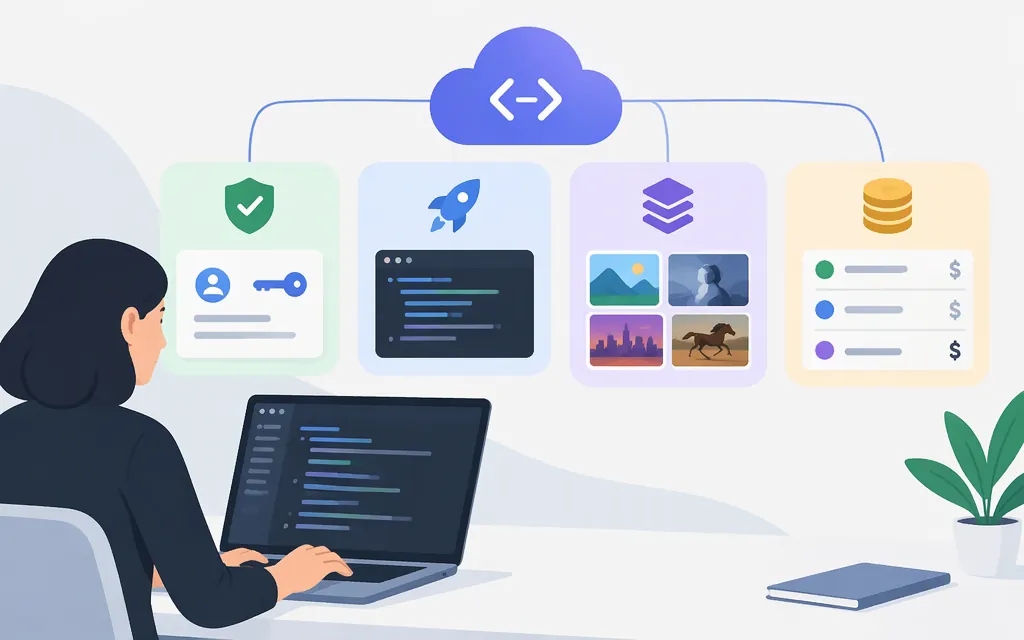
Yes—Runway offers a public API through Runway Dev. Start at the Runway Dev portal and use the official API documentation. Runway’s API is separate from its web app: credits and plans purchased for one do not transfer to the other. (Runway API FAQs)
Model availability and prices can change. Check Runway’s model catalog and API pricing page when planning a launch.
What you can integrate
For video generation, Runway’s catalog lists Gen-4.5 for text-to-video and image-to-video, and Gen-4 Turbo for image-to-video. The SDK documentation also lists API operations for text-to-image, text-to-video, image-to-video, and character performance. Match your task to the relevant model and endpoint documentation; a model-family description alone does not confirm that a particular task is exposed through the API. (model catalog; SDK operation list)
Generation requests create asynchronous tasks. You can wait for completion with the SDK or retrieve a task’s status and output using its ID. (SDK task documentation)
First API request: image-to-video with Node.js
Prerequisites: a Runway Dev account, a project, an API key, Node.js 18 or later, and API credits. The SDK automatically uses the key when it is set in the RUNWAYML_API_SECRET environment variable. Runway’s setup guide states a $10 minimum payment to get started, with credits priced at $0.01 each. API billing is separate from web-app plans. (API setup guide; Runway API FAQs)
- Create an account and project in the Runway Dev portal.
- Create a project API key and store it securely. For local testing, set it in your environment:
export RUNWAYML_API_SECRET="your_api_key"
- Install the SDK and save the following as
example.mjs:
npm install --save @runwayml/sdk
import RunwayML, { TaskFailedError } from '@runwayml/sdk';

const client = new RunwayML();

try {
  const task = await client.imageToVideo.create({
    model: 'gen4.5',
    promptImage: 'https://upload.wikimedia.org/wikipedia/commons/8/85/Tour_Eiffel_Wikimedia_Commons_(cropped).jpg',
    promptText: 'A timelapse on a sunny day with clouds flying by',
    ratio: '1280:720',
    duration: 5,
  }).waitForTaskOutput();

  console.log('Task complete:', task);
} catch (error) {
  if (error instanceof TaskFailedError) {
    console.error('The video failed to generate.');
    console.error(error.taskDetails);
  } else {
    console.error(error);
  }
}
Run it with node example.mjs. The example follows Runway’s official Gen-4.5 quickstart. Its image-to-video endpoint documents 1280:720 as an accepted ratio and allows durations from 2 to 10 seconds; check the API reference for the current accepted inputs. The image input must be an accepted HTTPS URL, Runway upload URI, or supported data URI.
The example logs the completed task object. To retrieve task status and output later, use the task ID with the SDK’s client.tasks.retrieve(id) method; consult the SDK task guide and API reference for the response fields and generated-asset details.
API pricing and production checks
Runway Dev credits cost $0.01 each. The model catalog lists Gen-4.5 at $0.12 per second; at that listed rate, a five-second generation is $0.60. Check the model catalog and pricing page for the task and configuration you plan to use.
For production, check your project’s tier and concurrency needs. Runway’s production checklist calls out handling 429 Too Many Requests and 503 Service Unavailable responses, and protecting API keys.
Bottom line: integrate through Runway Dev, choose a model based on its documented API task, and verify the current rate and project limits against your expected workload before launch.