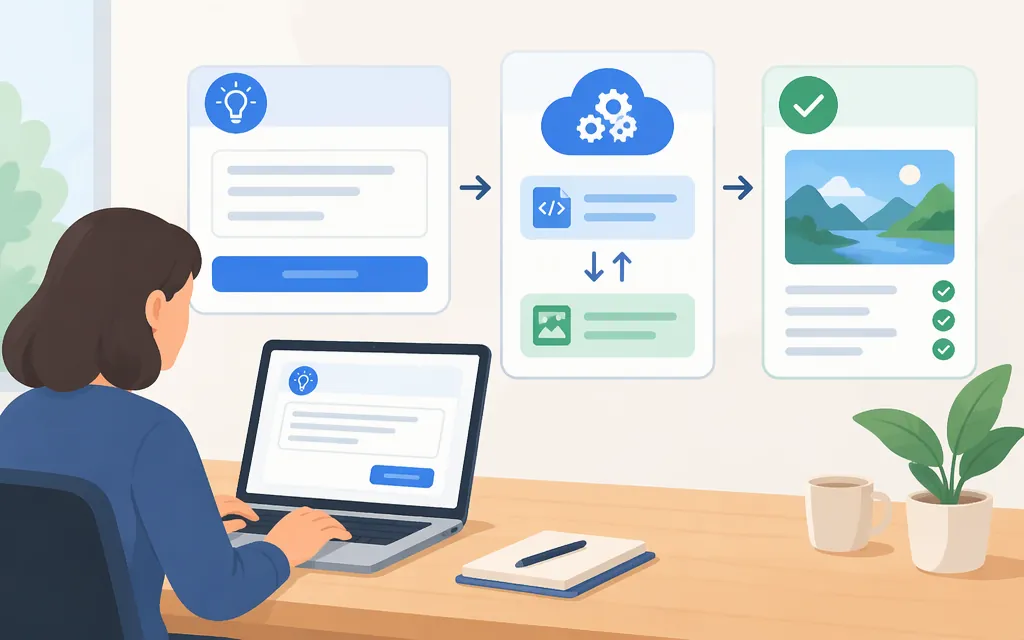
A Seedance prompt generator turns a rough idea into instructions for a video model; it does not necessarily render the video. You can draft a prompt yourself with the template below. For TokenForge, confirm the exact Seedance version, callable endpoint, and current API documentation before writing integration code: TokenForge’s public material says to confirm those details rather than assume that a model listing guarantees an endpoint. (promptessor.com)
What a Seedance prompt generator does
A prompt generator helps translate an idea into a more explicit video brief: what appears, what happens, how the camera behaves, and what should stay consistent. Some tools only write prompt text; video generation then happens in a separate product or API. For example, PrompTessor describes its tool as producing a prompt before video generation. That is a description of its product—not proof of a TokenForge prompt-writing feature. (promptessor.com)
This tutorial shows a manual prompt-writing workflow. It does not assume TokenForge offers a dedicated prompt generator, and it does not treat prompt wording as a substitute for API settings.
Use this prompt structure
Treat this as a practical writing template, not an official or required Seedance syntax. The captured sources recommend overlapping elements such as subject, action, setting, visual treatment, camera direction, and optional audio; they do not establish one mandatory formula. (promptessor.com)
Subject: [Who or what is visible? Include essential identifying details.]
Action: [What visible action happens, in what order?]
Setting: [Where and when does it happen?]
Visual treatment: [Lighting, color, texture, or style that matters.]
Camera: [Framing and one clear camera movement, if any.]
Ending: [What should be visible at the end?]
Continuity: [What must remain unchanged?]
Audio: [Optional: dialogue, sound effects, ambience, or music—or no added audio.]
References: [Optional: name each asset and the specific detail it should guide.]
Keep only the parts that help describe the video you want. If the API has structured fields for duration, aspect ratio, references, or audio, use its documentation for those settings; don’t assume that writing them into prompt prose configures the request.
Worked example: rough idea to usable prompt
Rough idea: “Show a desk lamp turning on.”
Expanded prompt:
A small matte-blue desk lamp sits beside a closed cream notebook on a wooden desk in a quiet studio. Begin close on the unlit lampshade. A hand enters from the right and presses the switch once; warm light spreads across the notebook. The camera slowly pulls back, ending with the lamp and notebook fully visible. Keep the lamp’s blue finish and the notebook’s cream cover unchanged. If the selected video workflow supports audio, include one soft switch click and low room ambience; otherwise omit the audio direction.
The added details make the action and intended ending easier to identify, while the continuity sentence names the details that should not change. This is an illustrative prompt, not a tested generation result or a guarantee of what any provider will render.
Add references, shots, and continuity when needed
For reference-led work, state what each asset is for and what you are changing. For example: “Use Reference A for the lamp’s shape; use Reference B for the desk and room layout; change the lamp color to blue.” That is clearer than asking for a vague overall resemblance. Prompting guidance from PrompTessor similarly recommends assigning roles to references, labeling shots or time ranges when useful, and repeating important continuity details. Whether a particular reference type or shot control works depends on the destination workflow. (promptessor.com)
For a multi-shot idea, write the sequence in order and repeat the details that need to persist:
Shot 1: Wide view of the same desk and quiet studio; the lamp is off.
Shot 2: Close view as the hand presses the switch once.
Shot 3: Return to the wider view with the lamp on and the notebook still beside it.
Continuity: Keep the lamp, notebook, desk, and room layout consistent.
These labels organize your brief; they are not evidence that a specific API accepts multi-shot instructions or timing syntax. Confirm supported inputs and controls with the provider before building around them.
Before you connect a prompt to TokenForge’s production API
TokenForge’s homepage describes production APIs and lists Seedance among its models. Its Seedance API evaluation material also cautions that seeing Seedance mentioned does not by itself confirm that an endpoint is available for your project. It says to confirm availability, supported versions, documentation, and terms before planning an integration. In other words, the public material surfaced here is not enough to write a verified, runnable Seedance request. (tokenforgecloud.com)
Before implementing, get the current first-party documentation or written onboarding details for your account and verify:
- Access and model: Is Seedance available to your account, and which exact model or version can you call?
- Endpoint and authentication: What URL, credential type, and required headers should your application use?
- Request and result flow: Which documented field carries the prompt? Is generation synchronous or job-based, and how do you retrieve the completed video?
- Optional inputs: Are reference images, video, audio, or multi-shot instructions supported on this endpoint? Which belong in structured request fields rather than prompt text?
- Operational terms: What limits, error behavior, regions, data-handling terms, and support path apply? If cost affects the decision, confirm the currency and billing unit separately from any hosted-product subscription.
Once those details are confirmed, place the prompt in the documented request field, submit it using the documented authentication method, and verify success using the documented response or job-status flow. Keep credentials out of the prompt and out of client-side code. Do not copy a generic sample endpoint, model name, header, or payload into production as if it were TokenForge’s verified API.
Review and revise the result
After generation, compare the result with a short acceptance list:
- Is the intended subject visible?
- Is the main action clear and in the requested order?
- Does the ending match the brief?
- Did the important identity, product, or setting details stay consistent?
- If audio was requested and supported, is it appropriate to the scene?
If one requirement misses, revise that instruction while keeping the rest of the prompt stable. This makes the change easier to assess; it does not guarantee an improved render.
Bottom line: Use a prompt generator—or the template above—to make your creative intent explicit. Treat that as a prompt-writing step, separate from video rendering. For a TokenForge production integration, get the current model-specific API documentation first; the public TokenForge material located for this tutorial does not provide a verified endpoint or runnable request example. (tokenforgecloud.com)
Sources
Seedance API: A Practical Evaluation Guide | Token Forge Cloud