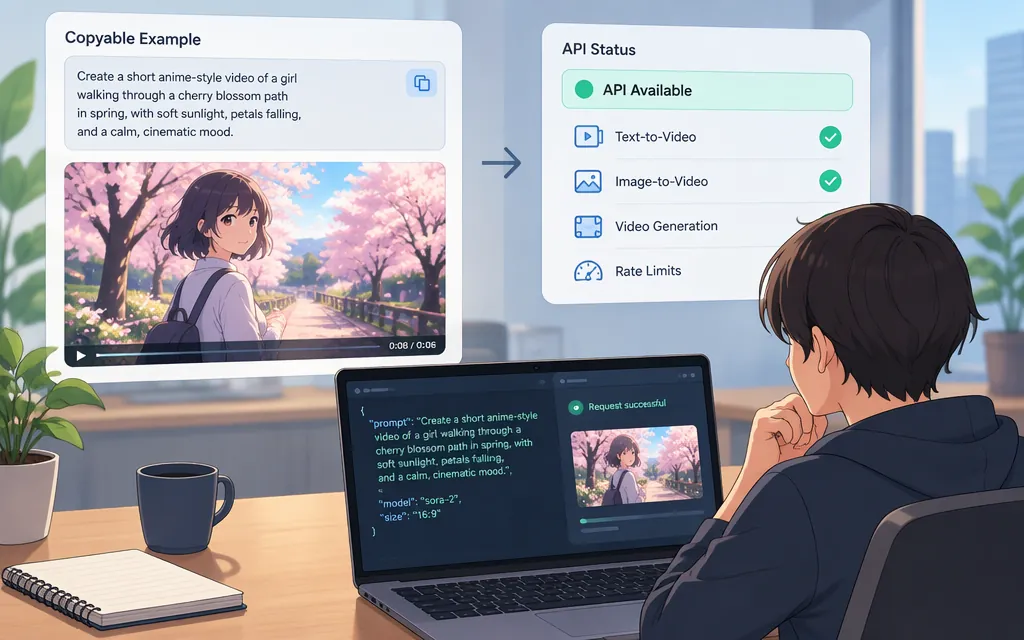
Quick answer: a copyable anime-style prompt
You can use the prompt below as a starting point for an anime-style video concept, but you can no longer submit it to Sora 2. OpenAI says the Sora web and app experiences were discontinued on April 26, 2026, and the Sora API was discontinued on September 24, 2026. (help.openai.com)
Illustrative prompt—not a tested Sora 2 generation: A young courier in a red raincoat sprints across the rooftops of a lantern-lit Japanese-inspired city at dusk, carrying a glowing paper parcel. Wind pulls at her coat as rain streaks past the camera. She leaps over a narrow alley, lands in a crouch, then looks up as a huge paper crane unfolds above the skyline. Hand-drawn 2D anime aesthetic, expressive character animation, clean ink lines, painted backgrounds, warm lantern light against cool blue rain, dynamic tracking shot, medium-wide framing, one continuous scene. No captions or on-screen text. Sound: rain, quick footsteps, a soft flutter of paper, and restrained orchestral music.
The scene description gives a compatible video model specific direction about the character, action, setting, visual treatment, camera, progression, and sound. It is a creative brief, not a guarantee that a model will produce every requested detail—or that any particular model accepts every instruction.
Adapt the prompt to your scene
Use this fill-in structure when changing the example:
[Character] performs [visible action] in [place and time]. [Important movement or event] happens next. Visual treatment: [animation medium, linework, palette, lighting]. Camera: [shot size and movement]. Sound: [ambience, effects, dialogue, or music, if supported]. Avoid: [specific unwanted elements, if the model supports such directions].
For example, to make the rooftop scene calmer, replace the sprint and leap with “walks slowly along the tiled roof and pauses to watch the lanterns below.” To shift it toward action, specify one clear sequence—such as “runs, jumps the gap, lands, then turns”—instead of stacking many unrelated events into one short clip.
These are general prompt-writing suggestions, not verified Sora controls. OpenAI’s archived Sora prompting guide advised treating a prompt as creative direction rather than a contract and iterating on details such as camera, lighting, and action. The same guide is explicitly marked as archived and may refer to outdated models or APIs. (developers.openai.com)
Can I run this prompt through the Sora 2 API?
No—not through OpenAI’s Sora API. OpenAI’s Help Center lists the API discontinuation date as September 24, 2026. A March 2026 OpenAI cookbook guide still describes Sora API parameters, but it is archived; its historical instructions should not be treated as a working current integration. (help.openai.com)
That means this article cannot give you a current, usable Sora API endpoint, model ID, authentication steps, request code, or video-retrieval workflow. Nor does the available official information here establish that TokenForge Cloud offers a working Sora 2 route. Don’t send credentials, build production dependencies, or estimate costs based on an old Sora API example.
If you want to use the prompt with another video generator, first confirm that the provider currently offers the model and supports text-to-video, anime-style output, and the sound or camera instructions you need. Follow that provider’s own documentation for authentication, request fields, job status, and output retrieval; those details cannot be assumed to match Sora’s former API.
Refine a result from a compatible video model
When a generated clip misses your intent, compare it with the prompt in four areas:
- Subject: Is the intended character recognizable throughout the clip?
- Action: Does the character perform the requested movement, in the requested order?
- Composition: Is the subject visible in the requested framing, and does the camera move as described?
- Visual treatment: Does the output resemble the requested anime medium, linework, palette, and lighting?
Then change one prompt element at a time and compare the next result. If the action is unclear, simplify the action sequence; if the framing is wrong, revise the camera direction without also changing the character and setting. This is a practical iteration method, not a claim that a particular edit reliably fixes a particular output. Keep any documented provider limits—such as duration, aspect ratio, or supported input types—separate from prompt wording, and set those through the provider’s actual controls where required.
OpenAI’s original Sora 2 announcement described the model as capable of anime-style video, but that historical capability statement does not restore access to the discontinued product or API. (openai.com)
Sources
What to know about the Sora discontinuation — OpenAI Help Center