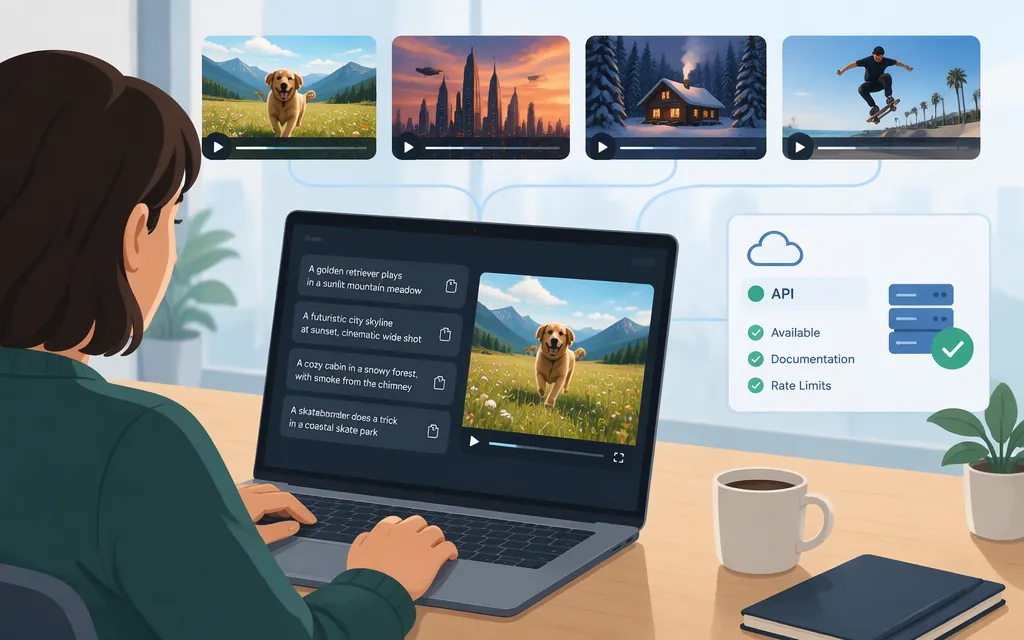
Sora 2 examples are most useful when you can tell what each prompt is meant to demonstrate. Below are adaptable examples for cinematic movement, dialogue, animation, and creative variation. They are prompt examples—not verified generated clips. OpenAI’s prompting guide notes that repeated generations from the same prompt can differ, so treat each prompt as direction rather than a guarantee.
Sora 2 video prompt examples
The examples below are adapted from techniques and scenarios in OpenAI’s Sora 2 Prompting Guide. They are not verbatim reproductions or claims about specific generated results.
1. Cinematic scene: a train arrives at dawn
Demonstrates: A defined visual style, shot framing, timed action, and atmosphere.
Dawn on a city commuter platform. A traveler in a navy coat waits beside the yellow safety line as a train approaches through light mist. Begin with a wide, slow tracking shot past the traveler; then cut to a closer view as they turn toward the stopped train. Warm sunrise on the platform, cool shadows, muted colors. Ambient rail noise and a soft brake hiss; no music.
For a brief clip, keep the sequence to a few clear beats. The guide’s own train-platform prompt uses two timed shots in a four-second sequence; that is a sample shot plan, not proof that a generated video will match it exactly.
2. Dialogue and ambience: a tense interview
Demonstrates: A distinct dialogue section, consistent speaker labels, and a small number of short lines.
A detective and a suspect sit across a scarred metal table in a dim, windowless room. A bare bulb hangs overhead. Hold a steady medium two-shot, then slowly push toward the suspect. The room is quiet except for the faint hum of the light.
Dialogue:
- Detective: “You knew the alarm was disabled.”
- Suspect: “I knew it was old. That’s all.”
- Detective: “Then tell me why you went back.”
OpenAI’s guide recommends placing dialogue separately from the scene description and keeping lines concise. It says a four-second shot will usually fit one or two short exchanges; longer speeches may not sync well with the pacing.
3. Animation: a robot catches a falling bulb
Demonstrates: A clear style, visible action beats, and sound cues.
Hand-painted storybook animation with soft brush textures and warm workshop light. A small, dented robot balances a glowing bulb on a cluttered wooden bench. It taps the bulb; a spark flashes. The robot flinches as the bulb tips, then catches it with both hands. A puff of steam escapes its chest. Rain taps the window; a clock ticks quietly. The robot says, “Still got it.”
If the action becomes hard to follow, simplify it: keep the camera still and describe fewer movements before adding extra detail.
4. Open-ended prompt: a documentary interview
Demonstrates: How a lighter prompt leaves more visual decisions to the model.
A 1990s documentary-style interview with an elderly man seated in a quiet study. He looks toward the interviewer and says, “I still remember when I was young.”
This leaves choices such as the room’s exact appearance, clothing, and camera setup open. That can invite variation, but it also means the result may not match a precise visual plan. Add framing, lighting, or wardrobe details if those matter more than creative freedom.
How to make a prompt easier to steer
A practical structure is:
- Scene: Who or what is visible, and where are they?
- Cinematography: What framing or camera movement should the shot use?
- Action: What happens, in a few observable beats?
- Look and sound: What lighting, colors, dialogue, or ambient sound matter?
Use details the viewer could actually see or hear. OpenAI’s guide contrasts a vague street description with concrete cues such as wet asphalt, a crosswalk, and neon reflected in puddles. It also recommends describing actions in beats—for example, an actor takes four steps, pauses, and pulls a curtain in the final second—instead of simply saying the actor walks across a room.
Choose detail based on the goal: a more specific prompt can give the model more direction; a lighter prompt leaves more room for interpretation. The guide presents this as a creative trade-off, not a guarantee that one approach will always work better.
If a result is close, change one element at a time: for example, keep the action and lighting but change the camera framing. If it repeatedly misses the mark, simplify the camera movement, action, or background first. These are iteration suggestions, not assurances of a particular outcome.
Sora 2 API status
The Sora API was discontinued on September 24, 2026. As of that date, sora-2 and sora-2-pro are not available through OpenAI’s Sora API for new video generations. That means the former POST /v1/videos endpoint and the settings previously listed for model, size, and duration should not be treated as current production instructions. OpenAI’s API deprecation documentation records the shutdown, and its Help Center distinguishes the API discontinuation from the earlier shutdown of the Sora web and app experiences. (help.openai.com)
The Sora 2 Prompting Guide is now marked as an archived recipe that may reference outdated models or APIs. Its historical model identifiers and parameter lists can help explain examples written for the former API, but they do not identify an API model you can currently select. (developers.openai.com)
Quick selection guide
- Want more creative variation? Start with a short scene prompt and leave nonessential details open.
- Need a more directed shot? Specify framing, lighting, and a small number of timed action beats.
- Need spoken dialogue? Separate it from the scene description, label speakers, and keep the lines brief.
- Need a production API? OpenAI’s Sora API has been discontinued; these prompts are examples for study or adaptation, not instructions for making a current Sora API request.
Source note: The examples and prompting advice draw on OpenAI’s Sora 2 Prompting Guide. Prompt text is not the same as an inspected generated output; no generated clip is represented here as a verified result.
Sources
Sora 2 Prompting Guide — OpenAI
What to know about the Sora discontinuation — OpenAI Help Center