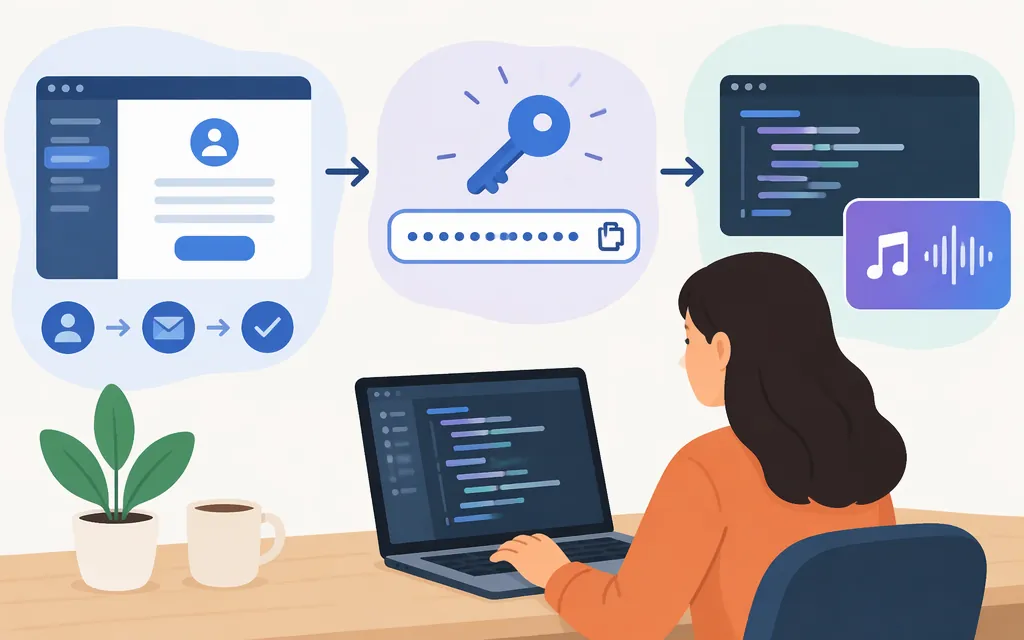
Short answer: Suno has an API portal for managing an API account, but its developer API remains in beta; the available information does not establish that public self-service access is open to everyone. Suno initially described a curated partner rollout, so check the portal for current access options for your account. (platform.suno.com)
A key from an independent API provider is that provider’s credential—not automatically a key issued or supported by Suno. The example below uses the separate service at sunoapi.org; it is not a Suno-owned API.
Check for official Suno API access
- Visit Suno’s API portal. Suno describes it as a place to manage an API account. (
platform.suno.com) - Check the access options shown for your account. A report on the API’s initial rollout said Suno planned to start with a curated group of partners; that does not establish current eligibility or guarantee that you can create a key. (
musicbusinessworldwide.com) - If the portal provides API access to your account, follow the instructions there. Don’t guess at endpoints, headers, or plan requirements if they are not shown.
Suno MCP is a different official option: it connects a Suno account to supported AI assistants through sign-in and authorization, rather than using an API key. It is not the same as integrating a REST API into your own application. (musicbusinessworldwide.com)
Get a third-party provider key and make a test request
The sunoapi.org provider quick start says to obtain a key from its API Key Management page and use Bearer-token authentication. Its signup page is the starting point for a provider account. The documentation excerpts here do not establish all account or plan requirements, or whether every account can create a key; check the provider’s current dashboard. This is a provider-issued key, not a Suno-issued one. (docs.sunoapi.org)
The provider’s generation documentation identifies customMode, instrumental, and model as required fields. In custom mode, it says at least one of style, lyrics, or negativeTags must be provided. Its current documentation lists V6 as a model. The following example uses that provider’s endpoint and schema; it is not a universal Suno API request. The documentation examples include callBackUrl, but the excerpts here do not establish whether that field is mandatory, so check the provider’s current requirements before sending the request. (docs.sunoapi.org)
Keep the key in a server-side environment variable, not in browser-side code or a public repository.
curl -X POST "https://api.sunoapi.org/api/v1/generate" \
  -H "Authorization: Bearer $SUNO_API_KEY" \
  -H "Content-Type: application/json" \
  -d '{
    "customMode": true,
    "instrumental": false,
    "model": "V6",
    "style": "Lo-fi acoustic folk",
    "lyrics": "[Verse] A quiet road beneath the evening sky"
  }'
The provider’s create-response example places the task identifier at data.taskId. Its quick-start shows checking task status with this provider-specific URL; substitute the returned ID for YOUR_TASK_ID: (docs.sunoapi.org)
curl "https://api.sunoapi.org/api/v1/generate/record-info?taskId=YOUR_TASK_ID" \
  -H "Authorization: Bearer $SUNO_API_KEY"
The quick-start’s status-response example shows data.status as SUCCESS and the generated tracks in data.response.data; each example track has an audio_url. The supplied documentation does not establish the full set of in-progress status values, so don’t assume a particular pending status. If the task does not succeed, consult the provider’s current error documentation rather than assuming an output URL exists. (docs.sunoapi.org)
Before using a third-party integration in production
Check the selected provider’s current documentation and terms for supported models, task and failure behavior, rate and concurrency limits, service commitments, credential and data handling, usage or licensing terms, and API charges and billing units. Provider documentation describes that provider’s service; it does not establish Suno endorsement or Suno-issued credentials. Don’t assume a consumer Suno subscription covers third-party API usage, or that a provider’s commercial-use or reliability claims settle your requirements.
Quick decision guide
- You need Suno-issued API access: Start at Suno’s API portal and confirm the current access options for your account. The portal’s existence does not mean public self-service eligibility is open.
- You want to create music through a supported AI assistant: Check Suno MCP; it uses account authorization, not an API key. (
musicbusinessworldwide.com) - You’re considering a third-party API: The example above uses the independent provider at
sunoapi.org. Its signup, key, endpoint, model, terms, and charges are provider-specific; verify them in its current documentation and dashboard.
Sources
Suno’s new MCP tool and developer API portal