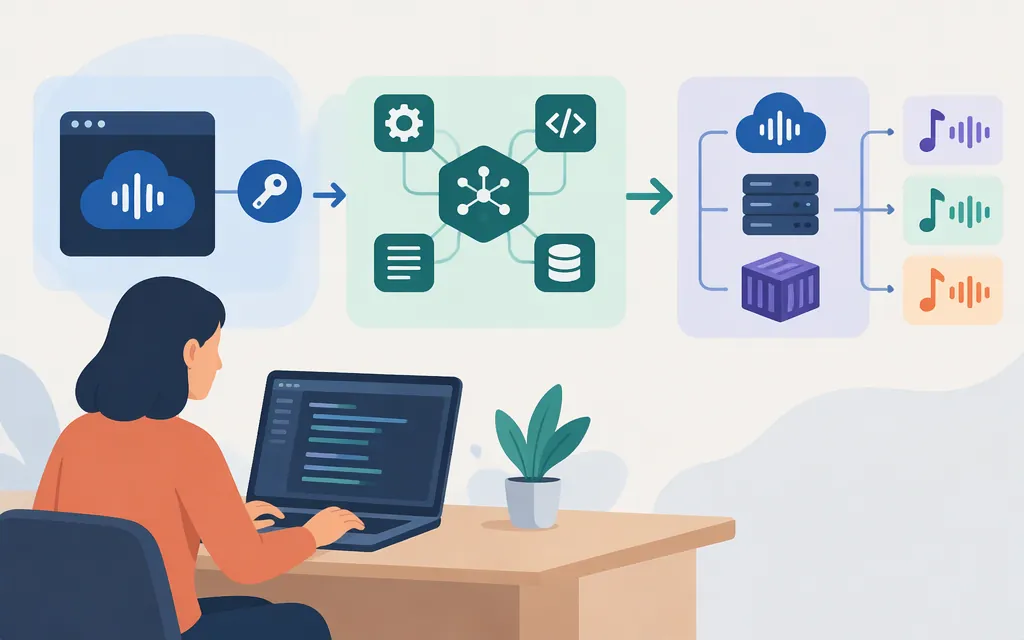
Short answer: Suno offers an official MCP (Model Context Protocol) beta for connecting Suno to supported AI assistants. Suno also has an official API account portal, but the public material reviewed here does not document a general-purpose music-generation REST API that developers can call from any application. So the answer depends on what you mean by “Suno API”: there is an official assistant connector, but don’t treat third-party wrappers or reverse-engineered endpoints as Suno-supported production APIs.
Suno’s MCP setup uses https://api.suno.com/mcp and requires a Suno account and authorization. Suno says the beta works with all plans, including Free; creating music uses credits from your plan, and creations appear in your Suno library. (help.suno.com)
What Suno officially offers
There are three different things that search results may call a “Suno API”:
| Route | What it is | Best fit |
|---|---|---|
| Suno MCP beta | Suno’s official connector for MCP-compatible assistants. Account authorization connects the assistant to your Suno account; creations appear in your Suno library. | Creating or modifying music from a supported AI assistant. |
| Suno API account portal | An official Suno site labeled “Manage your Suno API account.” Its public landing page does not provide a public integration reference. | Developers who want to investigate whether they can obtain API access through Suno. |
| Third-party or open-source integrations | Services or projects that expose their own interfaces to Suno-related music generation. Their endpoints, credentials, terms, and reliability are specific to each provider. | Experiments or evaluation—only after reviewing that provider’s documentation and terms. |
Suno’s official API portal establishes that an API account experience exists, but the public page reviewed here does not establish who can get access, whether access is generally available, or what endpoints and service commitments it provides. Treat those details as unconfirmed, rather than assuming either that no official API exists or that the portal means a public REST API is ready for your application. (platform.suno.com)
The MCP beta is an official integration, but it is not documented here as a general backend REST API. Suno describes it as a way to use its features through supported AI assistants, with creations saved to your Suno library. (help.suno.com)
Connect Suno MCP to an AI assistant
Use this route if your goal is to create music from a compatible assistant—not to call a documented Suno generation endpoint directly from a server.
Cursor setup
Suno’s setup guide documents this Cursor path: open Customize → MCPs → New MCP Server (User). A mcp.json settings file opens; paste the configuration below and save it. Then connect to Suno and complete the sign-in and authorization flow. (help.suno.com)
{
  "mcpServers": {
    "suno": {
      "url": "https://api.suno.com/mcp"
    }
  }
}
Suno’s guide has setup sections for Claude, Claude Code, Gemini, ChatGPT, and Cursor. It also says users of other assistants that support custom MCP connections can add the same server URL through that assistant’s custom-connector or MCP-server settings. Follow the current instructions for your particular client. (help.suno.com)
Expected result: After authorization, you can use Suno through the connected assistant; creations appear in your Suno library and use credits from your Suno plan. This is not a copy-paste example for a backend job queue: the public MCP instructions do not provide a general REST request schema, task-polling contract, or server-side API-key flow. (help.suno.com)
Can I use Suno in a production application?
That depends on the integration you need:
- Assistant-based creation: The official MCP beta is the clearest documented official path in the materials reviewed here. It connects supported assistants to a user-authorized Suno account. The documentation does not establish it as a production REST service for arbitrary application backends.
- Direct server-to-server music generation: The public materials reviewed here do not provide enough official API documentation to responsibly give a current endpoint, authentication scheme, request body, response format, retry behavior, rate limit, price, or service-level commitment. If this is your requirement, start with Suno’s API account portal and obtain those details directly from Suno before building against it. (
platform.suno.com) - Third-party APIs and reverse-engineered projects: These are separate products or projects, not interchangeable “Suno API” specifications. Older examples in tutorials—including Bearer-token requests, Cookie-based self-hosting, model identifiers, and polling paths—should not be treated as current Suno instructions. A Skywork article dated October 17, 2025 described such options as unofficial and warned about potential breakage, terms, and credential risks; that is historical context, not current provider documentation.
For a business-critical integration, don’t base a launch decision on a third party’s marketing claim alone. Confirm authorization, applicable terms, content rights, pricing and billing unit, quotas, concurrency, failure and retry behavior, support, and service commitments for the specific route you intend to use. The available official MCP materials do not answer those questions for a general-purpose REST API.
What to verify before you commit
If the official API portal grants your account access, verify these points in the documentation or agreement for that specific access:
- Access and authentication: Is your account approved? Are credentials intended for backend use? How are they issued, scoped, rotated, and revoked?
- Generation contract: What endpoint and HTTP method should you call? Which models and generation modes are supported? What are the exact request and response schemas?
- Asynchronous work: Does generation return a task ID? Are webhooks available? If polling is required, what are the task states, recommended interval, timeout, and retry rules?
- Operations and cost: What is the price and billing unit? What quotas, concurrency limits, rate limits, uptime terms, and support channels apply?
- Rights and terms: Which terms govern the generated music and your use of the API? Do they cover your intended commercial use and distribution?
Keep Suno subscription credits separate from API-provider charges. Suno says MCP creation uses credits from your plan, but that does not establish the price or terms of access through a separate API product or third-party service. (help.suno.com)
Bottom line
For creating music inside a supported AI assistant, Suno’s official MCP beta is a documented integration path: configure https://api.suno.com/mcp, authorize your account, and use your Suno credits. For a production application that needs direct backend calls, the public documentation reviewed here is not enough to provide a reliable Suno REST integration tutorial. Confirm access and obtain the applicable API specification and terms from Suno before implementation; keep unofficial wrappers distinct from official Suno services.