Short answer
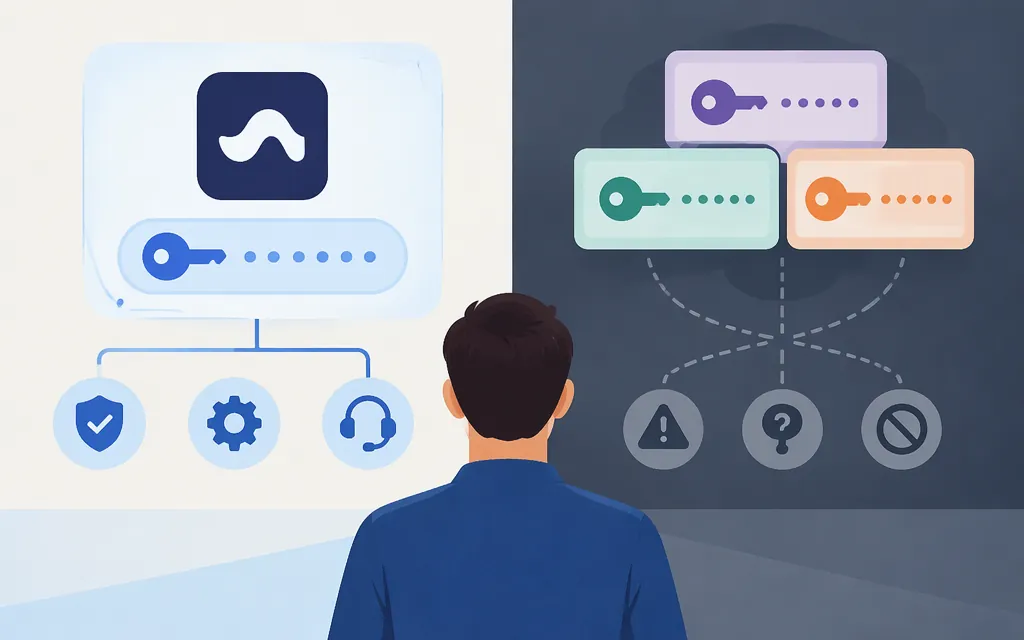
“Suno API key” can refer to credentials for different providers. Suno’s API account portal is labeled “Manage your Suno API account,” but the public information reviewed here does not establish key eligibility or provide complete setup instructions. Separately, docs.sunoapi.org describes a service with its own API key-management page and the base URL https://api.sunoapi.org. That documentation does not establish that the service is operated or endorsed by Suno. Treat its key as a credential for that documented service—not as a Suno-issued key.
If you want access through Suno
Start at Suno’s API account portal and follow the access instructions shown there. The available public information does not spell out eligibility, key issuance, endpoints, or pricing, so confirm those details with Suno before building an integration. Do not assume a key from another provider works with Suno’s platform.
For a different kind of connection, Suno also describes an MCP option that it says does not require an API key and uses Suno credits. That is a separate integration route, not a REST API credential.
If you choose the service documented at docs.sunoapi.org
The service’s homepage is the provider-scoped starting point. Its Quick Start guide says to sign up, obtain credentials from its API Key Management Page, choose an API, and follow the relevant quick start. The captured instructions do not provide a direct URL or navigation steps for the key-management page, or clarify whether a key must be created or retrieved.
For that service, the documentation gives the base URL https://api.sunoapi.org and this Bearer-token header:
Authorization: Bearer YOUR_API_KEY
This is an authentication-header example only—not a complete API request. The generation guide identifies POST /api/v1/generate and shows a response containing a task ID, but the request fields and complete task-completion procedure have not been confirmed here. A task ID indicates a task was returned; do not treat it as proof that finished audio is ready. Check the provider’s current generation guide and callback guide for the exact request schema and completion workflow before implementing them. The supported request payload, completion indicator, and authentication-error instructions remain unconfirmed here.
Keep the credential out of public repositories and browser-side code. Do not send a real key until you have confirmed which provider receives it and reviewed that provider’s current documentation.
Check before using an API in production
- Provider identity: Confirm who operates the service and who receives your data and payments. A provider’s name or branding alone does not establish affiliation with Suno.
- Technical contract: Verify the current endpoint, required fields, model identifiers, response and error formats, and how to retrieve completed results or use callbacks. The documentation landing page lists API categories and callbacks, but that alone does not establish the details for a particular endpoint.
- Limits and reliability: Confirm documented rate or concurrency limits and any service commitments. Marketing statements about speed, uptime, or scale are not the same as a service-level guarantee.
- Cost and rights: Check the billing unit and cost for the operations you plan to use, along with credit expiration and applicable usage or commercial terms. General pricing or commercial-use claims do not establish the cost of a particular workload or the scope of a license.
- Key handling: Confirm how to manage the credential with the provider. Do not assume the supplied documentation specifies permissions, rotation, or revocation procedures.
Bottom line
For Suno-controlled access, start at Suno’s API portal; the information reviewed here does not confirm the key-issuance process. For the separate service documented at docs.sunoapi.org, start at its homepage and Quick Start: the documentation names an API Key Management Page and specifies Bearer-token authentication. The direct key-management route and a verified, complete generation request are not established here, so confirm them in the provider’s current documentation before integrating.